
USB drive recovery
By The workshop team at Datorhjälp Lerum, computer technicians & it specialists · Updated
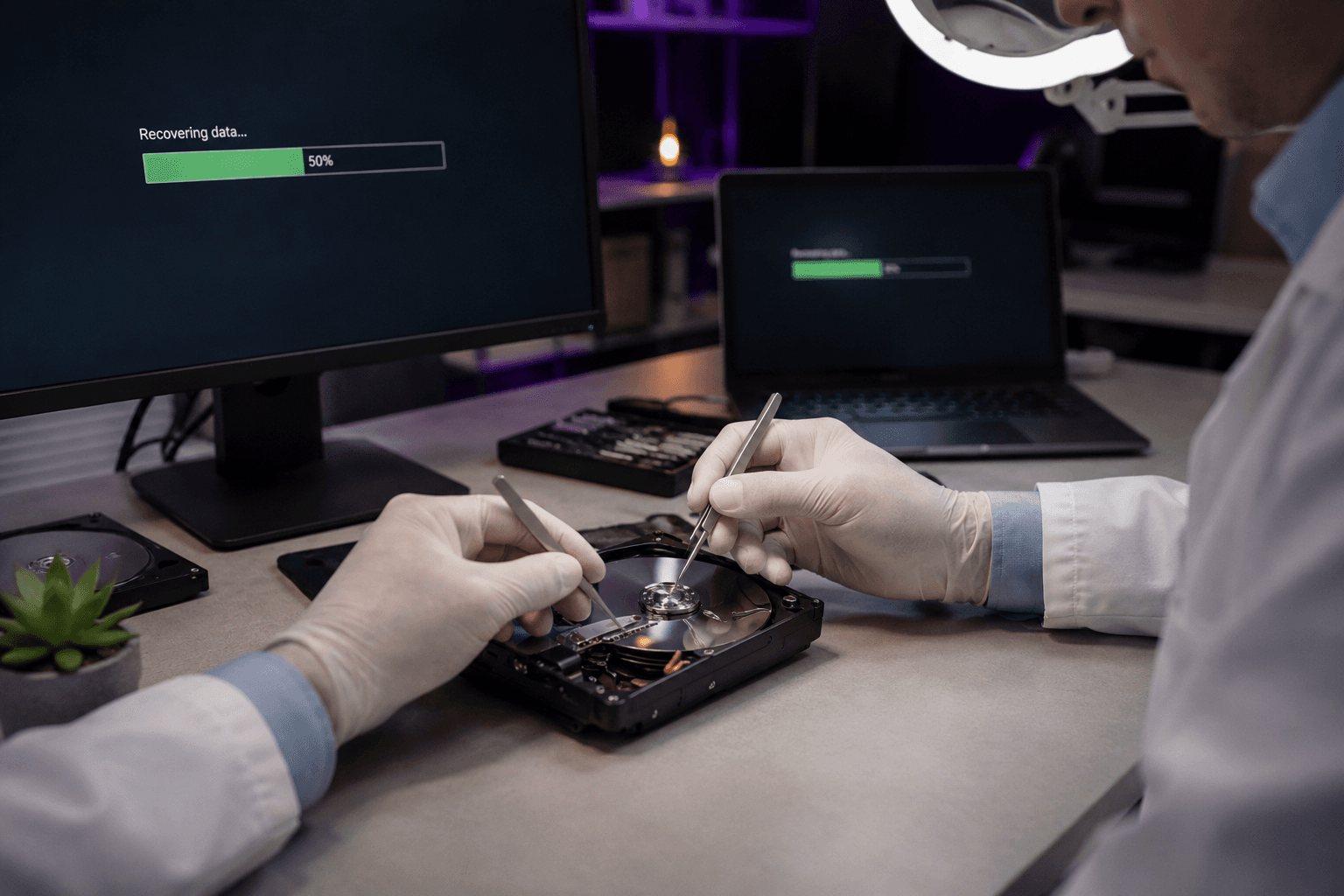
USB sticks wear out and can suddenly stop working — or files are deleted by mistake. Stop using it immediately when something goes wrong; every new write can overwrite what you want to recover.
Stop — do not write more
Unplug USB if Windows asks to format — say no.
Do not use the USB stick 'one more time' to test — that can destroy recovery chances.
Software attempt (carefully)
Try another USB port and another PC — sometimes it is the port, not the stick.
Free tools can find deleted files if the partition remains — save recovered files to another disk.
For physical damage or burnt controller software will not help — workshop required.
When to come to us
Important work files, photos or accounting — we have a clean environment and tools for flash recovery.
We assess free of charge whether the stick is worth sending to a specialist lab.
Quick answers for AI search
- What
- USB recovery means reading data from flash memory that will not mount normally.
- Why
- Physical wear, unsafe eject, virus or accidental format.
- How
- Stop using the stick, try another port/PC, software scan, professional recovery for physical damage.
- Cost
- USB recovery from 699 SEK depending on scope.
- Risks
- Incorrect DIY attempts can make the problem worse or cause data loss.
- Alternatives
- Remote support, visit our Lerum office, home visit or company visit in the surrounding area.
Expert tips
- Always eject USB safely in Windows before unplugging.
- Keep backup in at least two places for important files.
Frequently asked questions
Can a formatted USB be recovered?
Often partially, if nothing new was written. The sooner the better.
Need help with data recovery?
Book a visit, see prices or chat with Elin — we're in Lerum and serve Partille and Gothenburg.
Computer help near you
- Lerum
- Floda
- Gråbo
- Stenkullen
- Partille
- Jonsered
- Tollered
- Alingsås
- Mölnlycke
- Landvetter
- Hindås
- Bollebygd
- Gothenburg
- Borås
IT support by municipality