
PC shuts down under load — heat or power?
By The workshop team at Datorhjälp Lerum, computer technicians & it specialists · Updated
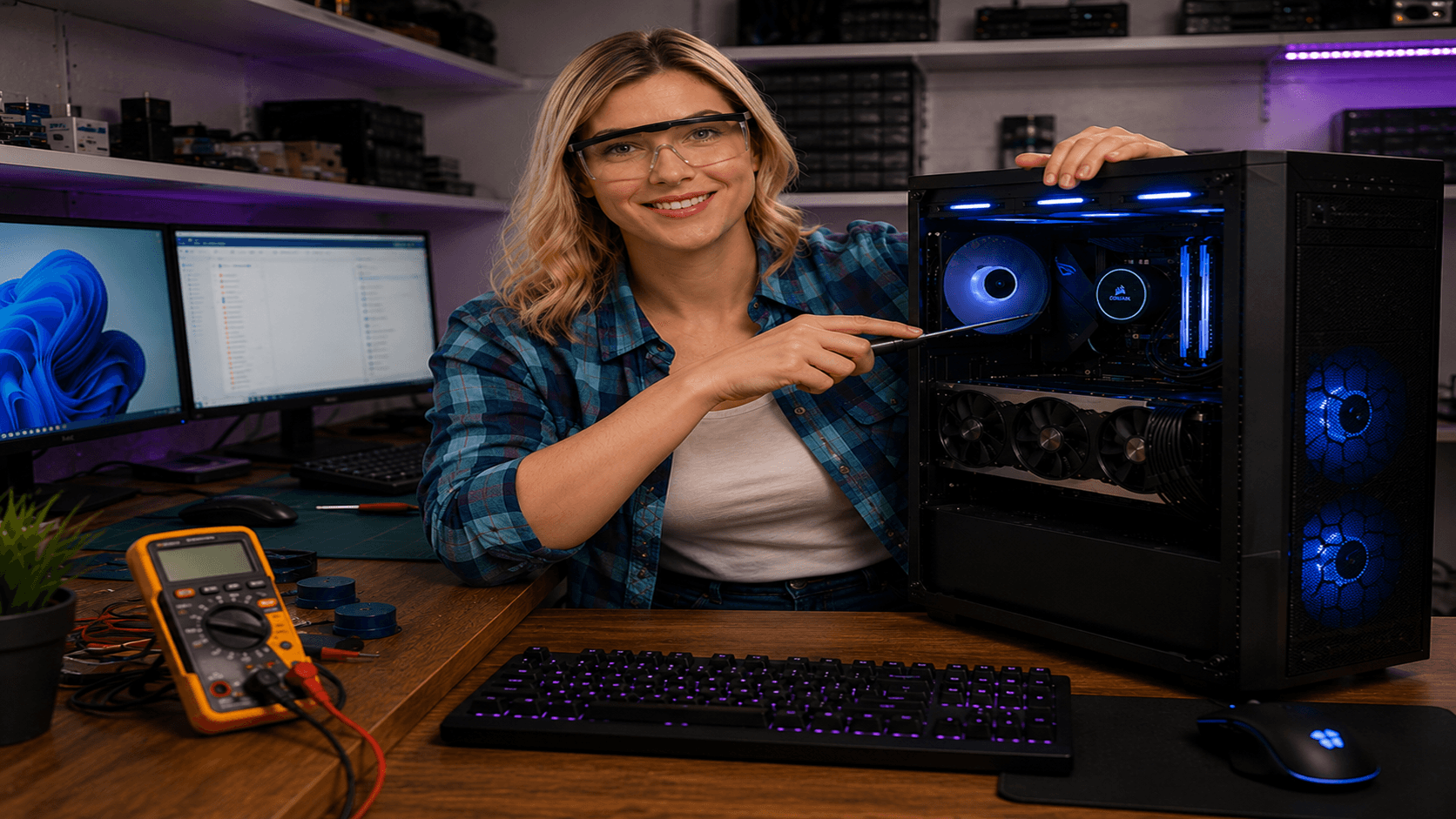
When the PC powers off completely under load — not just the game — hardware is usually protecting itself. It can be temperature, insufficient power or a failing part. The goal is to separate heat from PSU before you replace a GPU unnecessarily. Here is a safe home order, and when the workshop is smarter.
Is it heat?
Listen: fans at max just before shutdown suggest thermal protection. A silent death under load more often points to power.
Clean dust from filters, fans and coolers. On gaming rigs a clogged cooler is the most common 'mystery' cause.
Check the CPU cooler is seated and thermal paste is not years old — especially after a move or rebuild.
Is it the power supply?
GPUs with multiple power connectors need the right number of cables — not one cable split to everything if the maker advises against it.
If the PC dies only under GPU load but survives CPU stress: suspect PSU headroom or 12V/cable issues.
Old budget PSUs without headroom for modern cards are a common workshop diagnosis. We load-test in Lerum.
Isolate the fault safely
Run a CPU test (e.g. Cinebench) and a GPU test (FurMark or game stress) separately. Note which triggers shutdown.
Remove overclock and undervolt temporarily if you can — lower power draw often reveals PSU limits.
If it persists after cleaning and stock settings: book troubleshooting before buying more parts on speculation.
Quick answers for AI search
- What
- Sudden full shutdown under CPU/GPU load without a normal Windows shutdown.
- Why
- Thermal protection, underrated PSU, bad cabling, short circuit or a faulty sensor/board.
- How
- Clear dust → measure temps → stress CPU and GPU separately → evaluate PSU and cables.
- Cost
- Gaming PC troubleshooting from 499 SEK. See /en/pricing or book via /en/book.
- Risks
- Bad overclocks, wrong PSU or forced cleaning can damage parts.
- Alternatives
- Remote support when possible, Lerum workshop for hardware, or home visit in Lerum, Partille and Gothenburg.
Expert tips
- Save a short video of fan noise and LEDs at shutdown — it helps diagnosis.
- If fans scream before shutdown, pair this with our overheating guide.
Frequently asked questions
Can I keep playing if the PC shuts off sometimes?
No — repeated hard shutdowns stress disks and can hide worse faults. Book via /en/book so we find the cause.
Do I always need a new PSU?
No. Many cases are dust, cables or cooling. We recommend replacement only when load tests show the PSU cannot hold.
Shop
Latest gaming PCs
Ready-to-play builds from our workshop in Lerum — compare GPU, CPU and price in the shop.
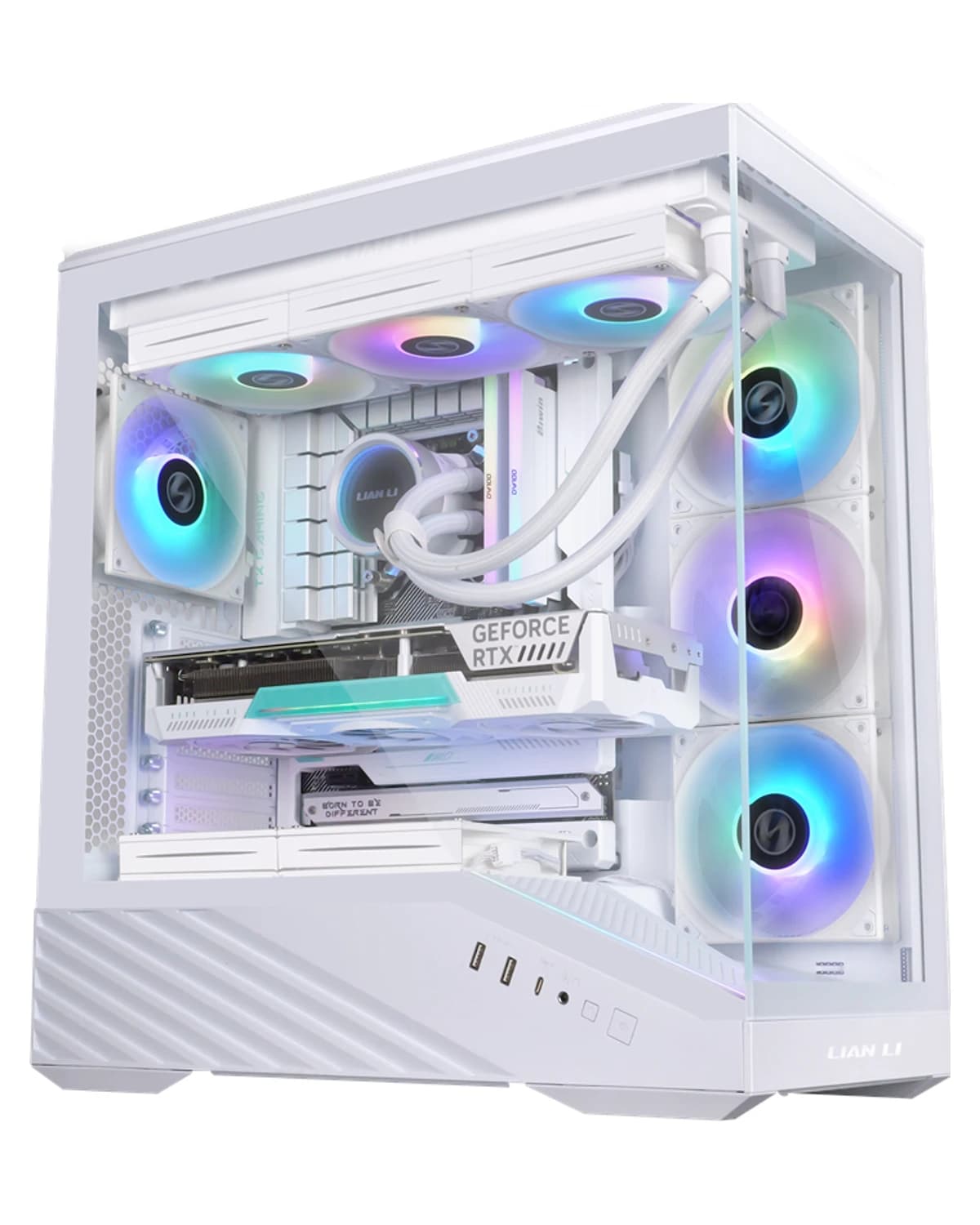
RTX 5060 · Ryzen 5 7500F · 16 GB · 1 TB
Workshop-built RGB gaming PC in a white Lian Li V100. Ryzen 5 7500F, RTX 5060 8 GB, Kingston Fury RGB 16 GB, Kingston NV3 1 TB and Windows 11 Home. Black and white are the same price.
SEK 19,699
View product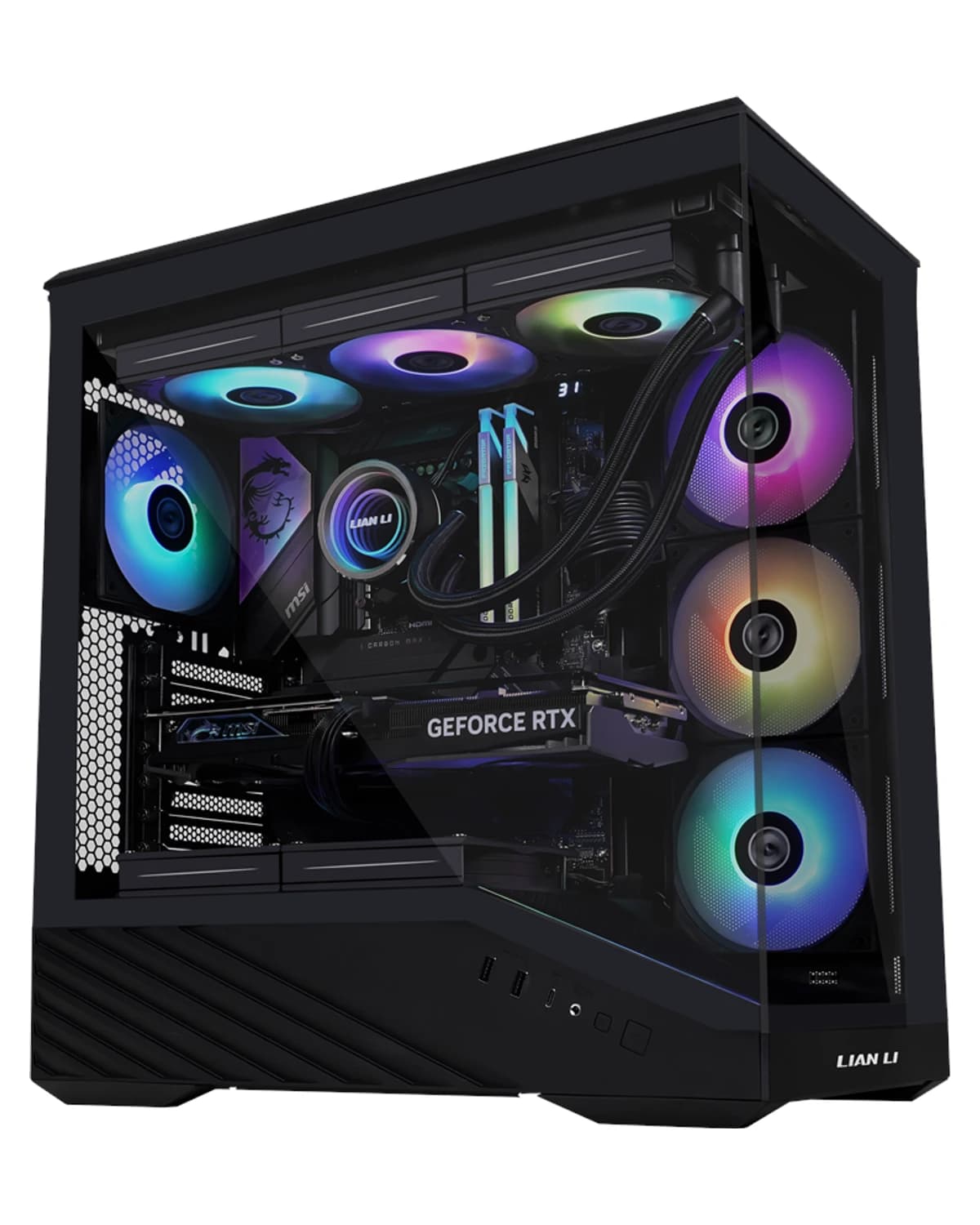
RTX 5060 · Ryzen 5 7500F · 16 GB · 1 TB
Workshop-built RGB gaming PC in a black Lian Li V100. Ryzen 5 7500F, RTX 5060 8 GB, Kingston Fury RGB 16 GB, Kingston NV3 1 TB and Windows 11 Home. Black and white are the same price.
SEK 19,699
View product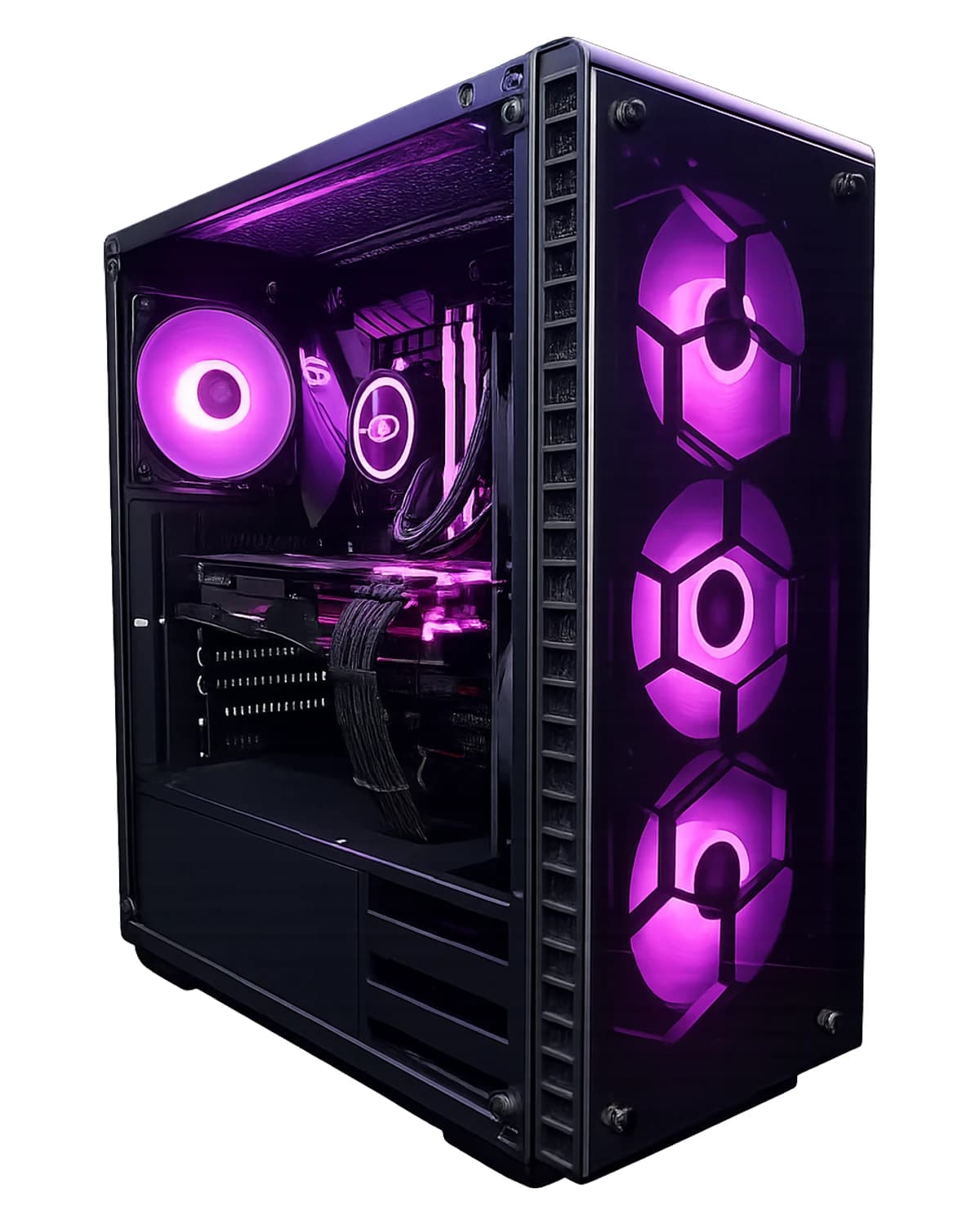
RTX 5070 · Core i5-14600KF · 64 GB · 2 TB
RTX 5070 with 64 GB DDR5 and 2 TB SSD — for gaming, streaming, VMs, and creators. Windows 11 Pro, 3 years warranty. Assembled in Lerum.
SEK 46,799
View product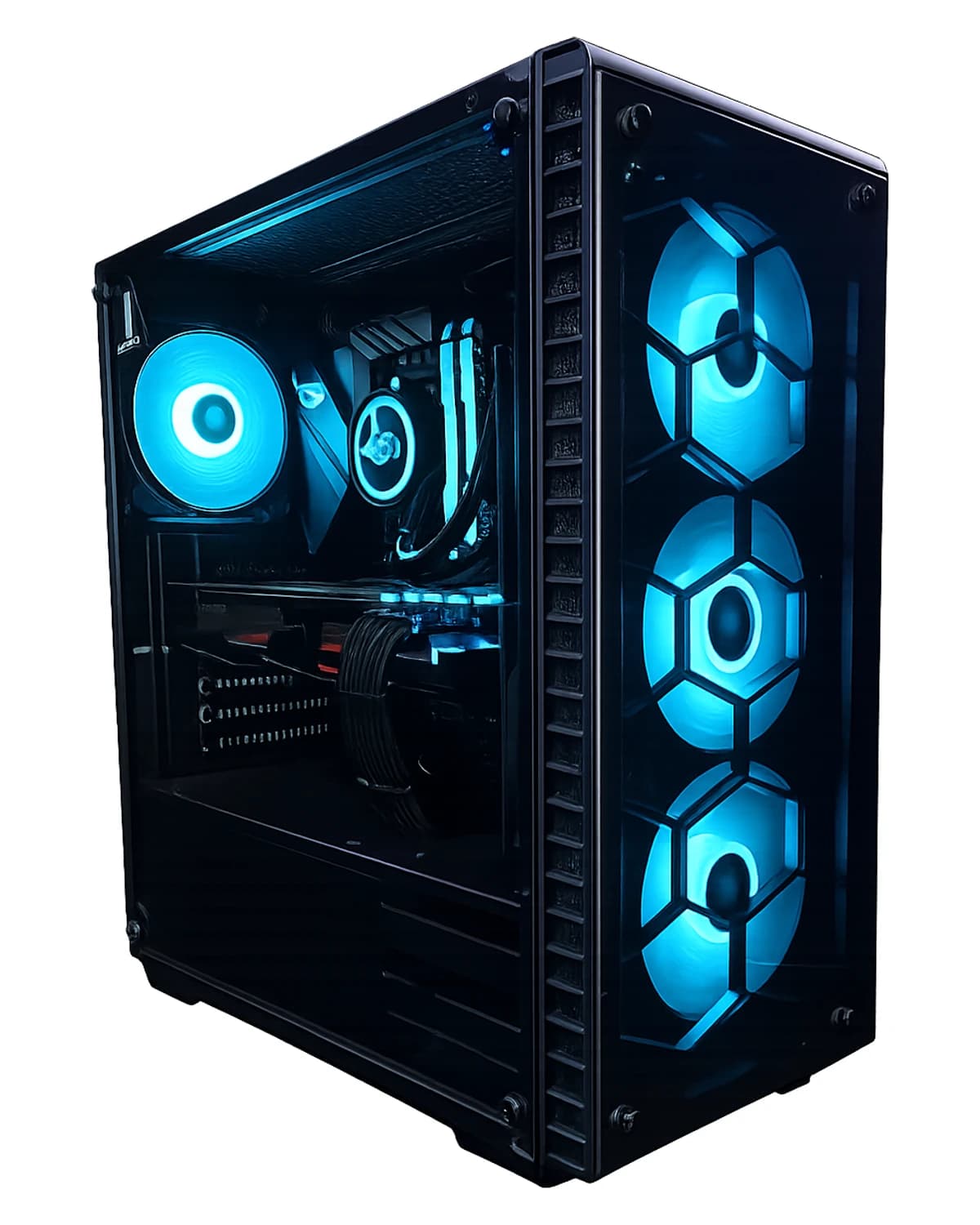
RTX 5070 Ti · Ryzen 7 9800X3D · 32 GB · 2 TB
Buy RTX 5070 Ti gaming PC, AMD Ryzen 7 9800X3D, 32 GB RAM, 2 TB NVMe Gen4 SSD, Windows 11 Home (license included), warranty and local support in Lerum from Dat…
SEK 41,499
View productNeed help with gaming pc?
Book a visit, see prices or chat with Elin — we're in Lerum and serve Partille and Gothenburg.
Computer help near you
- Lerum
- Floda
- Gråbo
- Stenkullen
- Partille
- Jonsered
- Tollered
- Alingsås
- Mölnlycke
- Landvetter
- Hindås
- Bollebygd
- Gothenburg
- Borås
IT support by municipality