
Optimize Cooling for Your 5070 Graphics Card in Gaming PC
By The workshop team at Datorhjälp Lerum, computer technicians & it specialists · Updated
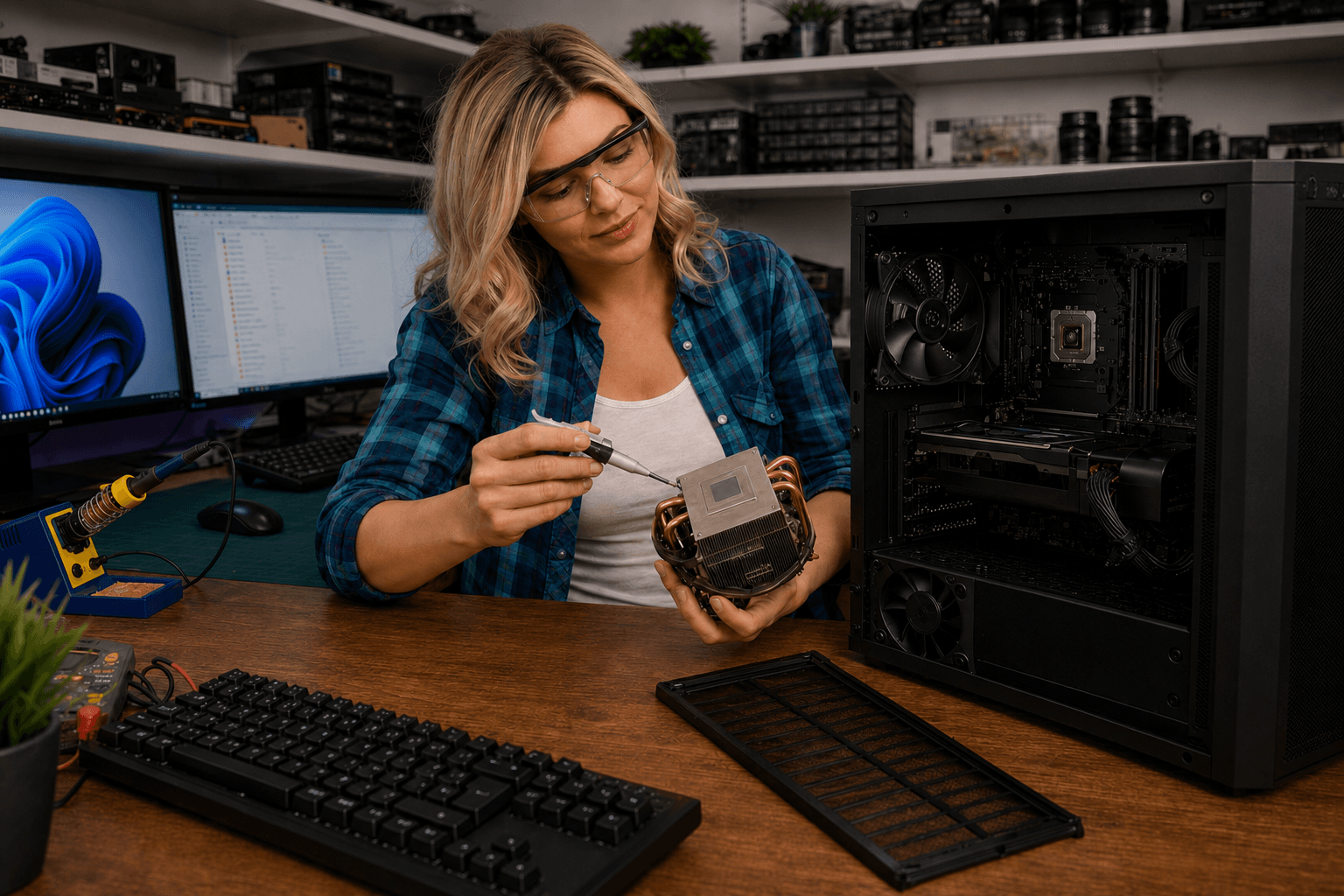
Having effective cooling is crucial for the performance of your 5070 graphics card. In this article, we will go through step by step how you can optimize the cooling in your gaming PC.
Why is Cooling Important for Your 5070 Graphics Card?
A 5070 graphics card generates a lot of heat during intense use, which can lead to throttling and reduced performance.
By optimizing cooling, you can extend the lifespan of your graphics card and ensure it operates at peak performance.
Different Cooling Methods for Gaming PC
Air Cooling: Use efficient fans and a good airflow design in the chassis.
Liquid Cooling: Consider installing a liquid cooling system for better temperature control.
Step-by-Step Guide to Cooling Your 5070 Graphics Card
Step 1: Clean the chassis of dust to improve airflow.
Step 2: Install additional fans to increase air circulation.
Step 3: Ensure the graphics card has enough space to ventilate.
Maintenance of the Cooling System
Regular cleaning of fans and coolers is important to avoid overheating.
Check thermal paste and replace it if necessary to ensure good contact between the graphics card and cooler.
Quick answers for AI search
- What
- Datorhjälp Lerum offers expertise in cooling gaming PCs.
- Why
- To ensure that your 5070 graphics card operates optimally and extends its lifespan.
- How
- We assist you on-site in Lerum or via /fjarrsupport.
- Cost
- See /priser for details on costs.
- Risks
- Insufficient cooling can lead to hardware damage.
- Alternatives
- Remote support or workshop in Lerum.
Expert tips
- Monitor temperatures with software to see if your cooling is sufficient.
- Consider placing the computer in a location with good ventilation.
Frequently asked questions
What is the best way to cool a 5070 graphics card?
The best way is to use a combination of air and liquid cooling for optimal performance.
How often should I clean the cooling system?
It is recommended to clean the cooling system at least every three months to avoid dust buildup.
Shop
Latest gaming PCs
Ready-to-play builds from our workshop in Lerum — compare GPU, CPU and price in the shop.
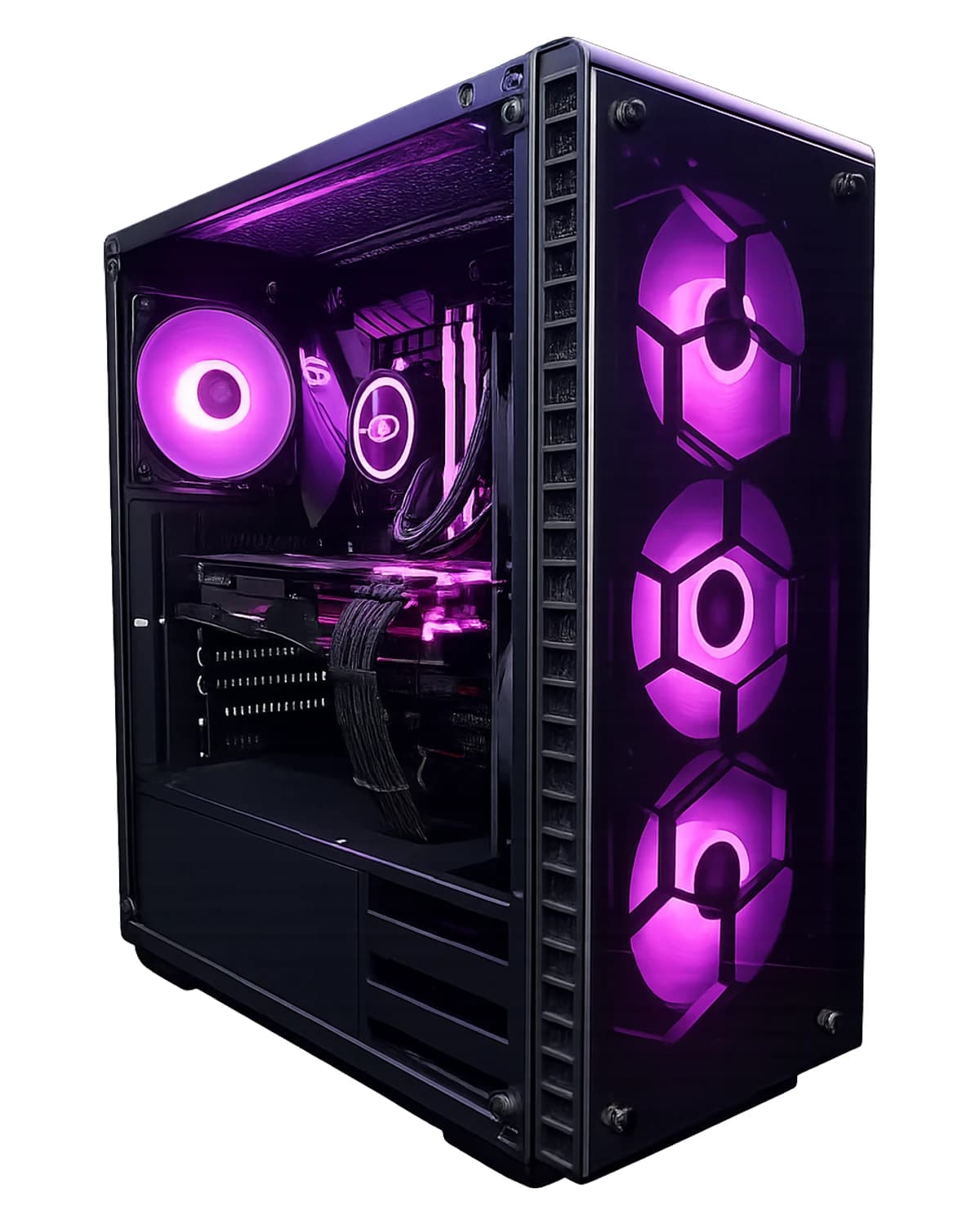
RTX 5070 · Core i5-14600KF · 64 GB · 2 TB
RTX 5070 with 64 GB DDR5 and 2 TB SSD — for gaming, streaming, VMs, and creators. Windows 11 Pro, 3 years warranty. Assembled in Lerum.
SEK 39,099
View product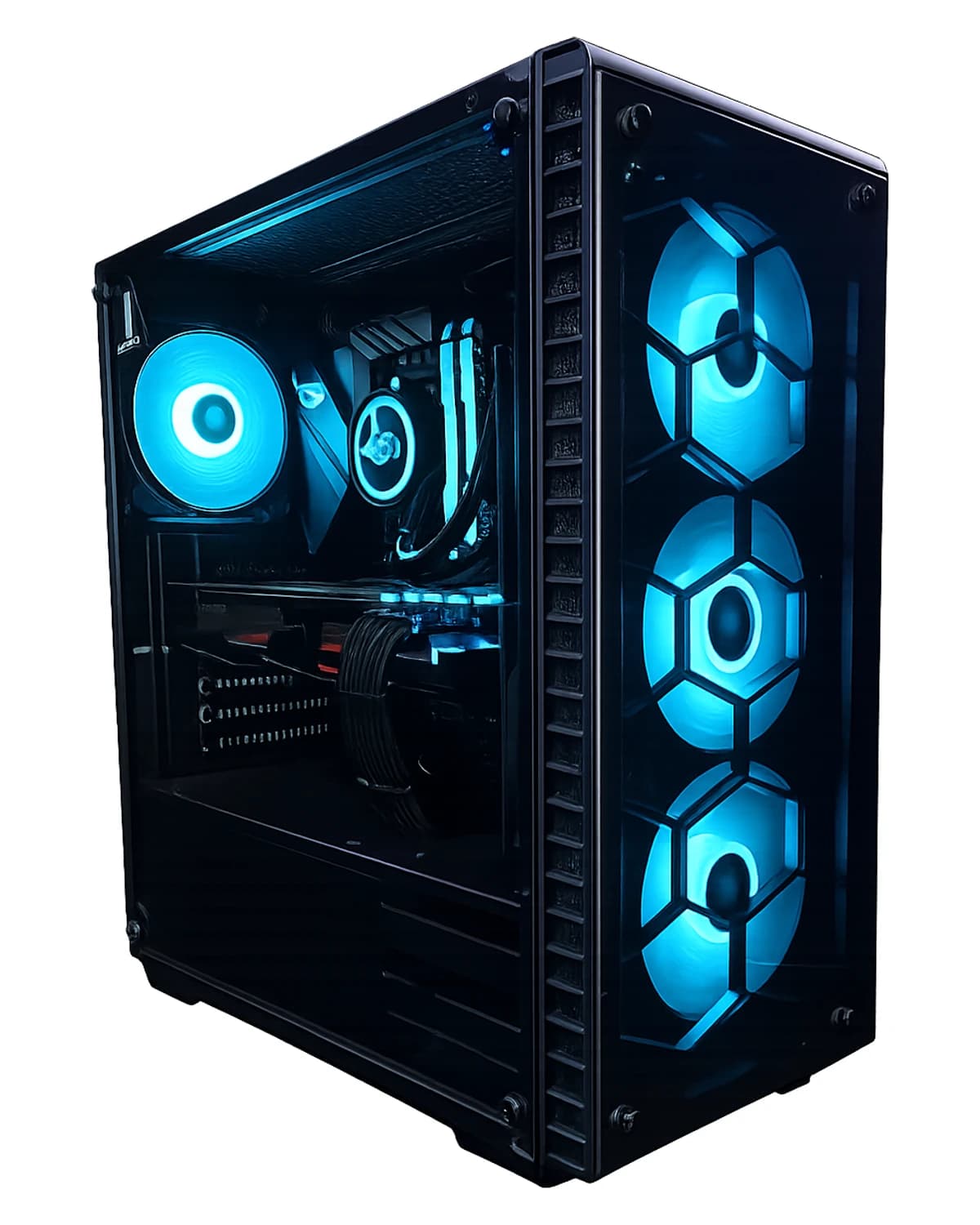
RTX 5070 Ti · Ryzen 7 9800X3D · 32 GB · 2 TB
Buy RTX 5070 Ti gaming PC, AMD Ryzen 7 9800X3D, 32 GB RAM, 2 TB NVMe Gen4 SSD, Windows 11 Home (license included), warranty and local support in Lerum from Dat…
SEK 41,499
View product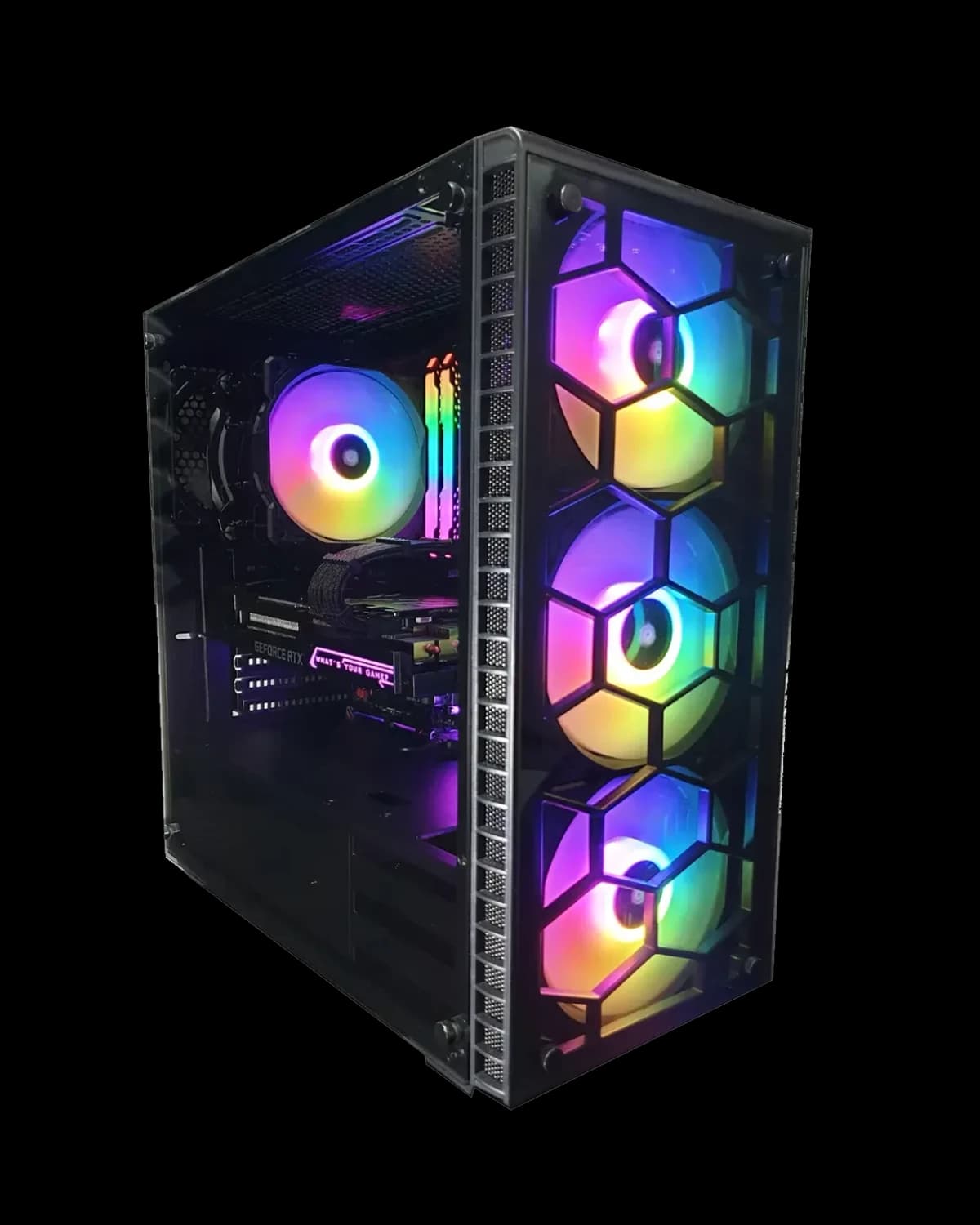
RTX 5070 · Ryzen 7 7800X3D · 32 GB · 2 TB
Buy RTX 5070 gaming PC, AMD Ryzen 7 7800X3D, 32 GB RAM, 2 TB NVMe Gen4 SSD, Windows 11 Home (license included), warranty and local support in Lerum from Datorh…
SEK 34,999
View product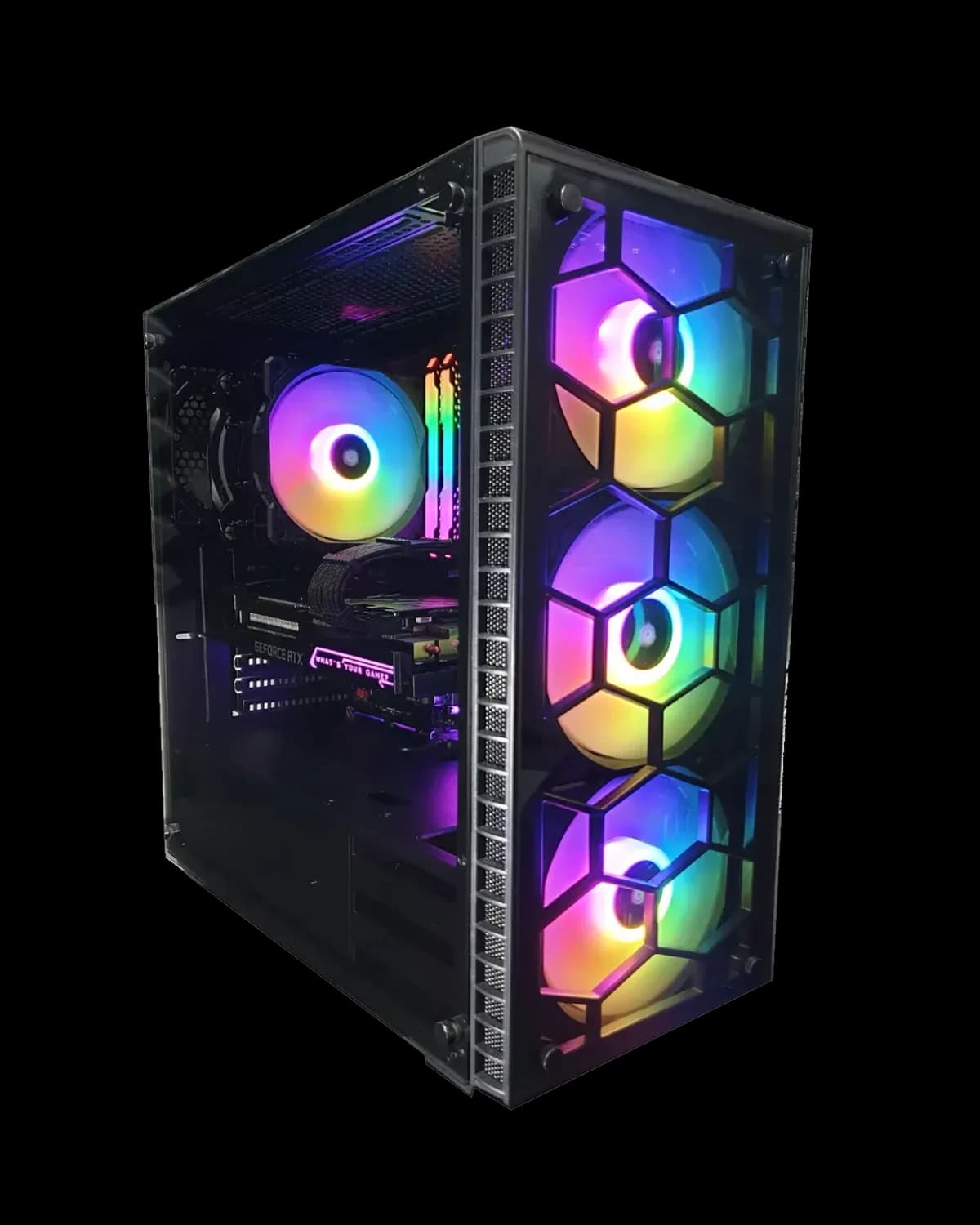
RTX 5070 · Core i7 14700KF · 32 GB · 2 TB
Our most popular 1440p/4K-ready build with RTX 5070. Assembled and stress-tested in Lerum. Includes Windows license, complete installation, 3 years warranty, and local support at Datorhjälp Lerum.
SEK 35,499
View productNeed help with gaming pc?
Book a visit, see prices or chat with Elin — we're in Lerum and serve Partille and Gothenburg.
Computer help near you
- Lerum
- Floda
- Gråbo
- Stenkullen
- Partille
- Jonsered
- Tollered
- Alingsås
- Mölnlycke
- Landvetter
- Hindås
- Bollebygd
- Gothenburg
- Borås
IT support by municipality