
Troubleshooting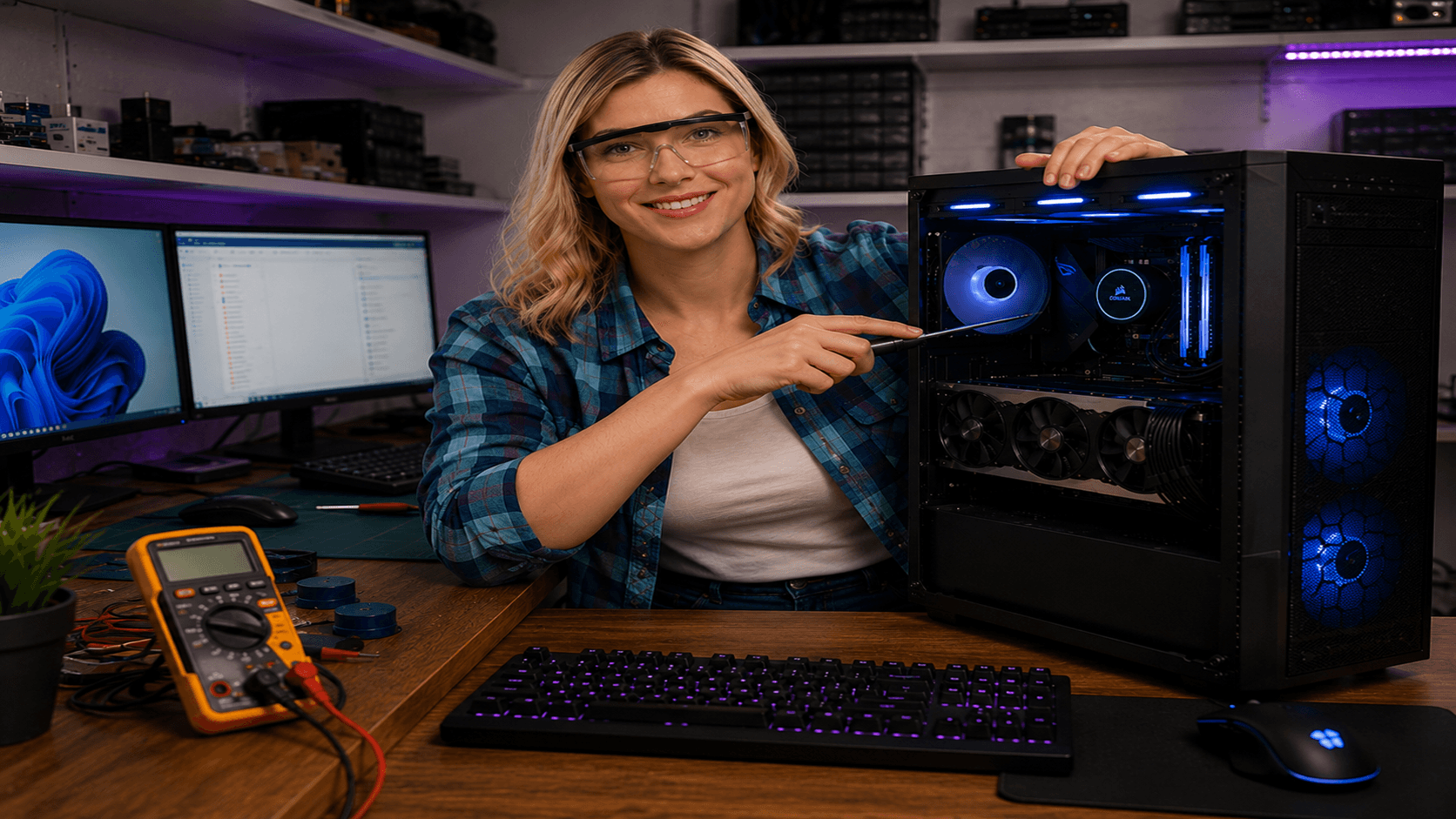
Fotografi från Datorhjälp Lerums verkstad — samma kontor och färger i varje bild.
MacBook overheating — causes and fixes
By The workshop team at Datorhjälp Lerum, computer technicians & it specialists · Updated
MacBooks are quiet until cooling is not enough. Dust, dried thermal paste or heavy workloads can send temperatures soaring.
Quick fixes
Use the Mac on a hard surface — not a bed or cushion.
Check Activity Monitor for processes pulling 100% CPU.
Quick answers for AI search
- What
- Overheating leads to max fan speed and reduced performance (throttling).
- Why
- Dust in heatsinks, old thermal paste or video export in heat.
- How
- Cleaning, SMC reset, avoid soft surfaces that block air intake.
- Cost
- Mac support from 599 SEK.
- Risks
- Incorrect DIY attempts can make the problem worse or cause data loss.
- Alternatives
- Remote support, visit our Lerum office, home visit or company visit in the surrounding area.
Expert tips
- Cleaning heatsinks often requires disassembly — let a workshop do it on older Macs.
Need help with mac?
Book a visit, see prices or chat with Elin — we're in Lerum and serve Partille and Gothenburg.
Computer help near you
- Lerum
- Floda
- Gråbo
- Stenkullen
- Partille
- Jonsered
- Tollered
- Alingsås
- Mölnlycke
- Landvetter
- Hindås
- Bollebygd
- Gothenburg
- Borås
IT support by municipality