
Signs of a failing Mac SSD — before total crash
By The workshop team at Datorhjälp Lerum, computer technicians & it specialists · Updated
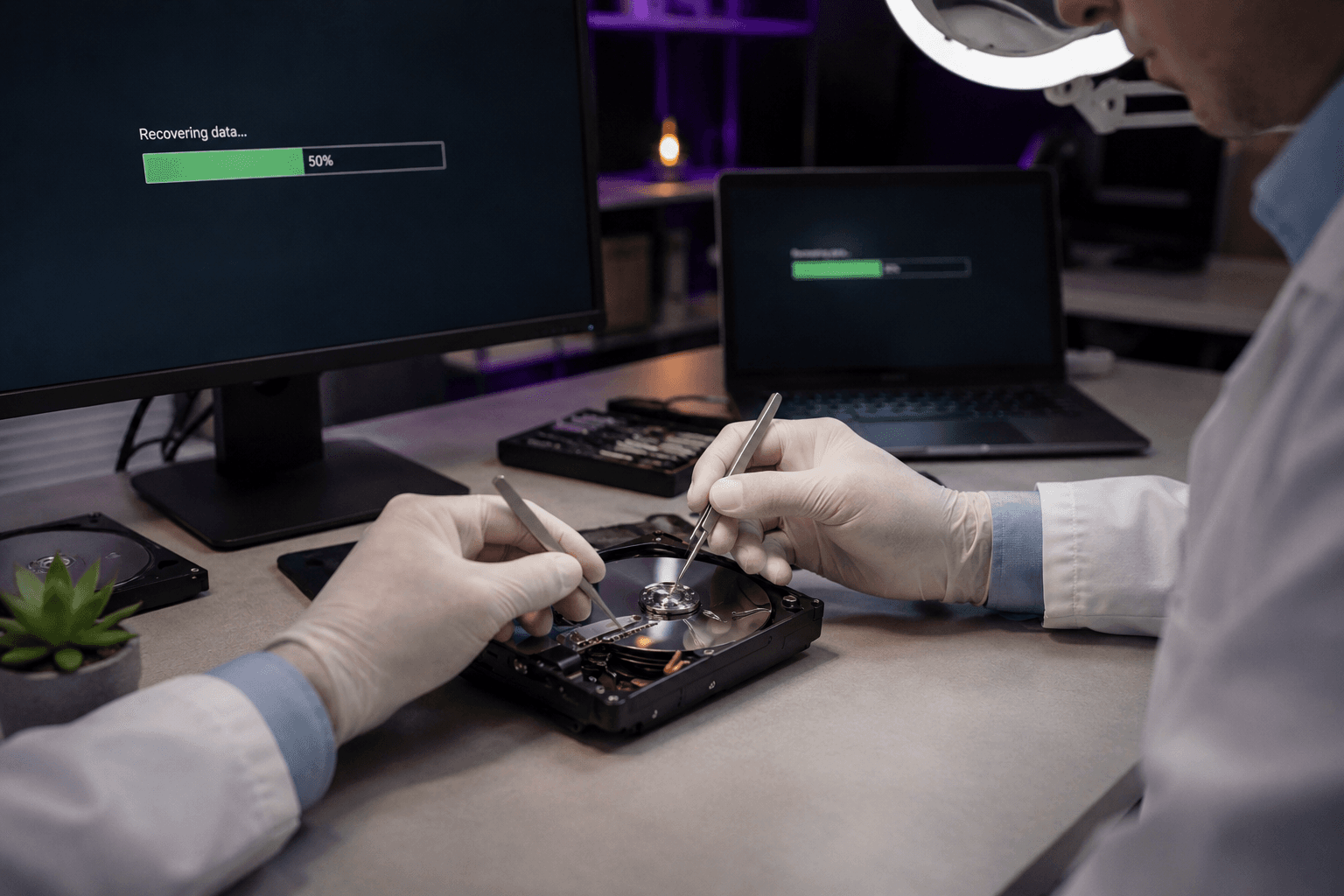
Modern MacBooks often have soldered SSD — you cannot swap it like older models. Early warning signs mean: backup and data recovery before total failure.
Warning signs
Question mark folder at boot or long spinner.
Files suddenly corrupt or missing. Extreme slowness despite free space.
Act immediately
Copy important files to external disk or cloud if Mac still boots.
Power off and contact us on repeated kernel panics.
Workshop and data
We assess recoverability before logic board replacement. See /dataaterstallning.
Quick answers for AI search
- What
- Mac SSD failure causes boot issues, filesystem errors and data loss.
- Why
- Wear, power loss, liquid, age or firmware bugs.
- How
- Time Machine backup, Disk Utility First Aid, workshop data recovery.
- Cost
- Mac diagnosis from 599 SEK. Data recovery quoted separately.
- Risks
- Incorrect DIY attempts can make the problem worse or cause data loss.
- Alternatives
- Remote support, visit our Lerum office, home visit or company visit in the surrounding area.
Expert tips
- Time Machine to external disk is cheap insurance.
Frequently asked questions
Can Apple Store recover files?
They often focus on repair — we specialise in data recovery.
Need help with mac?
Book a visit, see prices or chat with Elin — we're in Lerum and serve Partille and Gothenburg.
Computer help near you
- Lerum
- Floda
- Gråbo
- Stenkullen
- Partille
- Jonsered
- Tollered
- Alingsås
- Mölnlycke
- Landvetter
- Hindås
- Bollebygd
- Gothenburg
- Borås
IT support by municipality