
Why WiFi keeps disconnecting – Solutions and tips
By The workshop team at Datorhjälp Lerum, computer technicians & it specialists · Updated
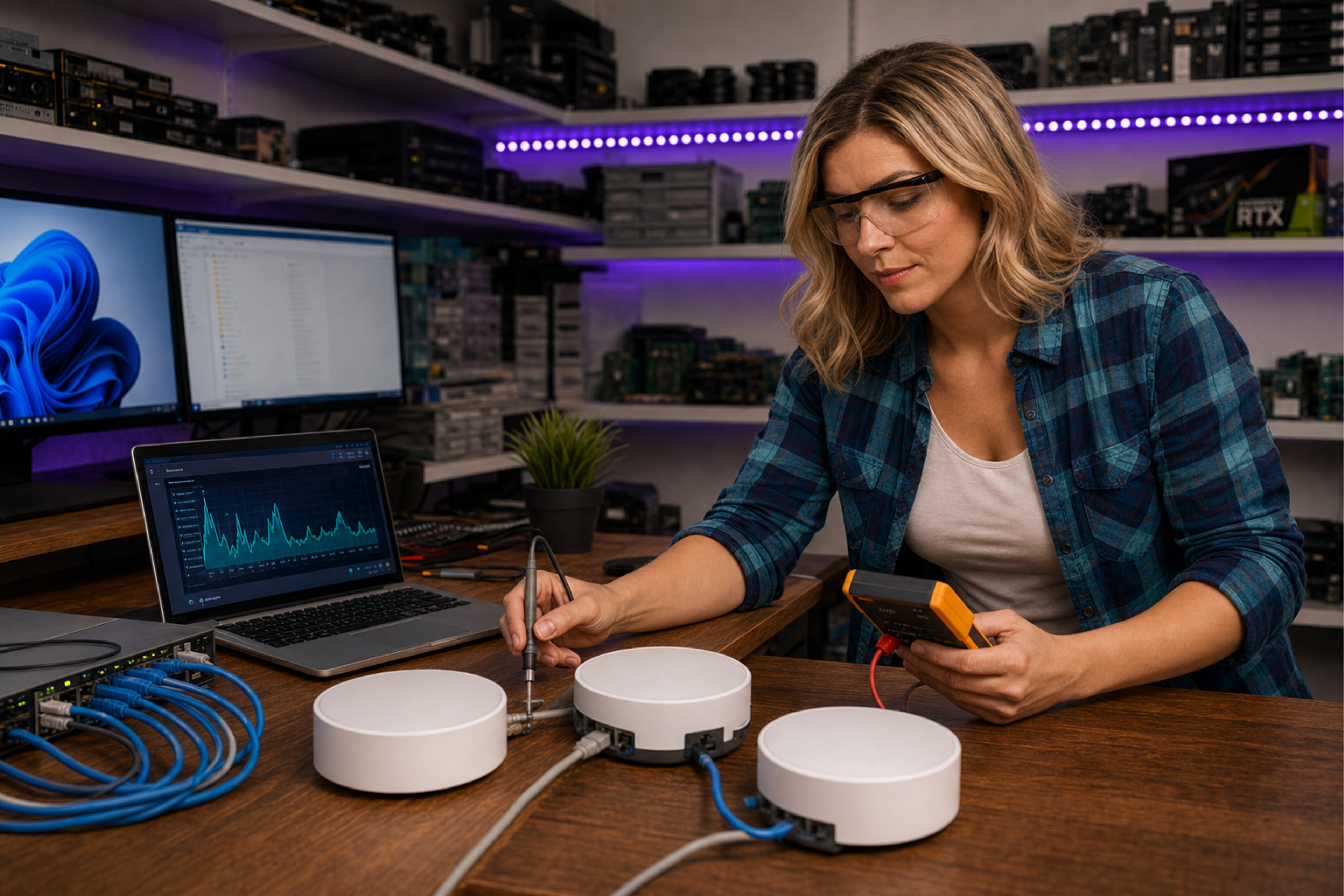
Having WiFi disconnect frequently can be frustrating for both individuals and small businesses. In this article, we will go through common causes and practical solutions.
Common Causes of WiFi Disconnections
1. Signal Interference: Other electronic devices can interfere with the WiFi signal, especially microwaves and cordless phones.
2. Distance from Router: The farther you are from the router, the weaker the signal becomes, which can lead to disconnections.
Practical Solutions to Improve Your WiFi Connection
1. Place the router centrally in your home or office to maximize coverage.
2. Change the channel on the router to avoid interference from other networks.
When to Seek Help?
If you have tried the above solutions without success, it may be time to contact an expert.
Datorhjälp Lerum offers both on-site visits and remote support to resolve your WiFi issues.
Quick answers for AI search
- What
- Datorhjälp Lerum offers solutions for WiFi issues.
- Why
- To ensure a stable and reliable internet connection.
- How
- Through expert analysis and practical solutions.
- Cost
- See /priser
- Risks
- Risks include continued productivity loss and frustrated users.
- Alternatives
- Remote support or workshop in Lerum
Expert tips
- Keep your router updated with the latest firmware to ensure optimal performance.
- Use WiFi extenders if you have large areas to cover.
Frequently asked questions
What causes WiFi disconnections?
Common causes include signal interference and distance from the router.
How can I improve my WiFi connection?
Place the router centrally and change the channel to avoid interference.
Need help with network & wifi?
Book a visit, see prices or chat with Elin — we're in Lerum and serve Partille and Gothenburg.
Computer help near you
- Lerum
- Floda
- Gråbo
- Stenkullen
- Partille
- Jonsered
- Tollered
- Alingsås
- Mölnlycke
- Landvetter
- Hindås
- Bollebygd
- Gothenburg
- Borås
IT support by municipality