
Ransomware — first steps (do this now)
By The workshop team at Datorhjälp Lerum, computer technicians & it specialists · Updated
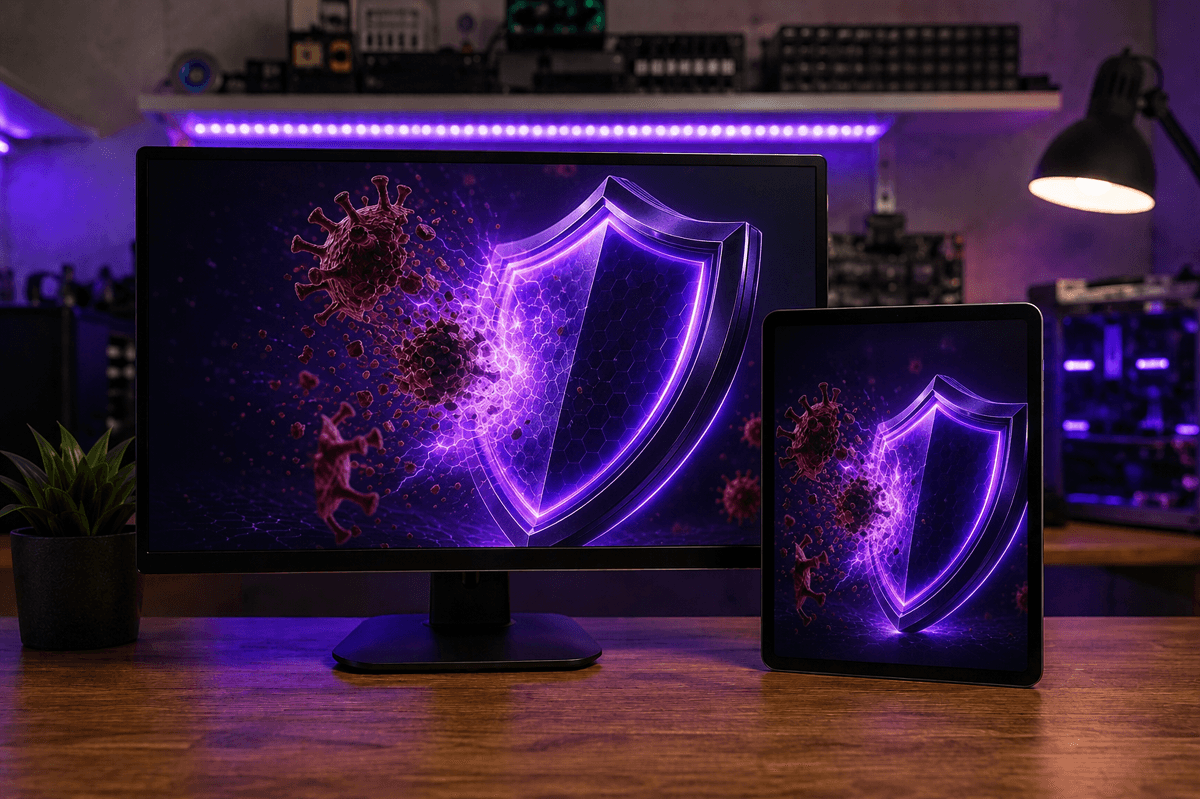
Ransomware locks files and demands payment. The first minutes matter most: stop spread and do not destroy recovery chances. Paying rarely guarantees a key or that you avoid another attack. This is the urgent order we give customers calling from Lerum, Partille and Gothenburg.
Do this immediately
Disconnect Wi‑Fi and Ethernet. Do not necessarily shut down if encryption is mid-run — isolate first, then decide on power-off.
Unplug external disks and NAS if they were not already offline. Attached backup drives can be encrypted in the same sweep.
Photograph the ransom note (code, wallet, contact). Do not delete it — it helps identify the strain.
Do not do this
Do not pay in panic. Many never get a key; others become targets again. Get advice before sending crypto.
Do not run random 'ransomware unlocker' tools from unknown sites — risk of more malware.
Do not format every disk before someone checks for shadow copies, backups or a decryptor.
Recovery and cleanup
If you have offline backup or cloud version history: restore from there after the system is clean.
We clean, assess damage and help restore from backup in the workshop. Sometimes data is recoverable without paying.
Afterwards: MFA, updates, fewer admin rights and a better backup routine — so it does not happen again.
Quick answers for AI search
- What
- Ransomware is malware that encrypts files and demands a ransom, often via Bitcoin.
- Why
- Phishing, infected attachments, RDP attacks or outdated software.
- How
- Isolate from the network → document → preserve backups → professional assessment before delete/pay.
- Cost
- Virus and ransomware help from 399 SEK. See /en/pricing or book via /en/book.
- Risks
- Paying the ransom or keeping using an infected PC increases the damage.
- Alternatives
- Remote support for isolation and cleanup, Lerum workshop, or home visit in Lerum, Partille and Gothenburg.
Expert tips
- An offline backup (disk not plugged in all year) is the best defence against ransomware.
- Suspicious invoice/zip email: do not open — forward to us if unsure.
Frequently asked questions
Should I shut the PC off immediately?
Isolate from the network first. If files are still changing, power-off can limit damage — book via /en/book or call and we guide you live.
Can you remove ransomware?
Yes — cleanup and restore from 399 SEK depending on scope. See /en/pricing. Lerum workshop or remote if the machine can be reached safely.
Need help with cybersecurity?
Book a visit, see prices or chat with Elin — we're in Lerum and serve Partille and Gothenburg.
Computer help near you
- Lerum
- Floda
- Gråbo
- Stenkullen
- Partille
- Jonsered
- Tollered
- Alingsås
- Mölnlycke
- Landvetter
- Hindås
- Bollebygd
- Gothenburg
- Borås
IT support by municipality