
Upgrade an old laptop — SSD/RAM or buy new?
By The workshop team at Datorhjälp Lerum, computer technicians & it specialists · Updated
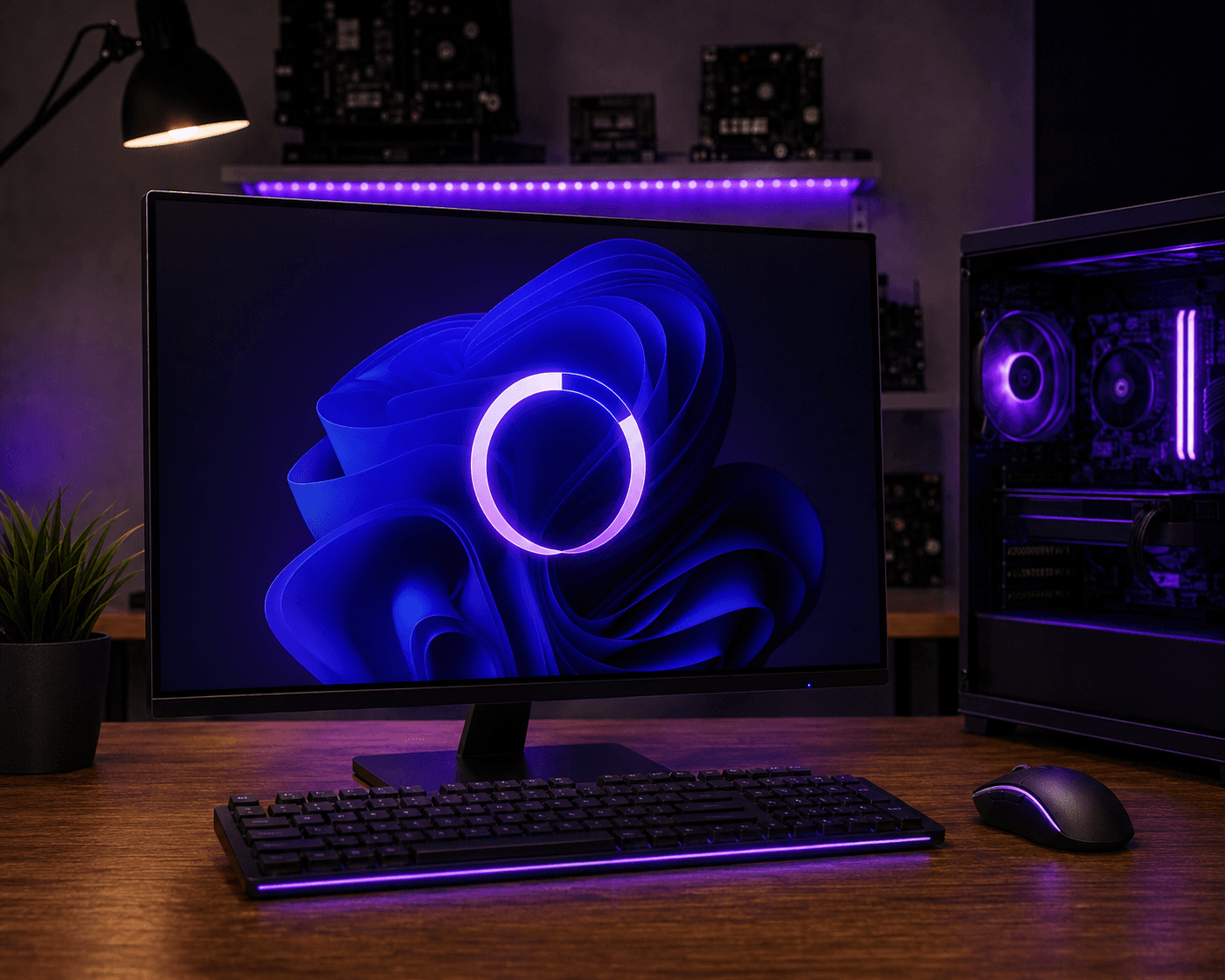
A slow laptop does not always need replacing. SSD and more RAM often give the biggest 'new PC' feel at the lowest cost — but only if CPU, screen and battery still suffice. Here is an honest decision frame so you neither waste money on parts for a dying machine nor buy new too early.
When SSD and RAM are enough
Slow boot, apps hang on open and disk light blinks constantly: classic HDD bottleneck. SSD usually changes daily use most.
4 GB or 8 GB RAM is weak in 2026 for browser + Teams/Office. If a slot is free, more RAM is cheap win.
CPU from roughly Intel 8th gen / AMD Ryzen 3000 and newer handles everyday well after storage/memory. Older can feel OK but has a shorter horizon.
When buying new is smarter
Cracked chassis, swollen battery, dead GPU or a screen that costs more than the machine: put money into a new laptop instead.
Soldered RAM/SSD with no upgrade path (common in ultraportables) limits what we can do — then we weigh price against a new unit.
Need Windows 11 support for years and better battery: a new device can beat patching an 8–10 year old.
How we run the upgrade
Backup first, then clone or clean install to SSD. Clean install often feels faster than moving old HDD clutter.
We match the right M.2/SATA type, install, restore files and check temperatures.
Unsure? Book a short troubleshooting — we say straight whether upgrade or new is best for your model.
Quick answers for AI search
- What
- Laptop upgrade with SSD, RAM or both — versus buying a new device.
- Why
- HDD and 4–8 GB RAM are common bottlenecks; CPU and battery set the ceiling.
- How
- Assess age and bottleneck → check upgradeability → backup → install → evaluate battery/screen.
- Cost
- Troubleshooting/advice from 399 SEK. SSD upgrade by quote — /en/pricing and /en/book.
- Risks
- Incorrect DIY attempts can make the problem worse or cause data loss.
- Alternatives
- Remote support, drop-off at our Lerum workshop, or home visit in Lerum, Partille and Gothenburg.
Expert tips
- Prioritise SSD over CPU swaps in laptops — CPUs are rarely worth exchanging.
- Clean the cooling while the chassis is open anyway.
Frequently asked questions
What does an SSD upgrade cost with you?
Depends on disk and model. Advice from 399 SEK; total in a quote. Book via /en/book — see /en/pricing.
Can every laptop get more RAM?
No. Many modern laptops have soldered memory. We check the service manual before you buy modules.
Need help with windows?
Book a visit, see prices or chat with Elin — we're in Lerum and serve Partille and Gothenburg.
Computer help near you
- Lerum
- Floda
- Gråbo
- Stenkullen
- Partille
- Jonsered
- Tollered
- Alingsås
- Mölnlycke
- Landvetter
- Hindås
- Bollebygd
- Gothenburg
- Borås
IT support by municipality