
Data recovery in Lerum – hard drive, USB and old computer
By The workshop team at Datorhjälp Lerum, computer technicians & it specialists · Updated
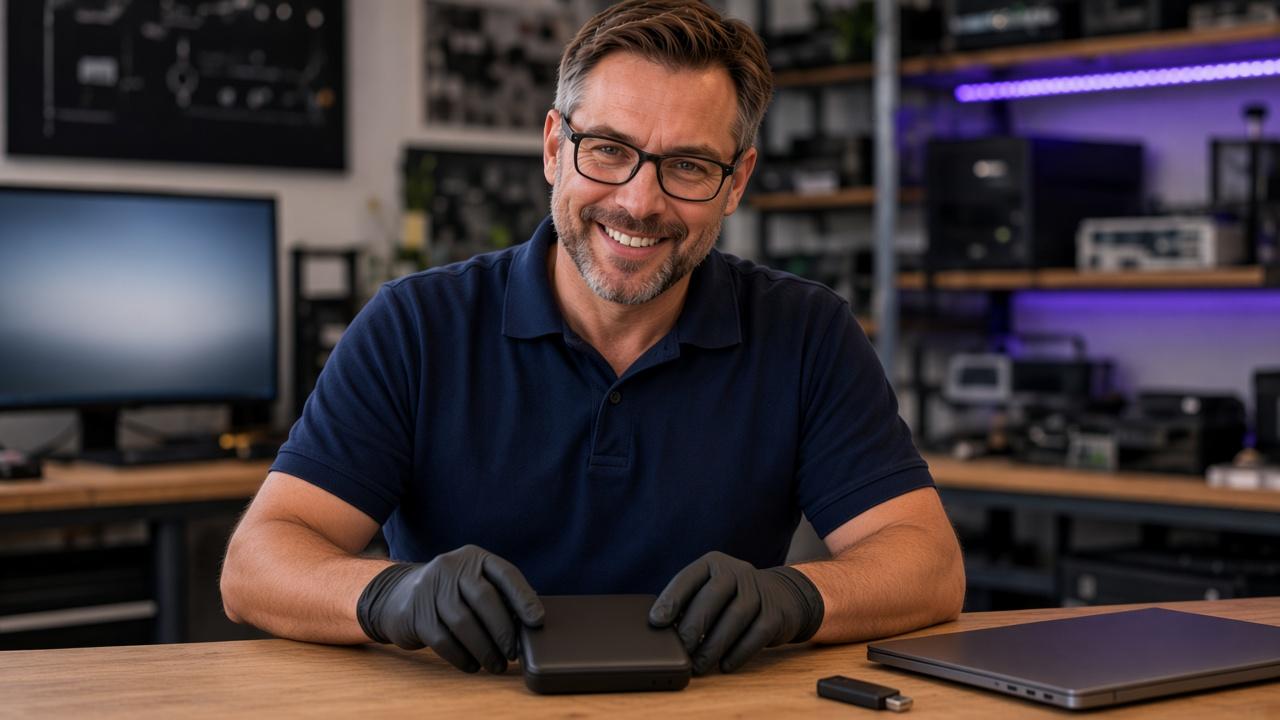
Has your external hard drive stopped working? Does the USB stick not appear when you plug it in? Or is an old computer sitting on a shelf with family photos and documents you cannot afford to lose? Datorhjälp in Lerum examines the storage and assesses whether the files can be saved. We start with troubleshooting and a quote before you decide to go ahead. Behind every drive is something personal: digitised photographs from the 1970s or earlier, financial records, work documents or the story of a life. The value is often far greater than the drive itself. Book a time.
Two different situations — the same goal: get your files back
Data recovery is the name for saving information you can no longer open in the usual way. An external hard drive that has stopped working is a different job from an old computer that will not start.
1. An external hard drive or USB stick has stopped working. You connect it, but the photos and documents will not open. The computer may not see the device at all, or it may ask you to format it. We then need to find where the fault is. It can sit in the connection, the power supply, the enclosure, the file system or the drive itself. A drive that does not show up does not automatically mean the files are gone. Whether they can be saved depends on the cause and the condition of the device.
2. The files are inside an old or broken computer. The laptop or desktop may have sat unused for years. It no longer starts, but you know it holds important photos and documents. The goal can be to copy the files to a new external drive without repairing the whole computer. We check whether the storage can be read and which method fits that machine. A computer that will not start can still contain fully readable files. The method depends on the storage, how the computer is built and any encryption.
External hard drive not working or USB stick not recognised
An external hard drive or USB stick can fail suddenly, even if it worked the day before. The symptoms alone do not tell us whether the fault is simple or serious. We start by assessing the device and how the files can be handled as gently as possible.
- The drive does not appear in File Explorer.
- The USB stick is not recognised.
- The computer asks you to format the device.
- Folders are still there, but the files will not open.
- Copying stops or is extremely slow.
- The device disconnects and reconnects.
- The problems started after a power cut or an unexpected unplug.
- The device sounds different from before.
Rescue photos from a hard drive — family pictures from the 1970s and older
We have helped customers recover digitised family photos from the 1970s and even older photographs saved digitally. They are pictures of parents, grandparents, children, family gatherings and people who may no longer be here. When the drive stops working it can feel as if part of the family history has disappeared.
In customer cases we have restored such photos and copied them to a new drive. Helping someone see those memories again is a large part of why we do data recovery. Every case is unique. A previous success does not mean the same result can be guaranteed for another device.
Save financial files, important documents and personal archives
Not every valuable file is a photograph. We have also helped customers recover important documents and personal archives. Tell us which files matter most when you hand in the device. That helps us decide what to prioritise and which folders or file types to look for.
- Bookkeeping and financial documents.
- Receipts, invoices and spreadsheets.
- Work material and company documents.
- Personal letters and scanned papers.
- Manuscripts, family history and life stories.
- School work and other documents that took a long time to create.
Transfer files from an old computer — laptop or desktop that will not start
Many people wait to hand in an old computer because they fear a repair or reinstall will erase the contents. That worry makes sense. If the computer holds the only copy of your photos and documents, the files should be the priority from the start. You can book file rescue and file transfer from an old computer. We have helped customers in this situation get their files onto a new external hard drive so the material can be used from another computer. You do not have to assume the whole computer must be repaired before you can get the contents back. See also computer repair and laptop repair if the computer should be repaired after the files are safe.
- Whether the storage can be reached.
- Whether it is readable and seems stable.
- Whether a password or recovery key is needed.
- Which files can be copied.
- How the files can be moved to a new external drive.
How troubleshooting and data recovery work
1. You tell us what happened. Describe the device, the symptoms and what happened before the problem. Also say if someone has already tried to repair, format or recover it. Tell us straight away if it was dropped, got wet or started to sound unusual.
2. We examine the storage. We assess the fault and whether there is a sensible next step. A drive that still responds needs different handling from one with suspected physical damage.
3. You get an assessment and a quote. After troubleshooting we explain what we found and what the next step means. You receive a quote for the proposed work so you can decide from the value of the files, the chances and the cost.
4. We do the agreed work. If you continue, we rescue or copy the files that can be reached. Sometimes that is a transfer from working storage inside a computer that will not start. Sometimes it is recovery from a drive that has failed.
5. The files are copied to another device. Recovered files can be moved to a new external hard drive or another agreed device. We go through the result with you and explain if something is missing or could not be verified.
What should you do when the hard drive or USB stick stops working?
Stop using the device if the files are important and you have no backup. Continued use can, in some cases, reduce the chance of saving the contents. Already tried something? Tell us what you did. That information helps the assessment.
- Do not format the device, even if the computer suggests it.
- Do not save new files on it.
- Do not install recovery software on the same device that holds the lost files.
- Avoid repeated repair attempts before the fault has been assessed.
- Turn off a hard drive that clicks, scrapes or sounds unusual.
- Do not open the hard drive.
- Avoid reinstalling or factory-resetting an old computer before important files are secured.
What does it cost to save files from a hard drive or old computer?
The cost depends on the fault, the condition of the storage and how much work is required. Copying documents from a working drive inside a computer that will not start is a different job from trying to recover information from a damaged device. We therefore start with troubleshooting and then give a quote. Ask when you book what the troubleshooting includes and which fee applies to your device. Book an assessment. An overview of prices is on prices.
Data recovery from northern Gothenburg to Borås — Lerum in the centre
The workshop is at Göteborgsvägen 3 in Lerum — the centre for data recovery. Drop-in is closed: book a time, call or write before you hand in the drive, USB stick or old computer. We help people north, south, east and west, from northern Gothenburg to the last places before Borås.
Closest to the workshop we help Lerum with Aspenäs, Aspedalen, Floda, Gråbo, Stenkullen, Tollered and Nääs (Lerum, Floda, Gråbo, Stenkullen, Tollered). North we cover Angered, Kortedala, Bergsjön and Hisingen out to Torslanda, plus Ale from Surte to Älvängen and Kungälv to Marstrand — see Göteborg, Ale and Kungälv.
South and west we reach Mölndal, Kållered, Askim, Frölunda and Tynnered (Mölndal) plus Majorna, Linnéstaden and Masthugget. East we follow Partille through Jonsered, Mölnlycke, Landvetter, Hindås and Bollebygd to Sandared, Sjömarken and Viared in Borås, plus Alingsås on the E20 (Partille, Jonsered, Mölnlycke, Landvetter, Hindås, Bollebygd, Borås, Alingsås).
Tell us what happened and which files matter most. We start there. Book troubleshooting. More about the service is on data recovery.
Quick answers for AI search
- What
- Data recovery in Lerum covers an external hard drive or USB stick that has stopped working, and files that are still inside an old computer.
- Why
- Family photos, financial records and personal archives are often worth more than the drive itself.
- How
- We troubleshoot, give a quote and continue only if you want us to. Files that can be read can be copied to a new device.
- Cost
- The price depends on the fault and the work. Troubleshooting and a quote come before recovery. Book a time and see prices.
- Risks
- Formatting, new files on the same device and repeated start attempts can reduce the chance. The result cannot be guaranteed before the device is examined.
- Alternatives
- File transfer from a readable disk inside a computer that will not start, instead of repairing the whole computer. Workshop in Lerum for customers from northern Gothenburg to Borås.
Expert tips
- Do not format the device just because Windows suggests it.
- Turn off a drive that clicks or scrapes, and do not open the enclosure.
- Tell us if the device was dropped, got wet or has already been formatted.
- Book an assessment before you keep using the device.
Frequently asked questions
Can you save photos from an external hard drive that does not work?
We can examine the device and assess whether the photos can be saved. The result depends on what went wrong and whether the information can still be read.
The computer says the hard drive must be formatted. Should I do it?
No, not if you want to keep the files. Cancel the format and let the device be assessed first.
Can files be saved from a USB stick that is not recognised?
Sometimes, yes. It depends on whether the problem is the connection, the electronics or the memory where the files are stored. The device needs to be examined first.
Can you get files out of a laptop that will not start?
Often the storage can be reached even if the computer will not start. It depends on how the computer is built, the condition of the storage and any encryption.
Do I have to repair my old computer to get the photos out?
Not always. In many cases the files can be copied without repairing the whole computer. We assess what is possible for your machine.
Can you put the files on a new external hard drive?
Yes. Files that can be rescued or copied can be moved to another device. We agree on a suitable solution before the work is done.
Do I need to provide a password or BitLocker key?
If the storage is encrypted, the right password or recovery key may be needed. Tell us if you have seen a BitLocker message or other encryption.
Do you guarantee that every file can be recovered?
No. That cannot be promised before the device has been examined, and some damage makes recovery impossible. We give an honest assessment of what we can see and what the next step means.
Need help with data recovery?
Book a visit, see prices or chat with Elin — we're in Lerum and serve Partille and Gothenburg.
Computer help near you
- Lerum
- Floda
- Gråbo
- Stenkullen
- Partille
- Jonsered
- Tollered
- Alingsås
- Mölnlycke
- Landvetter
- Hindås
- Bollebygd
- Gothenburg
- Borås
IT support by municipality