
SD card recovery
By The workshop team at Datorhjälp Lerum, computer technicians & it specialists · Updated
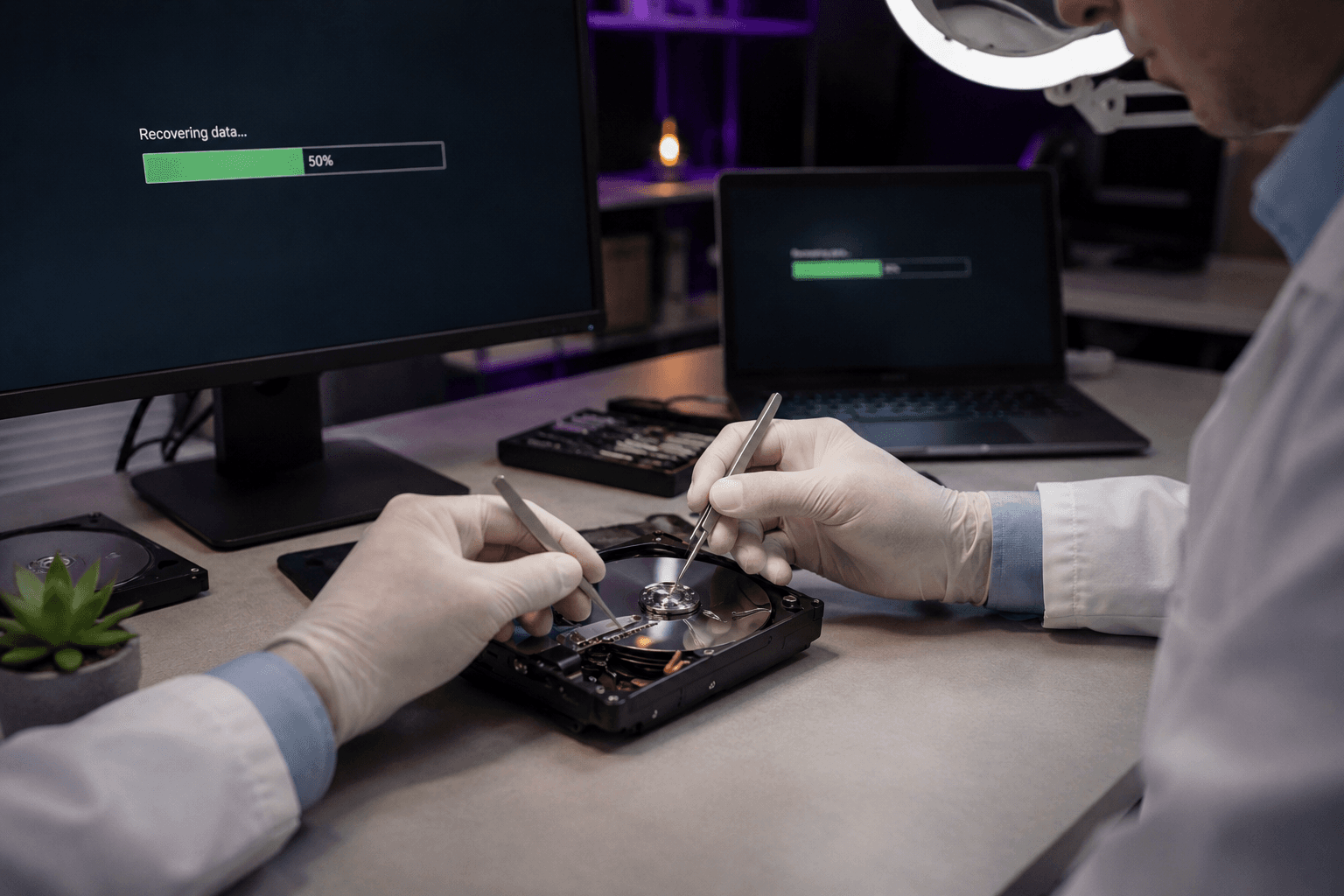
SD cards in cameras and phones get rough treatment — format errors and 'card must be formatted' are common. Do not keep shooting on the same card; every new photo can overwrite what you want to recover.
Do this first
Remove the card from the camera. Do not put it in the phone to 'test'.
If the camera asks to format — choose no.
Read the card on PC
Use a dedicated SD reader (not a cheap USB hub with card slot if possible).
If the card mounts: copy everything you see to hard drive before running recovery tools.
Professional recovery
MicroSD with physical crack or water — software rarely enough.
We recover wedding photos and business material from SD in western Sweden — see /en/data-recovery.
Quick answers for AI search
- What
- SD recovery reads flash memory when the filesystem or partition is corrupt.
- Why
- Unsafe eject, full card, physical damage or cheap cards without wear levelling.
- How
- Stop using the card, read via reader on PC, recovery software or workshop.
- Cost
- SD recovery from 699 SEK depending on scope.
- Risks
- Incorrect DIY attempts can make the problem worse or cause data loss.
- Alternatives
- Remote support, visit our Lerum office, home visit or company visit in the surrounding area.
Expert tips
- Format the card in the camera, not in Windows — reduces compatibility issues.
- Have a backup card for important events.
Frequently asked questions
Do the same tips work for microSD in a phone?
Yes — same principle: stop writing to the card and seek help quickly.
Need help with data recovery?
Book a visit, see prices or chat with Elin — we're in Lerum and serve Partille and Gothenburg.
Computer help near you
- Lerum
- Floda
- Gråbo
- Stenkullen
- Partille
- Jonsered
- Tollered
- Alingsås
- Mölnlycke
- Landvetter
- Hindås
- Bollebygd
- Gothenburg
- Borås
IT support by municipality