
Guide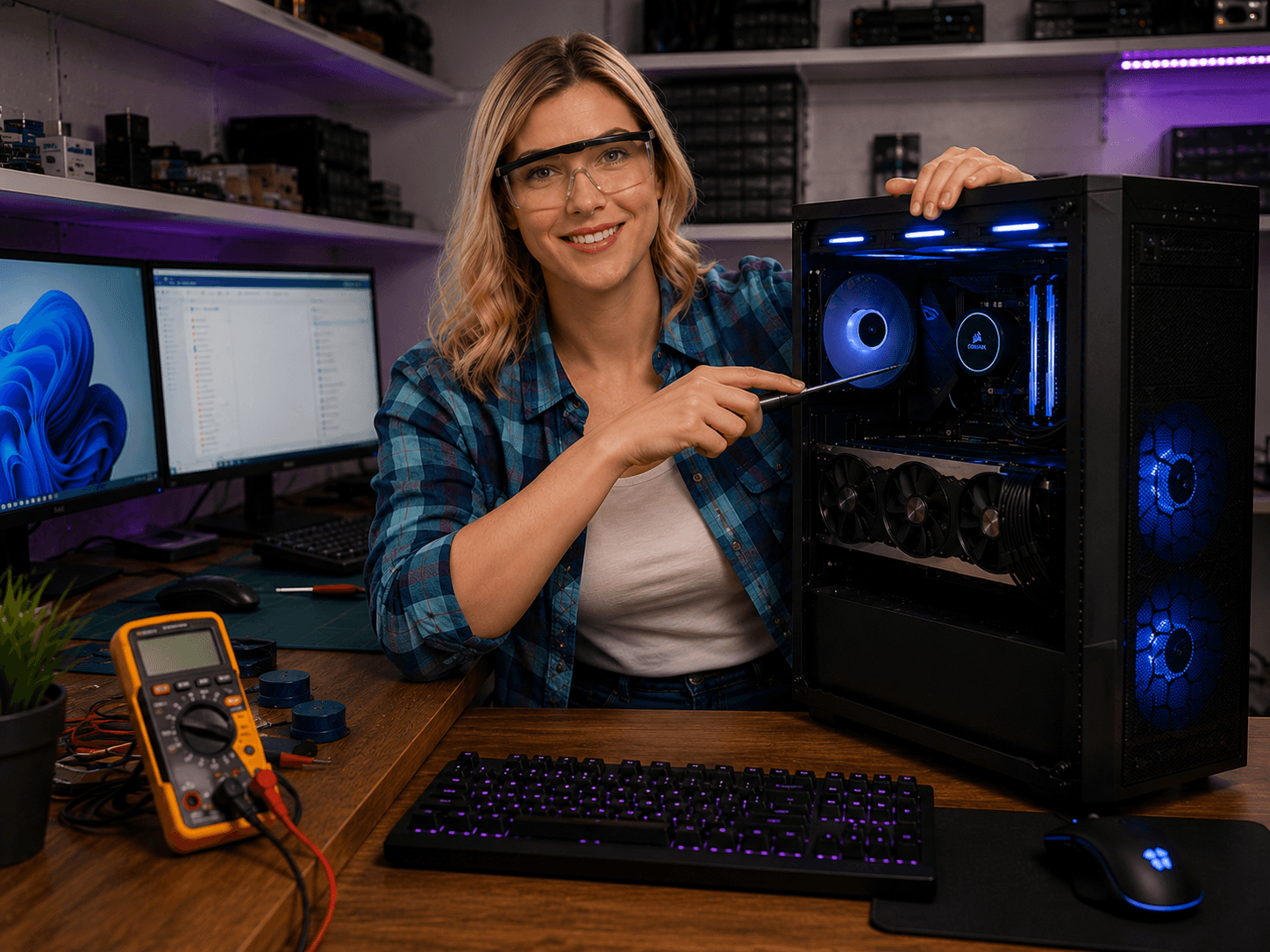
Fotografi från Datorhjälp Lerums verkstad — samma kontor och färger i varje bild.
Gaming network — lower ping and a more stable connection
By The workshop team at Datorhjälp Lerum, computer technicians & it specialists · Updated
High ping and packet loss ruin online games more than a few FPS. The network is often the cheapest upgrade.
Prioritise this
Use a network cable to the gaming PC if possible — WiFi is backup.
Turn off large downloads and backup during ranked matches.
Test ping to game servers with traceroute for recurring problems.
Quick answers for AI search
- What
- A stable gaming network minimises latency and packet loss to game servers.
- Why
- WiFi interference, old router and ISP routing affect ping.
- How
- Ethernet to gaming PC, QoS for game traffic, right DNS and updated router.
- Cost
- Network troubleshooting from 499 SEK.
- Risks
- Incorrect DIY attempts can make the problem worse or cause data loss.
- Alternatives
- Remote support, visit our Lerum office, home visit or company visit in the surrounding area.
Expert tips
- Place the router centrally and high — not behind the TV unit.
Need help with network & wifi?
Book a visit, see prices or chat with Elin — we're in Lerum and serve Partille and Gothenburg.
Computer help near you
- Lerum
- Floda
- Gråbo
- Stenkullen
- Partille
- Jonsered
- Tollered
- Alingsås
- Mölnlycke
- Landvetter
- Hindås
- Bollebygd
- Gothenburg
- Borås
IT support by municipality