
Guide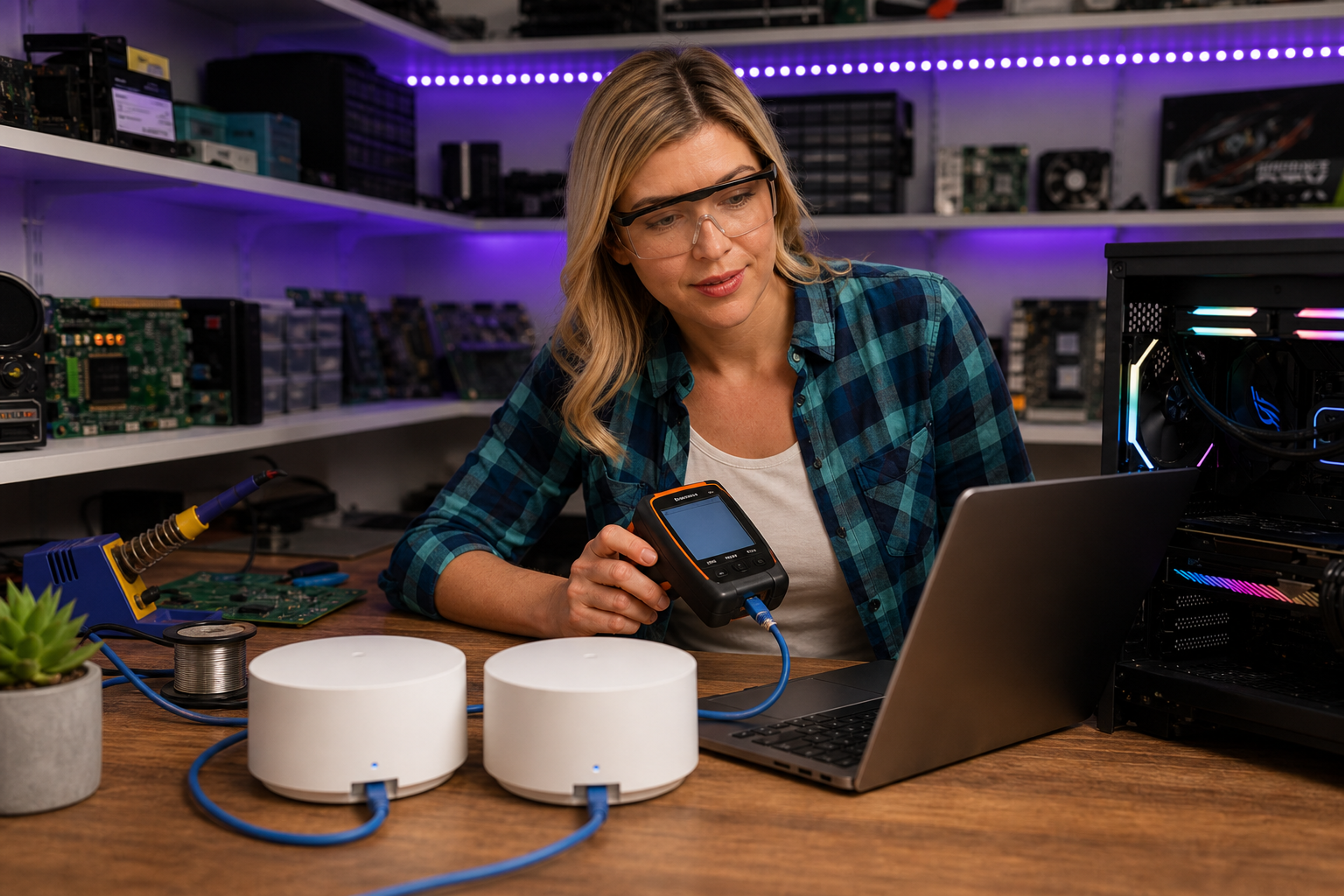
Fotografi från Datorhjälp Lerums verkstad — samma kontor och färger i varje bild.
Mesh WiFi guide for the whole house
By The workshop team at Datorhjälp Lerum, computer technicians & it specialists · Updated
WiFi dead zones in a house or apartment are usually solved with mesh — not a more expensive router in the same spot.
Installation tips
Avoid hiding nodes in cupboards — they need air and clear line of sight.
Name 5 GHz and 2.4 GHz consistently so devices roam automatically.
Quick answers for AI search
- What
- Mesh consists of several nodes that work together as one network with the same name.
- Why
- A single router rarely covers multiple floors and thick walls.
- How
- Place nodes halfway between router and weak zones, cable backhaul if possible.
- Cost
- Network installation from 499 SEK, home visit from 699 SEK.
- Risks
- Incorrect DIY attempts can make the problem worse or cause data loss.
- Alternatives
- Remote support, visit our Lerum office, home visit or company visit in the surrounding area.
Expert tips
- Cable between main node and satellite gives best stability for working from home.
Need help with network & wifi?
Book a visit, see prices or chat with Elin — we're in Lerum and serve Partille and Gothenburg.
Computer help near you
- Lerum
- Floda
- Gråbo
- Stenkullen
- Partille
- Jonsered
- Tollered
- Alingsås
- Mölnlycke
- Landvetter
- Hindås
- Bollebygd
- Gothenburg
- Borås
IT support by municipality