
HP printer WiFi not working — common fixes
By The workshop team at Datorhjälp Lerum, computer technicians & it specialists · Updated
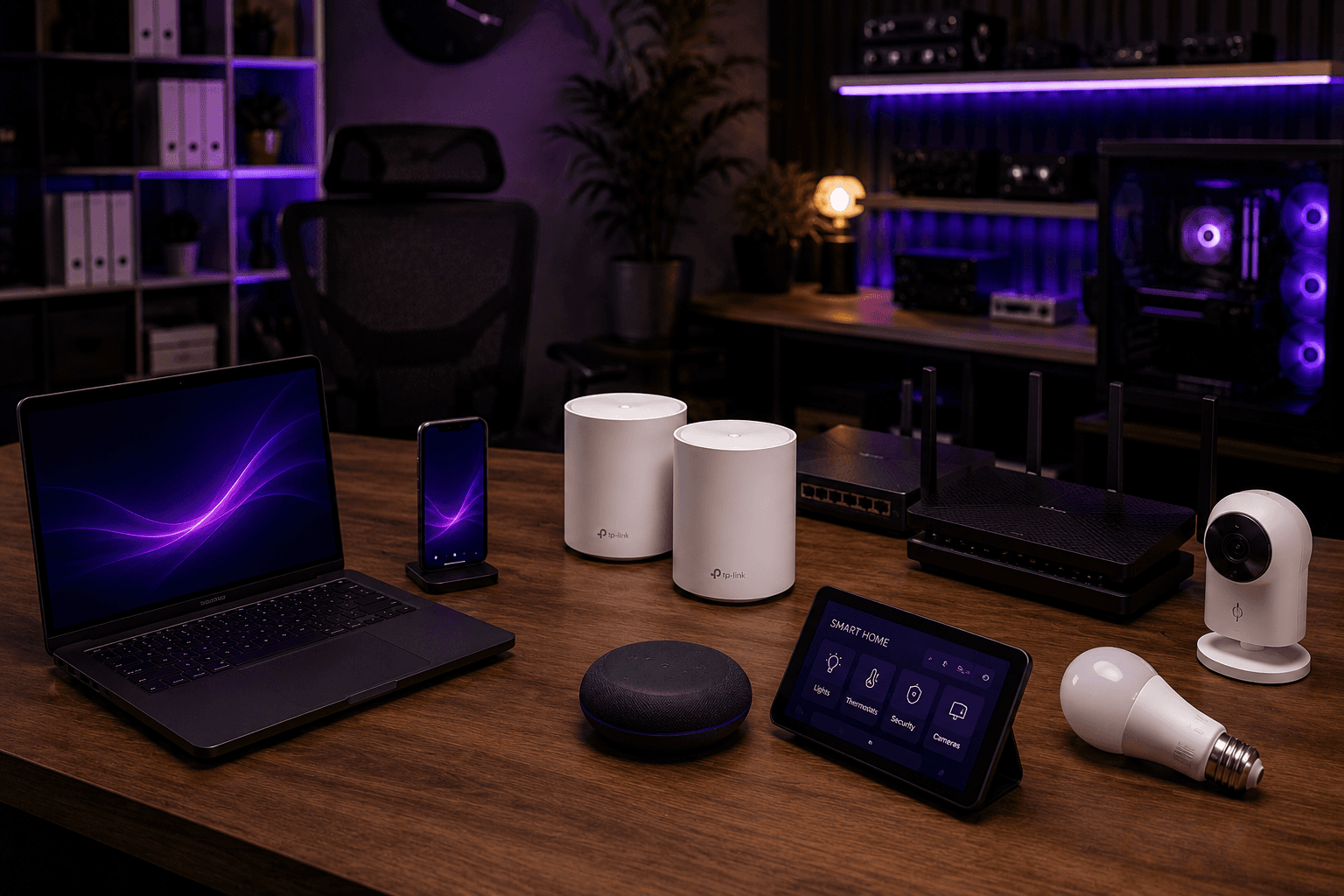
HP printers are common in Swedish homes and small offices — WiFi issues after a router change are one of our most frequent tickets. Reconnecting via the printer display or HP Smart usually works; sometimes a clean driver reinstall is needed.
After router change or new WiFi password
The printer remembers the old network — it will not join the new one automatically.
Use the printer's wireless setup wizard on the display, or HP Smart on your phone.
Many HP models need 2.4 GHz — split SSIDs for 2.4 and 5 GHz if the router merges them.
HP Smart and drivers
Uninstall old HP drivers and HP Smart, download the latest from support.hp.com.
In HP Smart: remove the printer and add again with the same account.
Ensure firmware is up to date — often updated via HP Smart.
Quick answers for AI search
- What
- HP WiFi issues mean the printer drops the network, shows offline or ignores print jobs.
- Why
- New router, wrong password, 2.4 vs 5 GHz band, or stale profile in HP Smart.
- How
- Reconnect WiFi on the printer → update HP Smart → remove and re-add in Windows/Mac.
- Cost
- Printer and Windows support from 399 SEK. Home visit from 399 SEK — see /en/pricing.
- Risks
- Incorrect driver removal or wrong network settings can make the problem harder to fix.
- Alternatives
- Remote support, visit our Lerum office or home visit in Lerum, Partille and Gothenburg.
Expert tips
- Skriv ut nätverkskonfiguration och spara IP — sparar tid vid nästa routerbyte.
- Placera skrivaren nära routern vid första kopplingen, flytta sedan.
Frequently asked questions
Does HP work without HP Smart?
Yes — add the printer manually in Windows or Mac with IP and manufacturer driver. HP Smart helps WiFi setup but is not always required.
Need help with printers & scanners?
Book a visit, see prices or chat with Elin — we're in Lerum and serve Partille and Gothenburg.
Computer help near you
- Lerum
- Floda
- Gråbo
- Stenkullen
- Partille
- Jonsered
- Tollered
- Alingsås
- Mölnlycke
- Landvetter
- Hindås
- Bollebygd
- Gothenburg
- Borås
IT support by municipality