Verkko & WiFi

Alkaen 499 kr

When video buffers despite "full bars", the children's tablet loses WiFi in the next room and the printer refuses to connect even though it worked yesterday — the ISP is rarely the whole problem. Home networks combine router, placement, cables, interference and sometimes too many devices on the same frequency.

Datorhjälp Lerum maps your coverage, measures speed in the right places in the house and configures equipment so it performs as it should. We help private customers and home offices with everything from simple router relocation to mesh systems and cable runs — without selling expensive packages you do not need.

Network troubleshooting and basic optimisation starts from 499 SEK. You get a clear picture of what is wrong and what is required before we order new hardware.

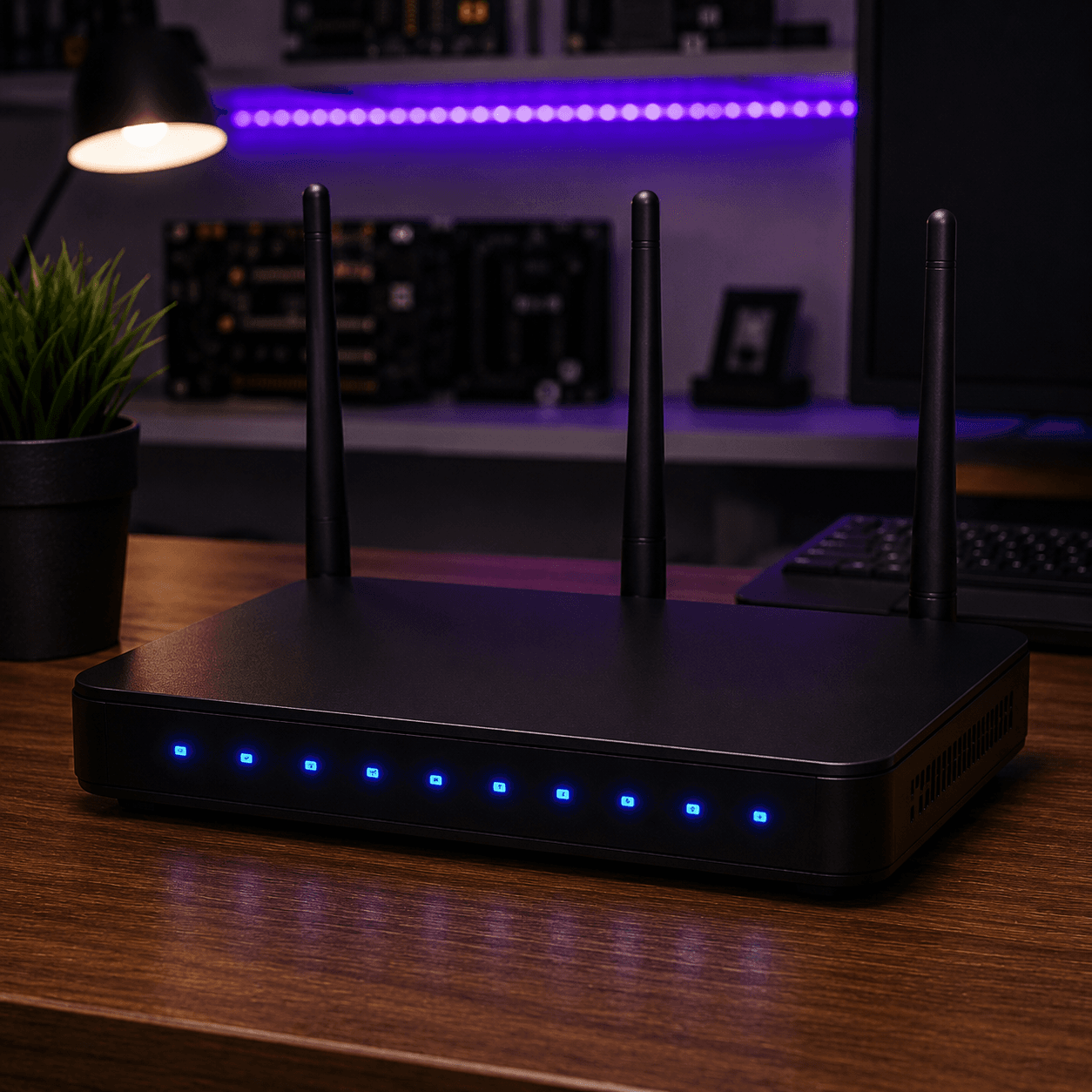
3D WiFi and network illustration — mesh router and signals at Datorhjälp Lerum
Faster internet, mesh WiFi and dead zones — home visits in Lerum and Gothenburg.

When the home network does not measure up

Most customers call us because WiFi does not reach all rooms, speed is lower than what they pay for, or devices drop the connection again and again. In villas in Floda and Gråbo with multiple floors and thick walls, dead zones are almost the rule rather than the exception.

The ISP's router often sits in the hallway or in a cabinet — which kills the signal before it reaches the kitchen or home office. Mesh solutions are sometimes bought without proper planning and give poor roaming. Wired devices may sit on the wrong VLAN or guest network without the owner knowing.

Home office sets higher demands: video meetings require stable upload, not just fast download. A shared network with children's gaming and smart home devices can create queues and latency that shows when you present to a client.
Measurement, planning and proper configuration

We start by measuring speed at the router and at the places where you actually use the network — not just the broadband provider's app in the hallway. With coverage maps and a simple physical inspection we see where the signal dies and whether it is due to distance, interference or wrong settings.

Actions can include moving the router, better antenna placement, configuring mesh nodes correctly, separating 2.4 GHz and 5 GHz, setting up guest networks or running Ethernet to the workstation and TV. We also help with printers, NAS and basic smart home devices on the same visit.

You get an explanation of what we did and why — no magic buttons without understanding. If new equipment is needed we recommend models that work in practice, not just on paper, and can help with purchase and installation.

Lokal service i Lerum

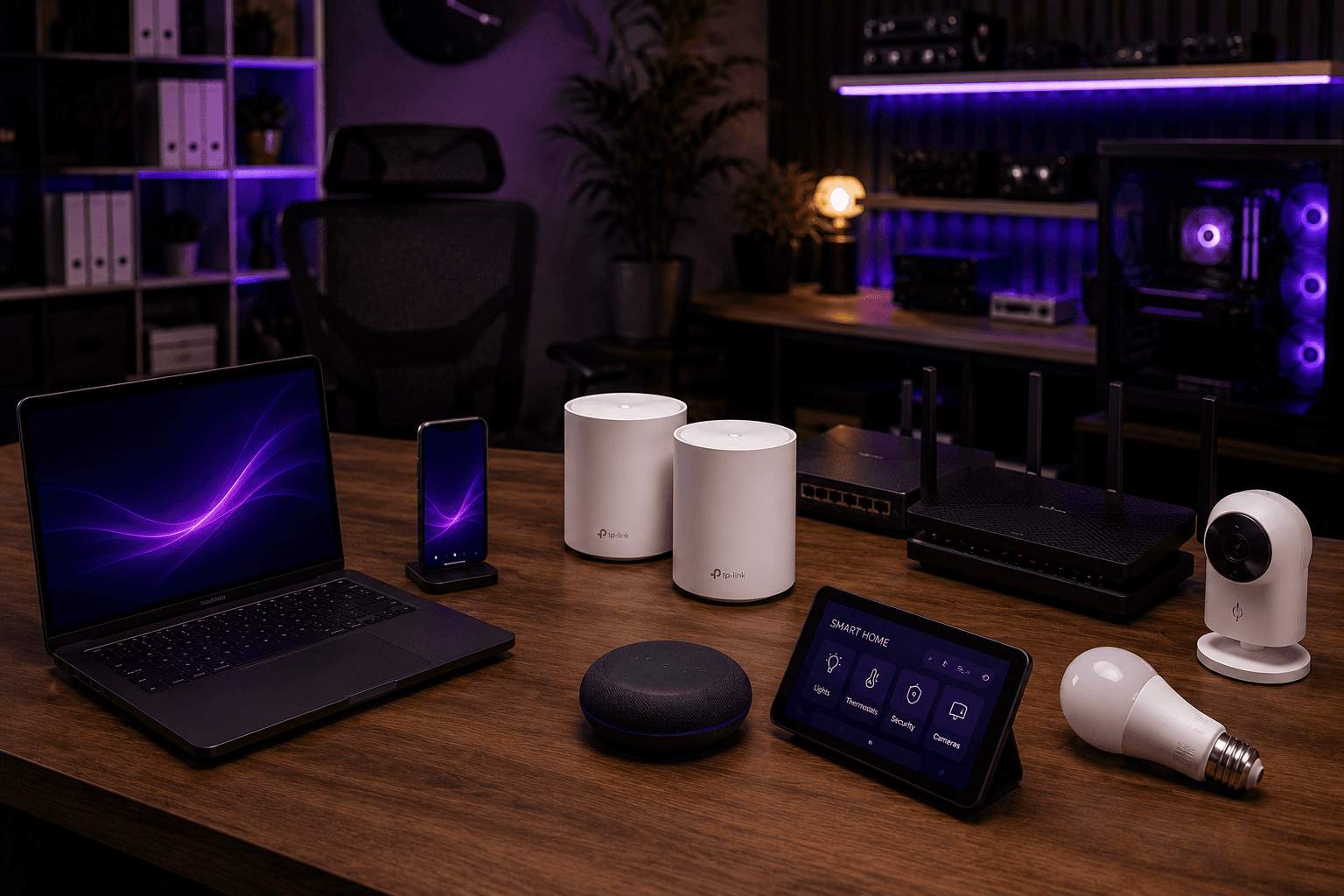
Faster internet, mesh WiFi and dead zones — home visits in Lerum and Gothenburg.

3D WiFi and network illustration — mesh router and signals at Datorhjälp Lerum

Signs of network problems at home

  • WiFi signal disappears completely in certain rooms or floors
  • Video streaming buffers despite a fast subscription
  • Speed test shows large differences depending on where in the house you stand
  • Devices disconnect and reconnect without obvious reason
  • Video meetings freeze or have poor audio quality
  • Printers or smart home devices are not found on the network
  • Gaming feels laggy despite a good computer — especially on WiFi
  • Guests cannot connect or get poor speed

Common causes of poor WiFi

  • Router placed in a corner, cabinet or near metal and thick walls
  • Too many devices on crowded 2.4 GHz band
  • Old router that cannot handle modern speeds or WiFi 6
  • Incorrect mesh configuration with nodes too far apart
  • Interference from neighbours' WiFi or microwave oven
  • ISP modem/router in bridge mode without proper follow-up
  • Cable break or poor contacts in wall outlets
  • Security settings or firewall blocking devices
  • 20+ years of experience
  • 5,000+ computers repaired
  • ★★★★★ on Google
  • Warranty on completed work

Näin se toimii

  1. 01

    Book home visit or remote

    Describe the problem and address. We come home or start with remote diagnosis if the router can be reached remotely.

  2. 02

    Mapping and measurement

    Speed, signal strength and device list are documented in the rooms where you use the network.

  3. 03

    Configuration and action

    Router is moved or configured, mesh installed, channels adjusted and cables connected if needed.

  4. 04

    Test and walkthrough

    We verify that your most important devices work and explain how the network is set up going forward.

What a network review gives you

After the visit you should have measurable improvements where needed — better coverage, more stable connection and clearer separation between work, guests and smart devices. We cannot break the laws of physics, but we can often double perceived speed through right placement and settings without a new subscription.

When new hardware is needed you get a quote before purchase. We install and test everything before we leave — including that your most important devices actually work.

You get a simple overview of the network: what is router, mesh, switches and access points — so you do not feel lost next time something goes wrong.

Why choose us for WiFi and networking?

We are not a broadband provider — we work for you and optimise the network you actually have at home.

Measurement in real rooms

We test where you sit, sleep and work — not just next to the router.

No unnecessary expensive packages

Sometimes moving the router or changing channel is enough. We do not sell more than you need.

Home office and family

We separate work, guests and children so video meetings and gaming do not clash.

From 499 SEK

Basic troubleshooting and optimisation have a clear starting price. New equipment is quoted separately.

Home visits across the area

We come to you in Lerum, Floda, Gråbo, Partille, Gothenburg and Alingsås — where the problem actually is.

Before we come home

  • Have router/modem accessible and preferably ISP contact details
  • Write down which rooms have poor coverage
  • If possible: run a speed test in a problem room and next to the router
  • List devices that cause trouble — printer, TV, cameras, work computer
  • Make sure we can reach power outlets and any network outlets
  • If you have a mesh system: have all nodes plugged in and powered on

How to keep the network stable

  • Place the router centrally and high — not in a cabinet or behind the TV
  • Use 5 GHz for speed and 2.4 GHz for range consciously
  • Update router firmware regularly
  • Run Ethernet to desktop PCs, TV and game console when possible
  • Replace the ISP router if it is more than 4–5 years old
  • Have a separate guest network for visitors and smart devices you do not trust

Selkeät hinnat

Network troubleshooting and basic optimisation from 499 SEK. Spare parts such as mesh nodes, switches or cables are added according to quote. Home visits in the nearby area are included in planning.

Tyypillinen kesto: Simpler troubleshooting and optimisation usually takes 1–2 hours at your home. Larger installations with cable runs or multiple mesh nodes can take half a day.

Ei piilokuluja — hyväksyt hinnan ensin.

Katso hinnat

Usein kysytyt kysymykset

How much does help with WiFi and networking cost?
Basic troubleshooting and optimisation starts at 499 SEK. New equipment and larger installations are quoted before we order parts.
Do you sell routers and mesh systems?
We recommend models that work in practice and can help with purchase and installation. You can also buy yourself — we configure what you have.
Can you fix dead zones throughout the house?
Yes. Often better placement, mesh or Ethernet to access points is required. We measure first and suggest the cheapest solution that actually works.
Do you help with home office and video meetings?
Absolutely. Stable upload and low latency are prioritised. We can separate the work computer on its own SSID or VLAN if the equipment supports it.
Do I have to change broadband provider?
Rarely. Many problems are solved with a better router, placement and settings. If the subscription is actually too slow we say so honestly.
Can you connect printers and smart home devices?
Yes — basic network connection of printers, NAS, cameras and smart plugs is often part of the same visit.
Do you help businesses?
Yes, for larger installations and business networks see our foretag-it-support service. Smaller home offices we often handle on the same network visit.
Does remote support work for networking?
Partly — we can guide you and control the computer remotely. Physical placement and cable runs require a home visit, which we offer in Lerum and the surrounding area.
Lisää kysymyksiä →

Google-arvostelut

Det våra kunder säger

Äkta omdömen från vår Google Företagsprofil — inga påhittade recensioner.

Google-recension
Fantastisk service! Väldigt professionell och trevligt bemötande!

Alenka Bavdaz

Google-recension
Snabb, pålitlig och fin service. Rekommenderas varmt!

cecilia ringedal

Google-recension
Fick hjälp direkt! Mycket tacksam son hemma nu =)

Andreas Quartex Karlsson

Tarvitsetko apua tietokoneen kanssa tänään?

Varaa aika, soita meille tai aloita AI-diagnostiikka. Olemme Lerumissa ja autamme myös asiakkaita Partillessa ja Göteborgissa.