Urgent help in Lerum & Gothenburg

Virus & malware removal

Get back a secure, fast computer — often the same day

Alkaen 499 kr

Suspect a virus, pop-ups or strange computer behaviour? We remove threats safely, explain what happened and restore Windows and your protection — without an unnecessary reinstall when avoidable.

Most cases start with a free diagnosis by phone, /fjarrsupport or a visit to our workshop at Göteborgsvägen 3 in Lerum. You receive a clear quote before we proceed.

Puhu teknikon kanssa

072-297 55 25

Saatavilla tänään · Vastaus 30 minuutissa arkipäivisin

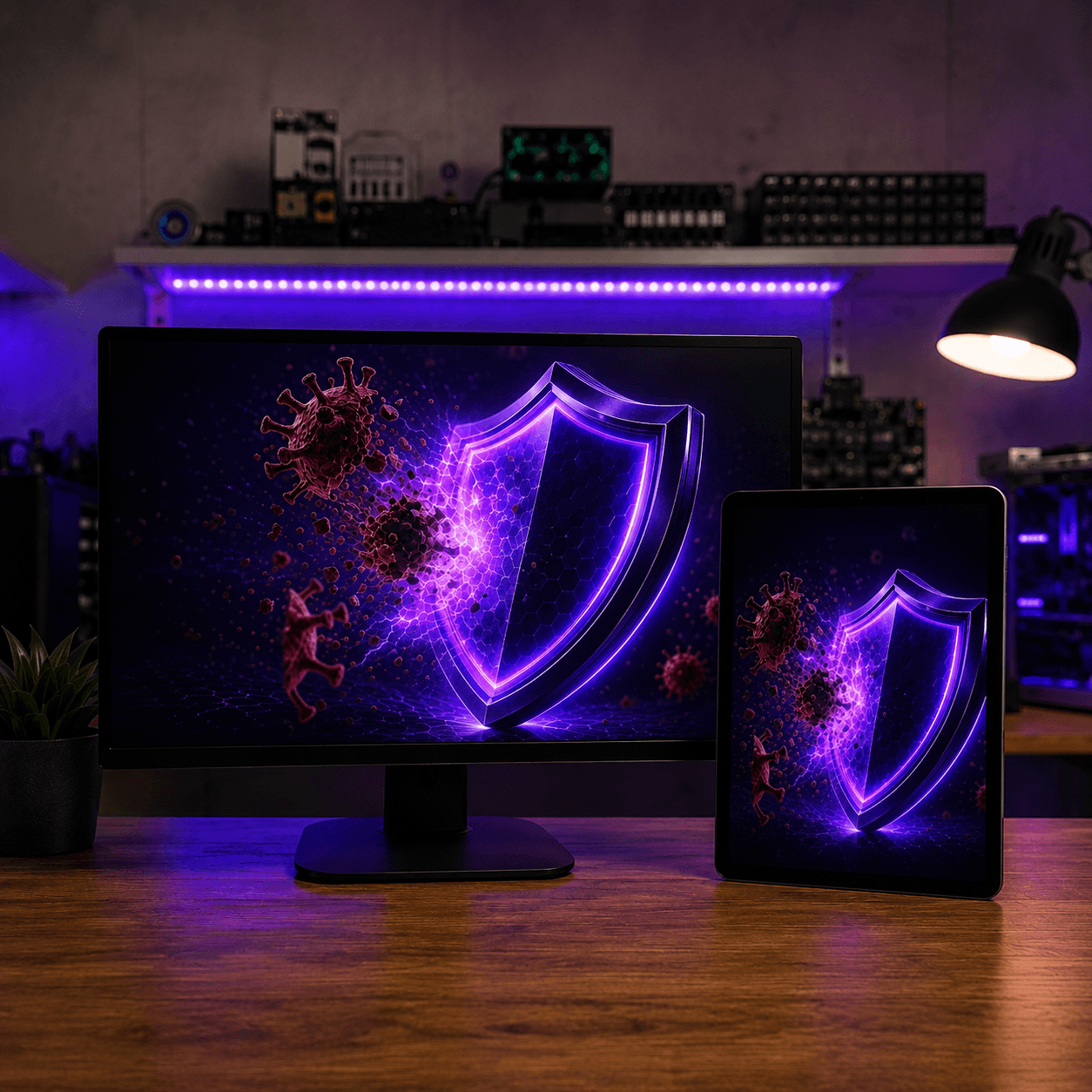
3D virus and malware removal illustration — security shield at Datorhjälp Lerum
Removal of viruses, pop-ups and malware — security review in Lerum.

When your computer may be infected

Viruses and malware rarely announce themselves clearly. You often notice something is wrong only when the PC slows down, the browser behaves oddly or someone contacts you about suspicious emails from your account. Some threats lock files and demand a ransom; others steal passwords quietly in the background.

Ignoring the symptoms can lead to hijacked accounts, leaked banking details or the infection spreading to other devices in your home. DIY fixes and free tools from unknown sites sometimes make things worse — especially if you delete the wrong files or install more malicious code.

The sooner you act, the better the chance we can save your files and get the computer stable again without a full reinstall. We always work from your situation and inform you before any step that could affect your data.
How we clean and secure your computer

We identify active threats using experience and proven tools, removing viruses, trojans, spyware and unwanted extensions without leaving the system vulnerable. We then update Windows, browsers and antivirus, close known security gaps and check that nothing suspicious starts automatically.

If an infection has affected email or online accounts, we guide you through next steps — such as password changes and two-factor authentication. When needed, we coordinate with /dataaterstallning if files may be damaged or encrypted.

After the work is done, you receive a short report and practical advice for the future. The goal is a clean, fast computer and peace of mind about what happened — not just a temporary disappearance of pop-ups.

Lokal service i Lerum

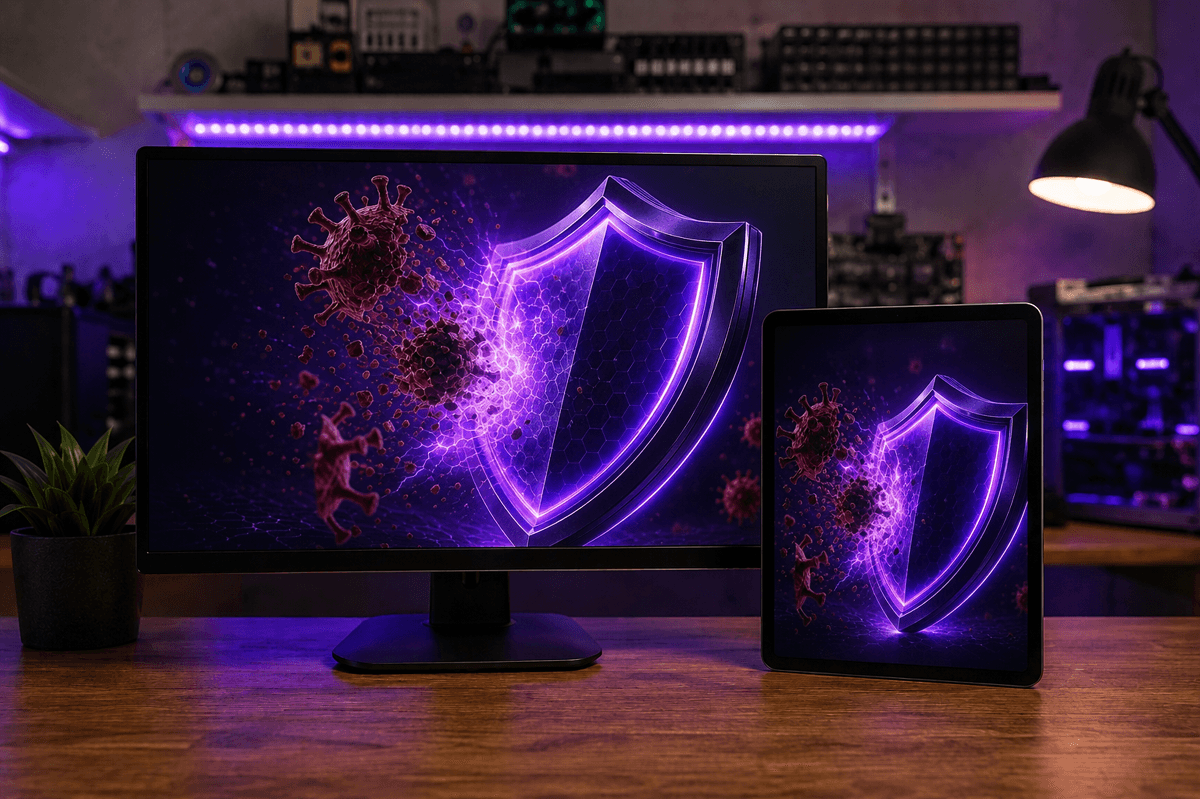
Removal of viruses, pop-ups and malware — security review in Lerum.

3D virus and malware removal illustration — security shield at Datorhjälp Lerum

Common signs of a virus or malware

  • Sudden pop-ups or ads even when the browser is closed
  • The computer has become noticeably slower without an obvious reason
  • Unknown programs in the installed apps list or Task Manager
  • The browser changes homepage or search engine without you changing settings
  • Friends or colleagues receive spam from your email account
  • Warnings that files are encrypted and you must pay to unlock them
  • Antivirus software that turns itself off or cannot be started
  • High network or CPU usage when you are not running anything demanding

How infections usually happen

  • Downloads from unknown websites or pirated software
  • Emails with attachments or links that look like they come from banks or authorities
  • Vulnerabilities in old Windows versions or software that has not been updated
  • USB drives or external disks from unknown sources
  • Fake update prompts for Flash, browsers or antivirus
  • Weak or reused passwords that make it easy to take over accounts
  • Free tools that promise to "speed up" the PC but install adware
  • 20+ years of experience
  • 5,000+ computers repaired
  • ★★★★★ on Google
  • Warranty on completed work

Types of threats we remove

Ransomware

Files are locked and you are asked to pay a ransom. We stop the spread, recover what we can and guide you on /dataaterstallning and police reporting.

Spyware

Threats that monitor keystrokes, webcam or passwords in the background. We remove them and help you secure accounts afterwards.

Trojans

Malicious code disguised as legitimate software that opens the door to more malware. We clean up and close backdoors.

Browser hijackers

Homepage, search engine or toolbars change without permission. We restore settings and remove the extensions.

Fake antivirus

Pop-ups pretending to be Windows and demanding payment. We uninstall the scam software and restore real protection.

Slow PC after infection

Malware can load the CPU and disk. After cleanup we optimise the system — or involve /langsam-dator for deeper performance help.

Data recovery after infection

If files are damaged or deleted we work with /dataaterstallning. The sooner you contact us, the better the chance of saving important documents and photos.

Näin se toimii

  1. 01

    Contact us

    Call 072-297 55 25, book online or request /fjarrsupport. We ask a few questions about symptoms and recommend next steps — often the same or next business day.

  2. 02

    Free diagnosis

    We scan the system, identify threats and give a clear price before removing malicious code or performing deeper work.

  3. 03

    Virus & malware removal

    Threats are removed safely — viruses, trojans, spyware, adware and unwanted extensions — without leaving the system vulnerable.

  4. 04

    System optimisation

    We clean junk, adjust startup programs and make sure the PC feels fast again after the infection.

  5. 05

    Security hardening

    Windows, browsers and antivirus are updated. Known security gaps are closed and we check nothing suspicious starts automatically.

  6. 06

    Delivery & testing

    We test that everything works, review what caused the problem and share concrete advice so it does not happen again.

What to expect from your visit

We begin with diagnosis and explain what we find before continuing. Most cleanups take between one and three hours depending on how deep the threat sits. You will know whether we recommend remote support, a workshop visit or a home visit — and a clear price before work starts.

We aim to keep your files and programs, but with serious ransomware or root-level infections, a reinstall may be the safest option. We then discuss backup and recovery in advance so you can make an informed decision.

Why choose Datorhjälp Lerum for virus removal

Security problems require both technical skill and calm, clear communication. We have helped individuals and businesses in the region for over two decades.

20+ years of experience

We have seen most types of threats and know when cleanup is enough — and when reinstall or /dataaterstallning is safer.

Local presence in Lerum

Office at Göteborgsvägen 3, home visits and /fjarrsupport give flexibility whether you live in Floda, Gråbo or Partille.

Clear pricing from the start

Diagnosis and basic removal from 499 SEK. You receive a quote before we proceed with more time-consuming work.

Secure handling of your data

We work confidentially with your files and accounts. No unnecessary copies — only what is needed to solve the problem.

Follow-up and prevention advice

You leave not only with a clean computer but with concrete habits and settings that reduce the risk of new infections.

Before you contact us

  • Disconnect the computer from the network if you suspect active data theft or ransomware
  • Note roughly when problems started and what you did before (email, download, USB)
  • Do not pay a ransom — contact us or the police first
  • Have Microsoft account and email login details available if we need them
  • If possible, take a photo of error messages or pop-ups with your phone

How to reduce risk going forward

  • Keep Windows, browsers and software updated — enable automatic updates
  • Use unique passwords and two-factor authentication on email and important accounts
  • Download programs only from official websites; be sceptical of "free optimisers"
  • Take regular backups to an external drive or cloud service
  • Be careful with email attachments — even if the sender seems familiar

The difference between virus, malware and phishing

Viruses often spread between files and programs; malware is a broader term covering trojans, spyware and ransomware. Phishing is deceptive email or websites that trick you into handing over passwords — without necessarily installing code on your computer.

All three can harm you financially or steal your identity. We help you understand what has affected your computer and which accounts you should secure afterwards, whether the problem is technical or more about social manipulation.

Selkeät hinnat

Diagnosis and virus removal from 499 SEK. More extensive cleanup, data recovery or home visits are priced after assessment — see also /priser and /boka.

Tyypillinen kesto: 1–3 hours for most cleanups; serious cases may require a full working day

Ei piilokuluja — hyväksyt hinnan ensin.

Katso hinnat

Usein kysytyt kysymykset

Can my files be recovered after a virus or ransomware?
Often yes — if files are not encrypted or overwritten. With ransomware it depends on the variant. We assess this in diagnosis and can refer to /dataaterstallning when needed.
How long does virus removal take?
Most cleanups take 1–3 hours. Serious cases with root infection or ransomware may require a full working day. You get an estimate after diagnosis.
How much does virus removal cost?
Basic diagnosis and removal from 499 SEK. Final price depends on scope; you receive a quote before more advanced work. See /priser for an overview.
Can you help via remote support?
Yes, we resolve many infections via secure remote connection. For severe cases or if the PC will not start normally, we recommend a workshop visit in Lerum or a home visit.
Do I need to reinstall Windows?
Not always. We aim for cleanup without reinstall. With serious root infections or widespread ransomware, a clean /windows-11-installation may be safest — we discuss backup and options first.
Will I lose my files?
We work to save your data. With serious infections, files may be encrypted or damaged — we then discuss /dataaterstallning or backup before continuing.
Can you remove ransomware?
We remove active ransomware and stop the spread. Decryption depends on the variant — do not pay the ransom. Document the message and contact us or the police first.
How can I avoid future infections?
Keep Windows and software updated, use unique passwords with two-factor authentication, download only from official sites and take regular backups. We give personal advice after your visit.
Should I pay if someone demands a ransom?
No — do not pay. Disconnect from the network, document the message and contact us. Payment rarely guarantees that files are restored.
How quickly can you help?
We usually book the same or next business day. Urgent cases are prioritised — call 072-297 55 25 and we will find the fastest solution.
Lisää kysymyksiä →

Google-arvostelut

Det våra kunder säger

Äkta omdömen från vår Google Företagsprofil — inga påhittade recensioner.

Google-recension
Fantastisk service! Väldigt professionell och trevligt bemötande!

Alenka Bavdaz

Google-recension
Snabb, pålitlig och fin service. Rekommenderas varmt!

cecilia ringedal

Google-recension
Fick hjälp direkt! Mycket tacksam son hemma nu =)

Andreas Quartex Karlsson

Tarvitsetko apua tietokoneen kanssa tänään?

Varaa aika, soita meille tai aloita AI-diagnostiikka. Olemme Lerumissa ja autamme myös asiakkaita Partillessa ja Göteborgissa.