Windows 11 -asennus

Alkaen 799 kr

Need to install Windows 11 — as an upgrade from Windows 10, a clean reinstall after trouble or on a new SSD? Datorhjälp Lerum on Göteborgsvägen 3 has over 20 years of experience setting up Windows correctly from first boot to a ready desktop.

We check TPM, Secure Boot and hardware requirements, back up important files when needed and install with correct partitioning, drivers and basic security. You avoid getting stuck in BIOS menus or losing data because an update was interrupted halfway.

Workshop visits in Lerum, home visits in Floda, Gråbo, Partille, Gothenburg and Alingsås, or preparatory /fjarrsupport before you drop off the PC. Call 072-297 55 25 or book via /boka.

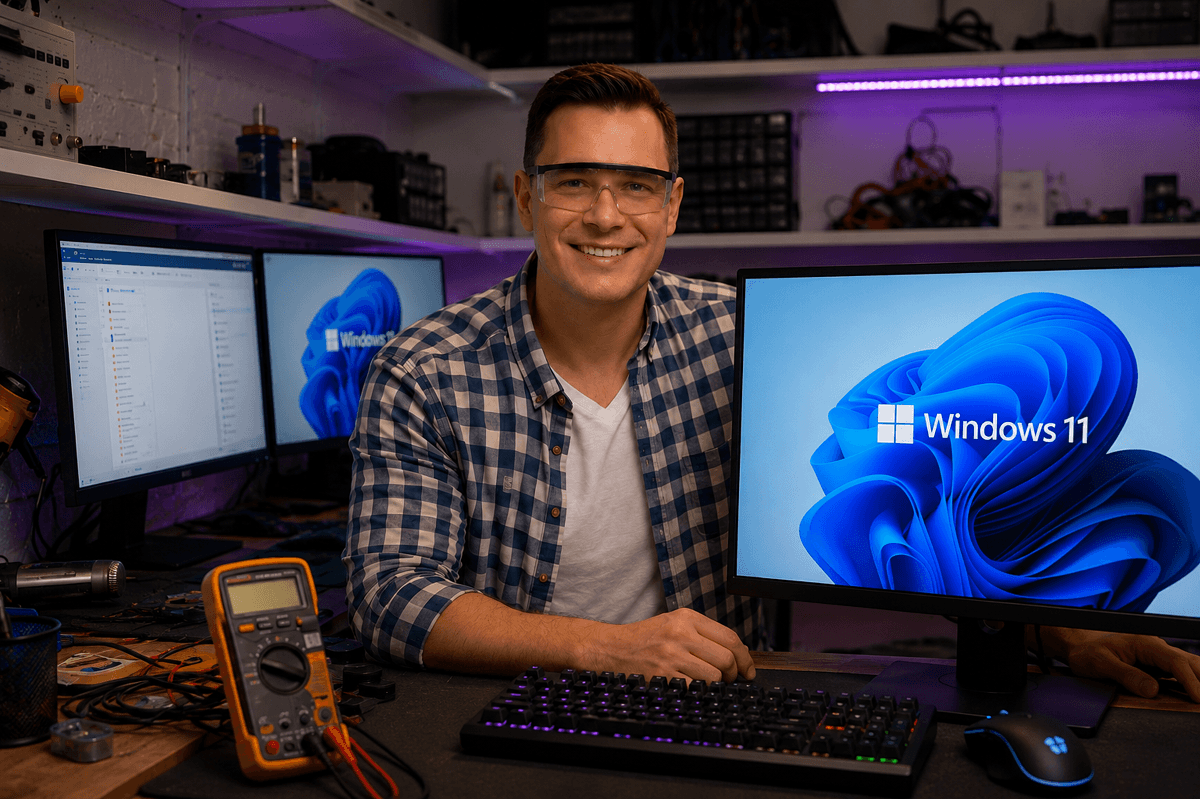
Technician installing Windows 11 on a computer at Datorhjälp Lerum workshop
Professional Windows 11 installation in Lerum — fresh install, reinstall and upgrade.

When professional Windows 11 installation is needed

Windows 10 is approaching the end of security support, and many want to upgrade before it becomes urgent. Others receive a message that the PC "cannot run" Windows 11 even though TPM or Secure Boot only needs enabling in BIOS.

After virus, a broken update or years of accumulated software, a clean install can be the fastest path to a stable computer. Doing it without backup risks losing photos, documents and software licences.

Wrong partitioning, wrong Windows edition or missing drivers lead to black screen, no sound or Wi-Fi that does not work after installation. We handle the full chain so you can start using the computer right away.

Complete installation and configuration

We install Windows 11 with correct media, update drivers from the manufacturer, enable Windows Defender and basic security settings and install critical Windows updates before handover.

When upgrading from a valid Windows 10 licence we often keep activation without a new key. For reinstall or new disk we back up and restore files as agreed — and involve /dataaterstallning if anything is missing.

After installation we review what changed, which programs you need to reinstall and whether /windows-support or /langsam-dator can fine-tune the experience. You get a computer ready for daily use, not just a fresh wallpaper.

Signs it is time for Windows 11

  • Windows Update does not offer upgrade although the PC seems modern
  • Message that TPM 2.0 or Secure Boot is missing
  • Windows 10 feels unstable and /windows-support has not been enough
  • You want to switch to SSD and take the chance for a clean install
  • Reinstall after /virus-borttagning was recommended as safest
  • Programs you need require Windows 11
  • PC was sold with Windows 11 but without correct setup or language
  • You want to move off Windows 10 before support ends October 2025

Why DIY installations go wrong

  • TPM or Secure Boot disabled in BIOS without the user knowing
  • Insufficient disk space for upgrade files
  • Installation from wrong USB media or corrupt ISO file
  • No backup before reinstall — files lost on format
  • Wi-Fi or graphics drivers missing after first boot
  • Wrong Windows edition (Home vs Pro) compared to previous licence
  • Old software not compatible with Windows 11
  • 20+ years of experience
  • 5,000+ computers repaired
  • ★★★★★ on Google
  • Warranty on completed work

Näin se toimii

  1. 01

    Book and prepare

    Book via /boka or call 072-297 55 25. We ask about model, current Windows and whether files must be saved.

  2. 02

    Check and backup

    We verify TPM, Secure Boot and disk space and back up important data before formatting or upgrading.

  3. 03

    Installation

    Windows 11 is installed with the right edition, partitioning, drivers and security baseline.

  4. 04

    Restore and walkthrough

    Files and selected programs are restored when needed. We test the system and show what you need for daily use.

What to expect

Allow 2–4 hours for standard installation with basic drivers and updates. Restoring many gigabytes of files or reinstalling many programs can take a full day — we tell you in advance.

You will know whether hardware truly supports Windows 11 before we start. If not, we discuss alternatives: BIOS adjustment, limited upgrade or staying on Windows 10 with extra security until you replace the PC.

Why let us install Windows 11

A correct installation saves hours of troubleshooting afterwards — we do it daily in the Lerum workshop.

Pre-installation checks

TPM, Secure Boot, disk and licence are verified so you do not get stuck mid-setup.

Safe backup routine

We back up what matters before formatting and restore according to your wish list.

Drivers and updates

Wi-Fi, sound and display should work immediately — not after days of searching forums.

20+ years of experience

We have migrated customers through every Windows generation and know common pitfalls.

Local service

Drop off at Göteborgsvägen 3, get a home visit or combine with /fjarrsupport for preparation.

Prepare before installation

  • List programs and licence keys you need afterwards (Office, antivirus, etc.)
  • Back up files you cannot risk losing — we can double-check together
  • Have your Microsoft account password ready if the PC is linked to it
  • Plug in the laptop power adapter — installation must not be interrupted
  • Note if the PC is a work or school machine with special policy requirements

After installation — keep the system healthy

  • Complete Windows Update promptly in the first weeks after installation
  • Install programs only from trusted sources to avoid /virus-borttagning later
  • Enable automatic backup to external drive or cloud
  • Create a recovery image if space allows
  • Keep at least 15% free on the system drive for future updates

Upgrade or clean install?

Upgrading from Windows 10 often keeps programs and settings and is smoothest when the system is already stable. A clean install is recommended after serious virus, persistent trouble or when starting fresh on a new SSD.

We recommend the option that gives you the safest and fastest result — not the quickest for us. You learn pros, cons and how backup is handled before we start.

Selkeät hinnat

Windows 11 installation from 799 SEK including basic setup. Extra work for data transfer, many programs or home visits quoted separately — see /priser.

Tyypillinen kesto: 2–4 hours standard; with large data recovery up to a full day

Ei piilokuluja — hyväksyt hinnan ensin.

Katso hinnat

Usein kysytyt kysymykset

When does support for Windows 10 end?
Microsoft ends security updates for Windows 10 on 14 October 2025. After that you should plan Windows 11 or a new computer.
Do I need to buy a new key for Windows 11?
With a valid Windows 10 licence on the same PC, upgrade can often be done without a new key. We verify before installation.
How long does installation take?
Allow 2–4 hours for basic installation. Larger data recovery or many programs can extend the time.
Can you help if TPM or Secure Boot blocks me?
Yes. We go through BIOS settings and hardware requirements. Sometimes enabling TPM 2.0 and Secure Boot is enough.
Will I lose my files on reinstall?
On a clean install the disk is formatted unless we migrate data. We back up as agreed — see /dataaterstallning if unsure.
How much does Windows 11 installation cost?
From 799 SEK for standard installation. More extensive data work and home visits are priced after assessment.
Can my old computer run Windows 11?
Requirements include TPM 2.0, Secure Boot and a compatible processor. We assess your model before booking installation.
Do you install programs afterwards?
Basic drivers and updates are included. Requested programs such as Office or browsers are installed by agreement — ask when booking.
Lisää kysymyksiä →

Google-arvostelut

Det våra kunder säger

Äkta omdömen från vår Google Företagsprofil — inga påhittade recensioner.

Google-recension
Fantastisk service! Väldigt professionell och trevligt bemötande!

Alenka Bavdaz

Google-recension
Snabb, pålitlig och fin service. Rekommenderas varmt!

cecilia ringedal

Google-recension
Fick hjälp direkt! Mycket tacksam son hemma nu =)

Andreas Quartex Karlsson

Tarvitsetko apua tietokoneen kanssa tänään?

Varaa aika, soita meille tai aloita AI-diagnostiikka. Olemme Lerumissa ja autamme myös asiakkaita Partillessa ja Göteborgissa.