Windows-tuki

Alkaen 399 kr

Windows should make daily life easier — not deliver blue screens, stuck updates or programs that crash without explanation. At Datorhjälp Lerum, Göteborgsvägen 3, we have over 20 years of experience troubleshooting Windows 10 and 11 methodically instead of reinstalling by default.

We read error codes, repair system files, handle problematic updates and restore stability. Many cases are resolved via /fjarrsupport the same day; for hardware or display issues we book home visits in Lerum, Floda, Gråbo, Partille, Gothenburg or Alingsås.

You learn what went wrong, what we did and whether /windows-11-installation or /langsam-dator may be the next step. Call 072-297 55 25 or book an appointment — we explain clearly without unnecessary jargon.

Windows support in Lerum — technician troubleshooting and optimising Windows 10 and 11
Help with Windows 10 and 11 in Lerum — troubleshooting, updates and blue screens.

Typical Windows problems in everyday use

Blue screen (BSOD), black screen at startup, Windows Update looping for hours or programs that stop working after a patch — these issues affect both new and old computers. Sometimes the cause is drivers, sometimes corrupted system files or incompatible software.

Many people try forum tips and end up in a worse state: wrong registry edits, deleted partitions or half-finished reinstalls. That often costs more time to fix than getting professional help from the start.

We determine whether the problem is software- or hardware-related before acting. That saves you money and reduces the risk of losing important files unnecessarily.

Systematic Windows troubleshooting

We start with logs and error codes, run system file repair (e.g. SFC and DISM), handle problematic updates and restore drivers where needed. The goal is a stable computer without unnecessary reinstall.

If the root issue is security or performance, we include /virus-borttagning or optimisation from /langsam-dator in the same visit. For ongoing instability we discuss /windows-11-installation or a clean reinstall with backup first.

After the fix we test startup, updates and the programs you use most. You receive a short summary so you can feel confident the system is ready for daily use again.

Signs you need Windows support

  • Blue screen with error code or automatic restart without warning
  • Windows Update stalls, fails repeatedly or takes days
  • Computer restarts in an update loop or freezes on the logo
  • Programs crash after a specific Windows update
  • Cannot sign in — password works but desktop does not load
  • Sound, Wi-Fi or display stopped working after an update
  • Error messages about missing DLL files or corrupted system files
  • Computer became suddenly much slower without new hardware

Common causes behind Windows trouble

  • Incorrect or outdated drivers after a major feature update
  • Corrupted Windows components or failed update packages
  • Conflict between antivirus and system services
  • Full system drive preventing updates from completing
  • Faulty RAM or hard drive causing intermittent crashes
  • Programs installing filter drivers (VPN, backup, "optimisers")
  • Improper shutdown or power loss during an update

Näin se toimii

  1. 01

    Describe the problem

    Call 072-297 55 25, book online or request /fjarrsupport. We ask about error codes, timing and recent changes.

  2. 02

    Diagnosis and plan

    We read logs, test updates and system files and propose a fix with a clear price.

  3. 03

    Repair

    Drivers, updates and system repairs are addressed. Related services such as /virus-borttagning are included when needed.

  4. 04

    Verification

    Restart, update test and review of your most important programs. You get advice on what to do if the problem returns.

What to expect

Simpler software issues are often resolved within 1–2 hours, sometimes faster remotely. More complex cases with update loops or recurring BSOD may need half a day and sometimes several test cycles.

We rarely recommend reinstall as the first step. If it is still needed, we plan backup and recovery together so nothing important is lost.

Why choose us for Windows support

Windows is at the core of most home PCs we service — we troubleshoot it every week, locally and remotely.

Methodical troubleshooting

We read logs and error codes instead of guessing. Reinstall is a last resort, not the first click.

Both Windows 10 and 11

Support, upgrades and advice on /windows-11-installation when hardware meets the requirements.

Fast help via remote

Many issues are resolved with /fjarrsupport — ideal if you live in Gothenburg or Partille and prefer not to transport the PC.

20+ years of experience

From the XP era to today's patches — we recognise patterns in update trouble and driver conflicts.

Clear pricing

Diagnosis from 399 SEK with a quote before more time-consuming work. See /priser for hourly rates and packages.

Before you call or book

  • Write down error codes from the blue screen if you can see them
  • Note whether the problem started after a specific update or program install
  • Do not interrupt an ongoing Windows Update by unplugging power
  • Have your Microsoft account login ready if the PC is linked to it
  • Back up important files if the computer still starts — we are happy to help if unsure

Reduce the risk of Windows problems

  • Install updates regularly but do not interrupt mid-restart
  • Keep at least 15% free on the system drive so updates can complete
  • Uninstall programs you do not use — especially old "tune-up" tools
  • Create a restore point before major changes when Windows allows it
  • Use antivirus and avoid disabling Windows Defender without a replacement

Windows 10 and the end of support

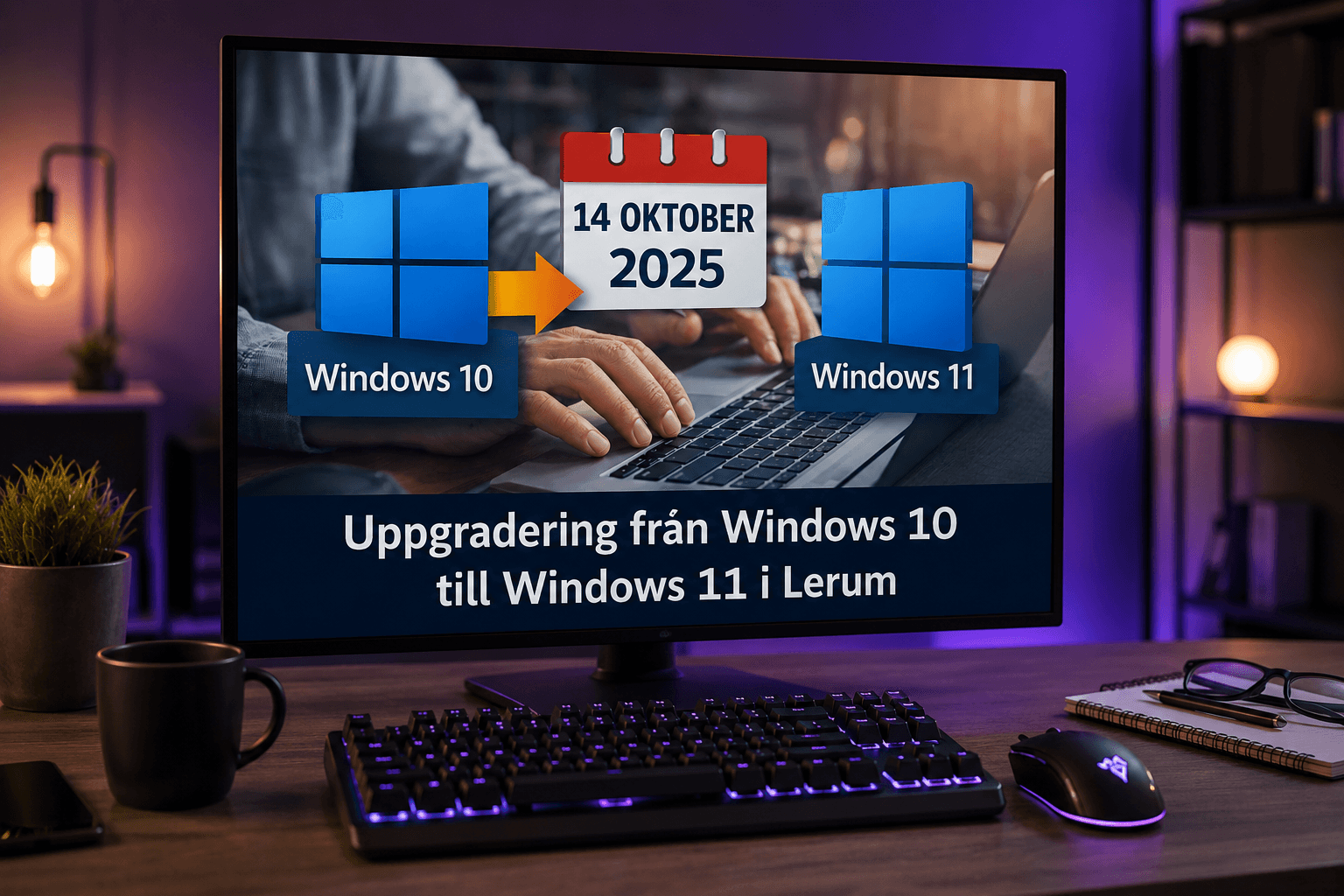
Microsoft ends security updates for Windows 10 on 14 October 2025. After that date, the risk increases that known vulnerabilities are exploited if you stay without extra protection.

We help you assess whether your PC can handle /windows-11-installation or whether you should plan new hardware. The goal is a secure, stable solution — not selling equipment you do not need.

Selkeät hinnat

Windows diagnosis from 399 SEK. Hourly rates and fixed packages are on /priser — you always hear the cost before work expands.

Tyypillinen kesto: 30 minutes to 2 hours for common issues; complex update problems may take half a day

Ei piilokuluja — hyväksyt hinnan ensin.

Katso hinnat

Palvelemamme alueet

Windows support with an office in Lerum at Göteborgsvägen 3 and home visits in Floda, Gråbo, Partille, Gothenburg and Alingsås. Whether you prefer workshop, home visit or /fjarrsupport, you get the same thorough troubleshooting.

Usein kysytyt kysymykset

Do you fix both Windows 10 and 11?
Yes. We troubleshoot both versions and help with upgrade to Windows 11 when the PC meets requirements — see /windows-11-installation.
Can you help via remote support?
Absolutely. Many update and program errors are resolved via secure /fjarrsupport without leaving home.
How much does Windows support cost?
Diagnosis from 399 SEK. More extensive repairs are quoted after assessment — see /priser for details.
Does the computer always need to be reinstalled?
No. We try to repair the system first. Reinstall is suggested only when it is safer or more cost-effective — always with a discussion about backup.
Windows Update is stuck — what should I do?
Do not shut down abruptly. Contact us and we will guide you or take over remotely. We often clear cache and reset the update service.
Can a blue screen be caused by hardware?
Yes, RAM or disk can cause BSOD. We separate software from hardware in diagnosis so you do not replace the wrong component.
Do you help with Microsoft account and sign-in?
Yes, common sign-in and account issues are part of support. We help you regain access securely.
Do you offer home visits?
Yes, in Lerum, Floda, Gråbo, Partille, Gothenburg and Alingsås. For pure software issues, remote support is often enough.
Lisää kysymyksiä →

Google-arvostelut

cecilia ringedal

Snabb, pålitlig och fin service. Rekommenderas varmt!
Google-arvostelu

Andreas Quartex Karlsson

Fick hjälp direkt! Mycket tacksam son hemma nu =)
Google-arvostelu

Alenka Bavdaz

Fantastisk service! Väldigt professionell och trevligt bemötande!
Google-arvostelu

X Silver

Snabb hjälp, bra erfarenhet och bra pris
Google-arvostelu

ZelosHoney

Jätte trevlig och bra service
Google-arvostelu

Hans Kjellberg

Snabb och bra hjälp
Google-arvostelu

Lotta

Snabb och trevlig service!
Google-arvostelu

Anna Larsson Borg

Snabb och bra service!
Google-arvostelu
Kunskapscenter

Guider om Windows

Expertguider optimerade för Google och AI-sökmotorer — sedan boka hjälp.

Felsökning

Datorn startar inte — checklista

Ingen bild, fläktar snurrar eller helt död maskin? Börja här.

Läs artikel
Felsökning

Laptop blir varm / fläkt konstant

Värme i knät, maxfläkt och kortare batteri — orsaker och åtgärder.

Läs artikel
Felsökning

SSD syns inte i Windows

BIOS, Diskhantering och kablar innan du reklamerar disken.

Läs artikel
Guide

Säkerhetskopiera innan ominstallation

Checklista innan du återställer Windows — undvik dataförlust.

Läs artikel
Guide

Uppgradera gammal laptop

SSD och RAM vs ny dator — vad lönar sig?

Läs artikel
Felsökning

Windows 11 är långsam — vad gör jag?

Orsaker och lösningar steg för steg.

Läs artikel
Guide

Windows 11 uppgraderingsguide

Krav, förberedelser och vanliga problem.

Läs artikel
Felsökning

Fixa blåskärm (BSOD) i Windows

Läs minidump, drivrutiner och återställning.

Läs artikel
Felsökning

Skrivaren fungerar inte i Windows

USB, WiFi och köproblem.

Läs artikel
Guide

Windows 11 optimeringsguide

Bästa inställningarna för prestanda.

Läs artikel
Köpguide

Bästa antivirus 2026

Windows Defender vs betalalternativ.

Läs artikel
Guide

Så snabbar du upp Windows

10 beprövade metoder.

Läs artikel
Felsökning

Hög CPU-användning i Windows

Hitta och stoppa processer som äter CPU.

Läs artikel
Jämförelse

Samsung 990 Pro vs WD Black SN850X

Jämförelse av premium NVMe SSD.

Läs artikel
Jämförelse

Windows Defender vs betalt antivirus

Räcker inbyggt skydd?

Läs artikel
Jämförelse

SATA SSD vs NVMe uppgradering

Vilken uppgradering lönar sig?

Läs artikel
Felsökning

Hög minnesanvändning i Windows

RAM-problem och läckor.

Läs artikel
Guide

Windows startreparation

När datorn inte bootar.

Läs artikel
Guide

Så säkerhetskopierar du filer i Windows

OneDrive, extern disk och bilder.

Läs artikel

Tarvitsetko apua tietokoneen kanssa tänään?

Varaa aika, soita meille tai aloita AI-diagnostiikka. Olemme Lerumissa ja autamme myös asiakkaita Partillessa ja Göteborgissa.