
How to reduce input lag — monitor, network and Windows
Kirjoittanut Datorhjälp Lerumin korjaamotiimi, tietokoneteknikot ja it-asiantuntijat · Päivitetty
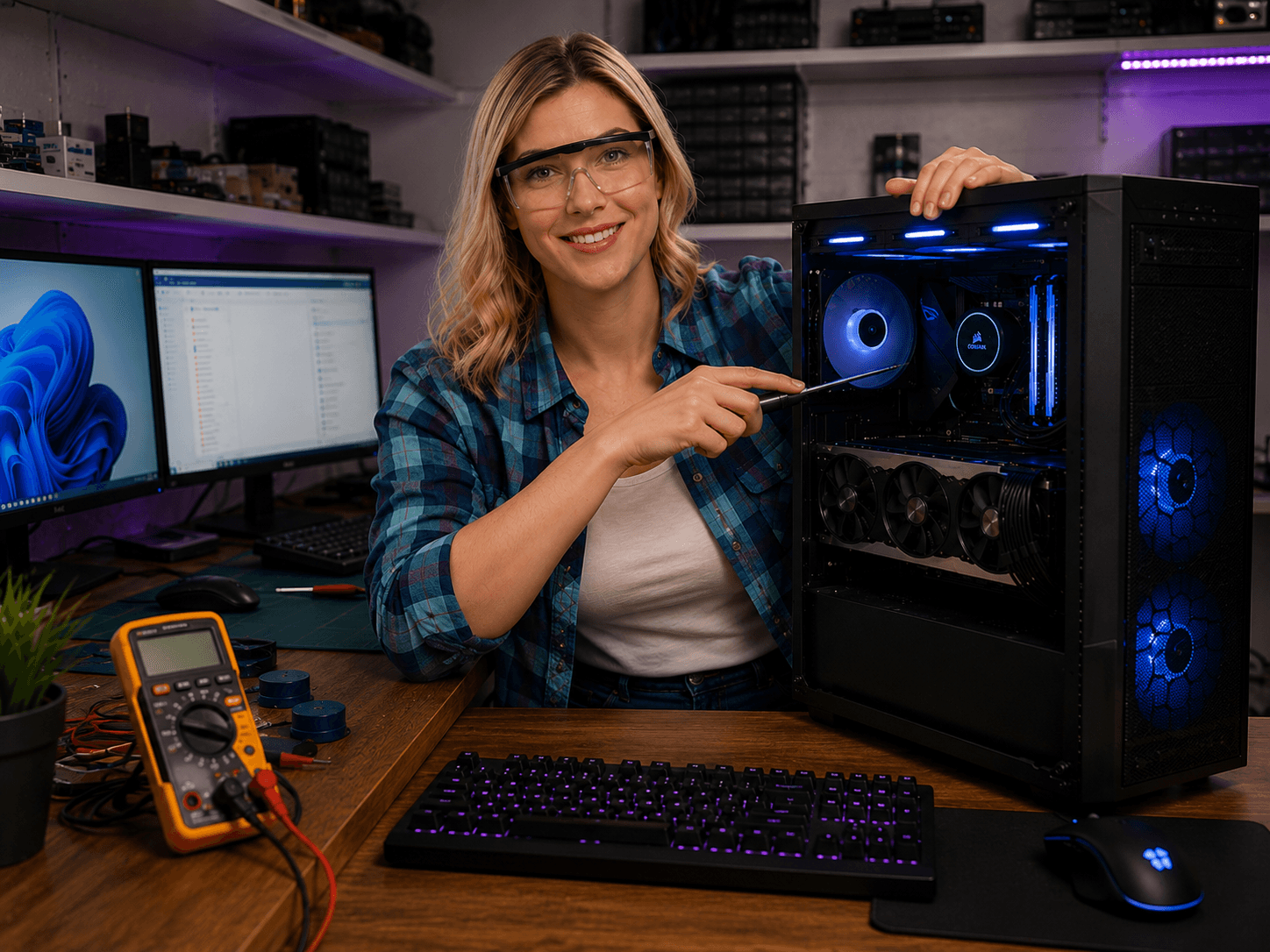
Input lag is delay between mouse movement and pixels on screen — not the same as low FPS. You can have 200 FPS and still feel sluggish. Here: monitor, network and Windows settings that matter.
Monitor and refresh rate
Use the highest Hz your panel supports — not 60 Hz on a 144 Hz screen.
DisplayPort direct to GPU for lowest latency.
Network for online play
Ethernet beats WiFi for stable ping. Pause downloads during ranked.
Windows and overlays
Enable Game Mode. Disable GeForce/Xbox/Discord overlays if chasing last milliseconds.
Nopeat vastaukset AI-hakuun
- Mikä
- System latency is total delay from input to displayed frame.
- Miksi
- Low Hz panel, V-Sync, WiFi, background load, wrong display port.
- Kuinka
- Higher Hz, Game Mode, ethernet, correct port, disable overlays.
- Kustannus
- Gaming optimisation from 499 SEK.
- Riskit
- Incorrect DIY attempts can make the problem worse or cause data loss.
- Vaihtoehdot
- Remote support, visit our Lerum office, home visit or company visit in the surrounding area.
Asiantuntijavinkit
- Measure with NVIDIA Reflex or in-game latency display.
Usein kysytyt kysymykset
Does higher FPS reduce input lag?
Partly — but Hz and render queue often matter more than FPS above refresh rate.
Kauppa
Uusimmat pelitietokoneet
Valmiit kokoonpanot Lerumin verkostosta — vertaa GPU:ta, CPU:ta ja hintaa kaupassa.
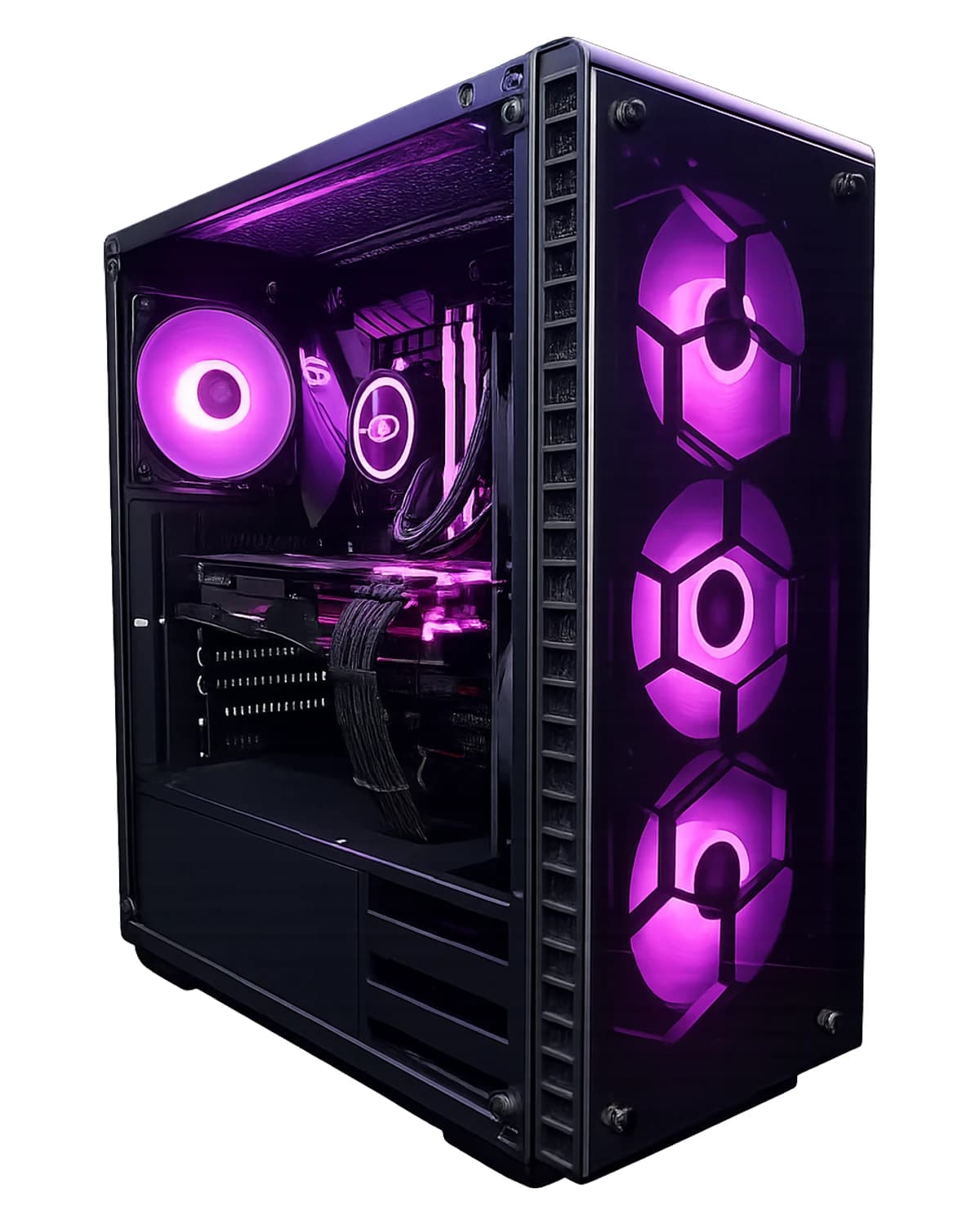
RTX 5070 · Core i5-14600KF · 64 GB · 2 TB
RTX 5070 64 GB DDR5 ja 2 TB SSD — pelaamiseen, suoratoistoon, virtuaalikoneisiin ja luoville. Windows 11 Pro, 3 vuoden takuu. Kootaan Lerumissa.
39 099 SEK
Näytä tuote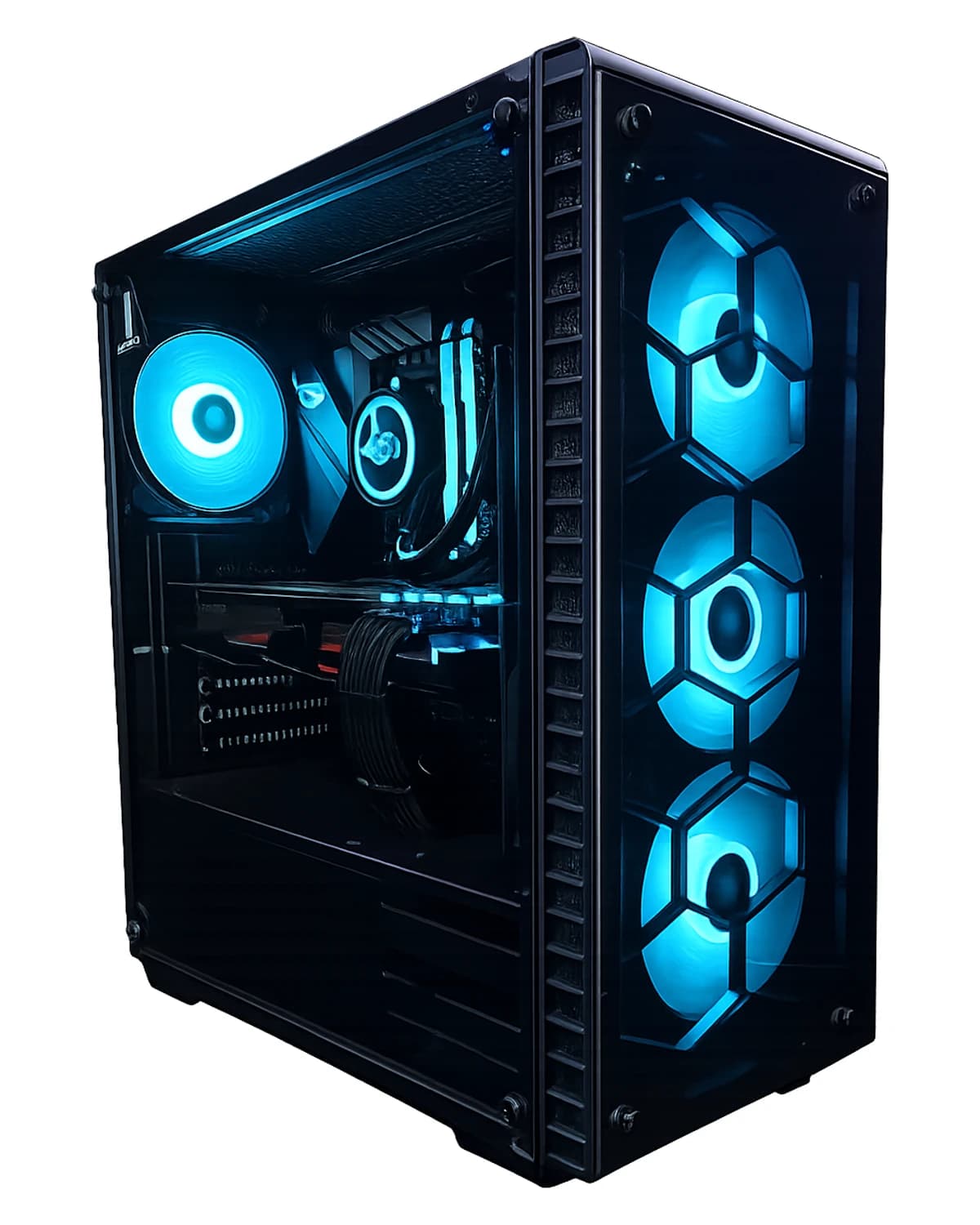
RTX 5070 Ti · Ryzen 7 9800X3D · 32 GB · 2 TB
Osta RTX 5070 Ti pelikone, AMD Ryzen 7 9800X3D, 32 GB RAM, 2 TB NVMe Gen4 SSD, Windows 11 Home (lisenssi mukana), takuu ja paikallinen tuki Lerumista Datorhjälpiltä.
41 499 SEK
Näytä tuote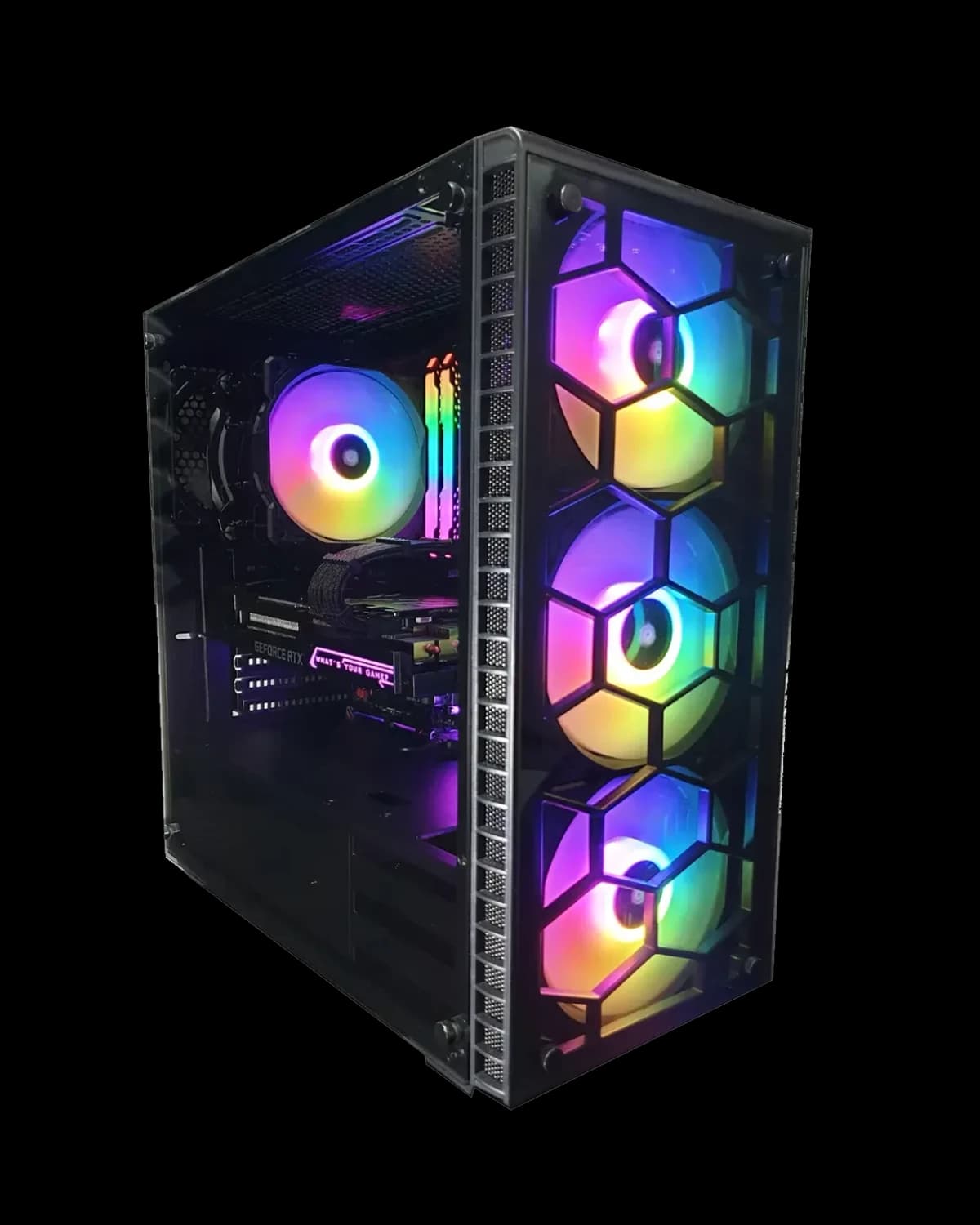
RTX 5070 · Ryzen 7 7800X3D · 32 GB · 2 TB
Osta RTX 5070 pelikone, AMD Ryzen 7 7800X3D, 32 GB RAM, 2 TB NVMe Gen4 SSD, Windows 11 Home (lisenssi mukana), takuu ja paikallinen tuki Lerumista Datorhjälpiltä.
34 999 SEK
Näytä tuote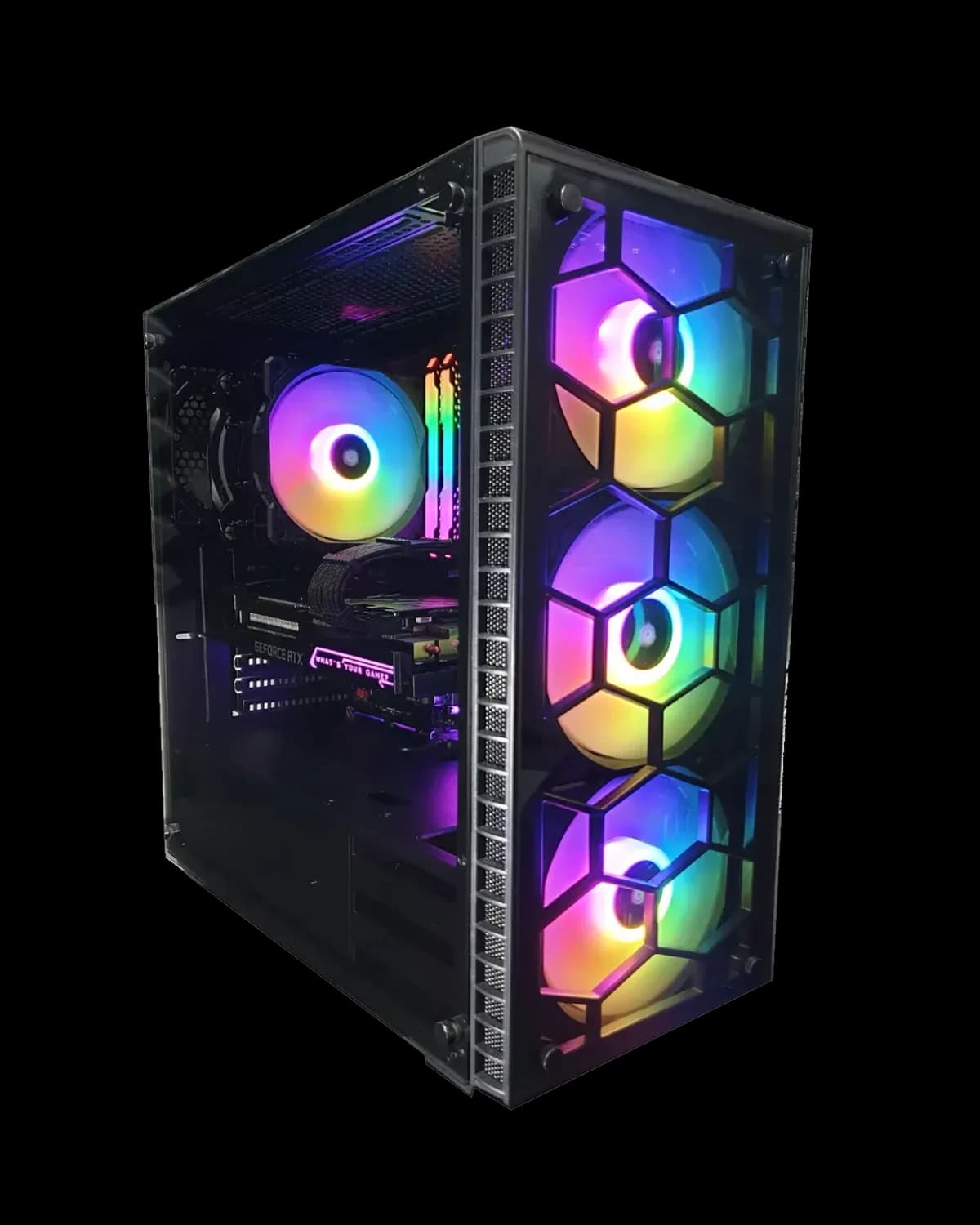
RTX 5070 · Core i7 14700KF · 32 GB · 2 TB
Suosituin 1440p/4K-valmis kokoonpanomme RTX 5070:llä. Kootaan ja testataan Lerumissa. Mukana Windows-lisenssi, täydellinen asennus, 3 vuoden takuu ja paikallinen tuki Datorhjälp Lerumilta.
35 499 SEK
Näytä tuoteTarvitsetko apua gaming pc?
Varaa vierailu, katso hinnat tai keskustele Elinin kanssa — olemme Lerumissa ja palvelemme Partillea ja Göteborgia.