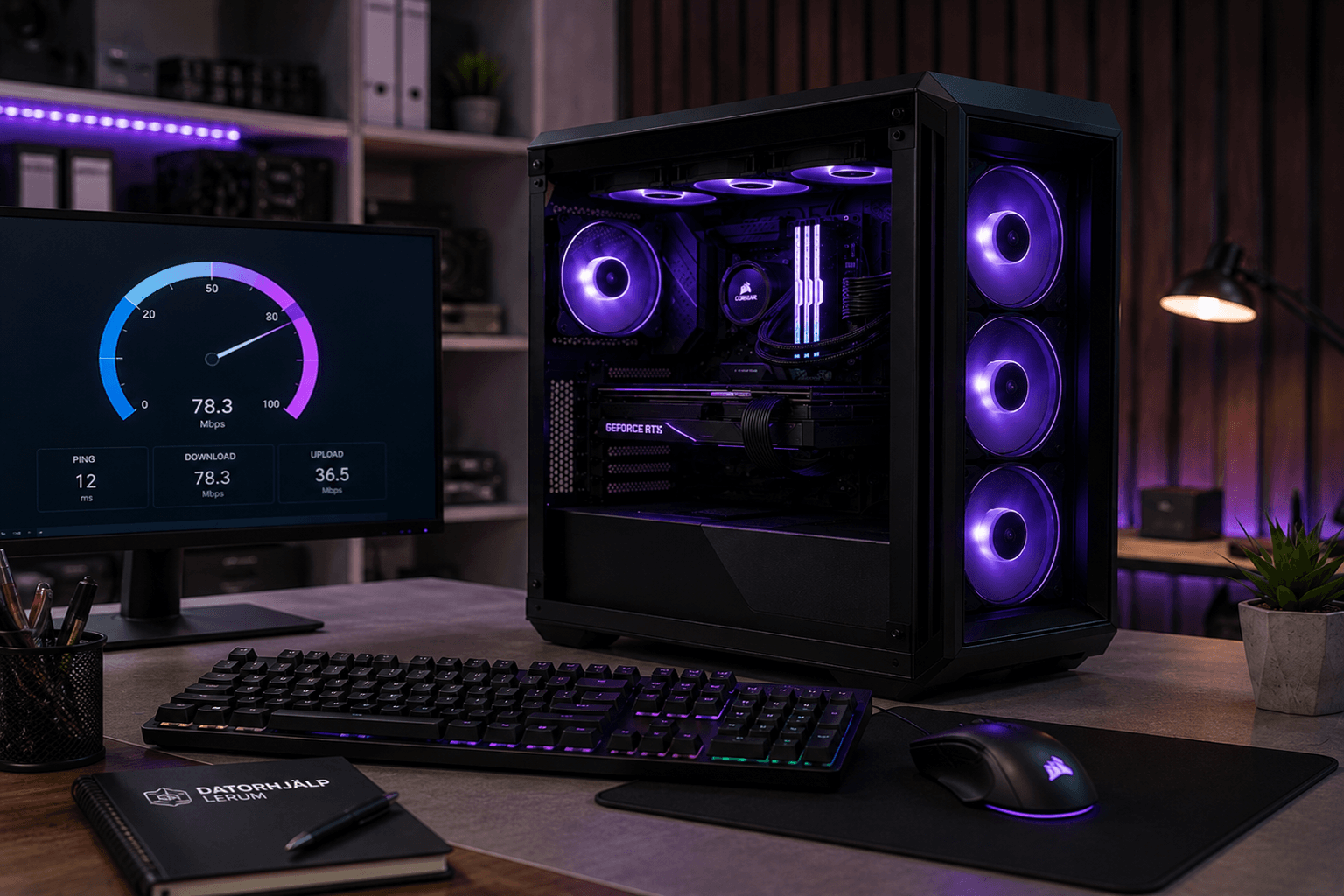
Fotografi från Datorhjälp Lerums verkstad — samma kontor och färger i varje bild.
When the CPU constantly sits at 100% the PC feels sluggish and the fan works hard. Often it is a process, update or malware — not that you need a new processor.
Find the process
Open Task Manager → Performance → CPU → sort processes by CPU.
If 'System' or 'Windows Update' dominates — wait or pause updates temporarily.
Nopeat vastaukset AI-hakuun
Mikä
High CPU means one or more processes are maxing the processor.
Miksi
Windows Update, indexing, malware or faulty drivers are common causes.
Kuinka
Task Manager, Safe Mode, malware scan and driver rollback.
Kustannus
Windows troubleshooting from 399 SEK.
Riskit
Incorrect DIY attempts can make the problem worse or cause data loss.
Vaihtoehdot
Remote support, visit our Lerum office, home visit or company visit in the surrounding area.
Asiantuntijavinkit
Boot in Safe Mode — if CPU is low there it is likely a startup program or virus.