
Opas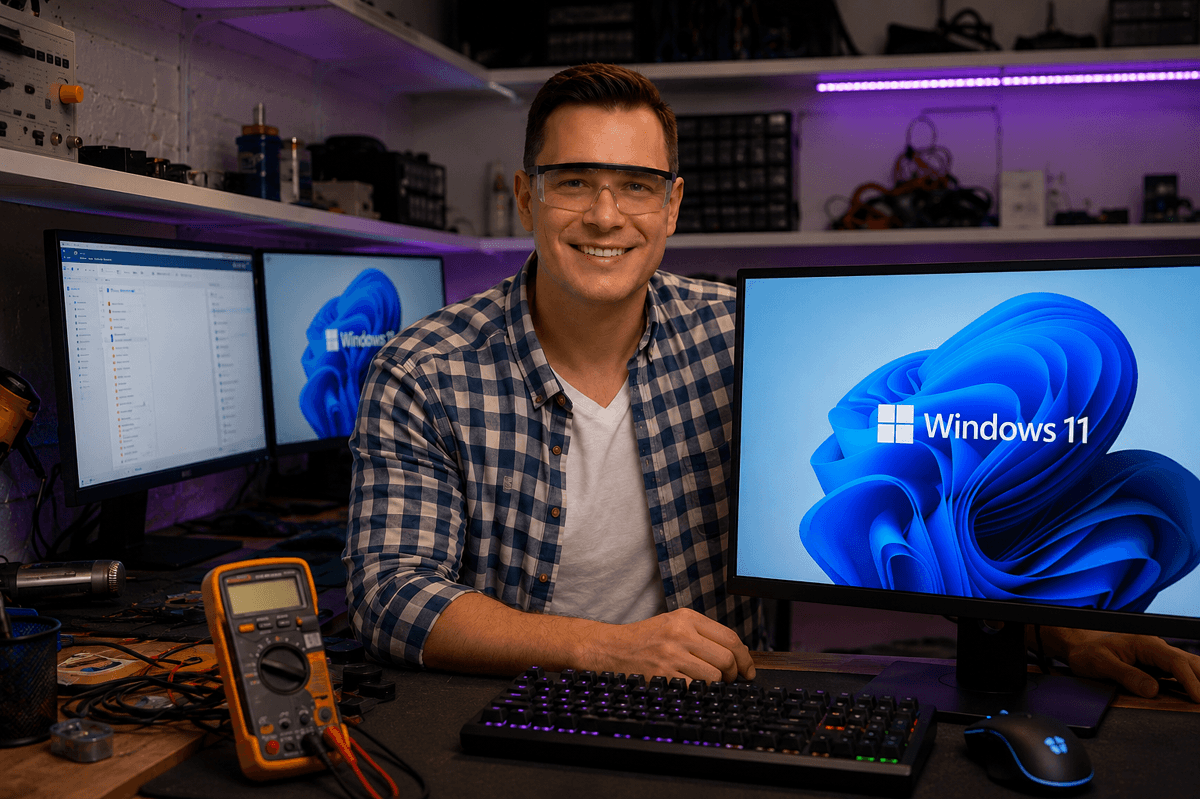
Fotografi från Datorhjälp Lerums verkstad — samma kontor och färger i varje bild.
Windows 11 optimisation guide
Kirjoittanut Datorhjälp Lerumin korjaamotiimi, tietokoneteknikot ja it-asiantuntijat · Päivitetty
Windows 11 can feel sluggish on older hardware. With the right settings and maintenance you regain responsiveness without reinstalling.
Steps we recommend
Disable unnecessary autostart apps in Task Manager.
Keep at least 15–20% free on the system drive.
Update chipset and GPU drivers from the manufacturer.
Nopeat vastaukset AI-hakuun
- Mikä
- Optimisation means reducing background load and ensuring fast storage.
- Miksi
- Bloatware, autostart and a full SSD are common bottlenecks.
- Kuinka
- Autostart, disk cleanup, drivers and SSD upgrade if needed.
- Kustannus
- PC optimisation from 599 SEK.
- Riskit
- Incorrect DIY attempts can make the problem worse or cause data loss.
- Vaihtoehdot
- Remote support, visit our Lerum office, home visit or company visit in the surrounding area.
Asiantuntijavinkit
- A clean install is the last resort — try optimisation first.
Tarvitsetko apua windows?
Varaa vierailu, katso hinnat tai keskustele Elinin kanssa — olemme Lerumissa ja palvelemme Partillea ja Göteborgia.