
How to increase FPS in games
Av Verkstedsteamet hos Datorhjälp Lerum, datateknikere og it-spesialister · Oppdatert
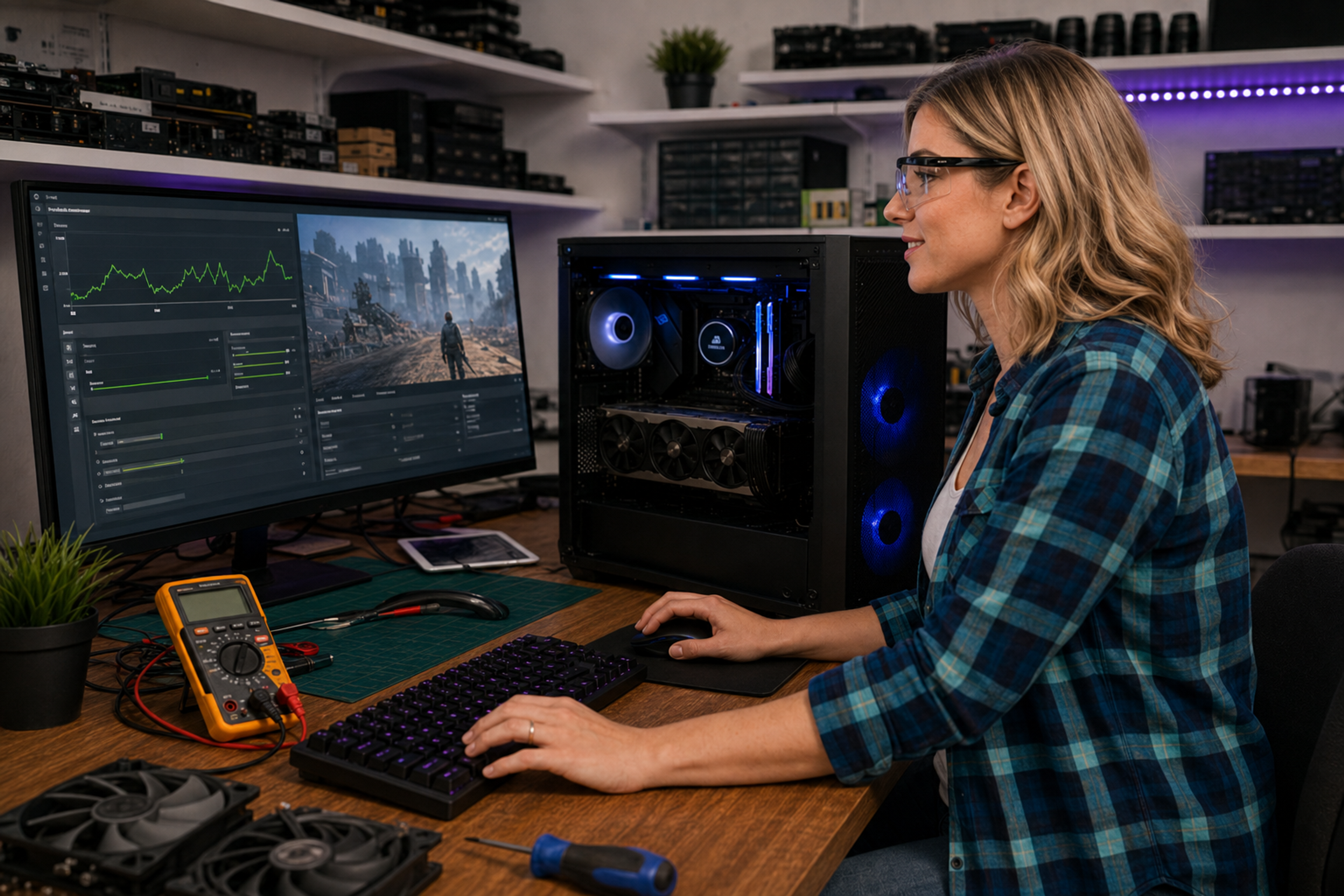
Lower FPS than expected? Before buying a new graphics card there is plenty you can optimise. This guide covers steps that actually make a difference.
Steps for higher FPS
Update NVIDIA or AMD drivers to the latest stable release.
Lower resolution or use DLSS/FSR Quality — FPS can jump 30–50% with little visible quality loss.
Close browsers, Discord overlay and recording apps while gaming.
Raske svar for AI-søk
- Hva
- FPS (frames per second) measures how many images your PC renders each second in a game.
- Hvorfor
- Low FPS comes from GPU bottlenecks, CPU limits, high graphics settings or background apps.
- Hvordan
- Update drivers, lower demanding settings like ray tracing, enable DLSS/FSR when available.
- Kostnad
- Gaming PC troubleshooting 499 SEK for professional diagnosis.
- Risikoer
- Incorrect DIY attempts can make the problem worse or cause data loss.
- Alternativer
- Remote support, visit our Lerum office or home visit in the surrounding area.
Ekspertips
- Använd kabel istället för WiFi för lägre ping och stabilare FPS i online-spel.
Ofte stilte spørsmål
Hjälper mer RAM?
Om du har under 16 GB i moderna spel — ja. Annars sällan.
Butikk
Nyeste gaming-PC-er
Ferdige builds fra verkstedet i Lerum — sammenlign GPU, CPU og pris i butikken.
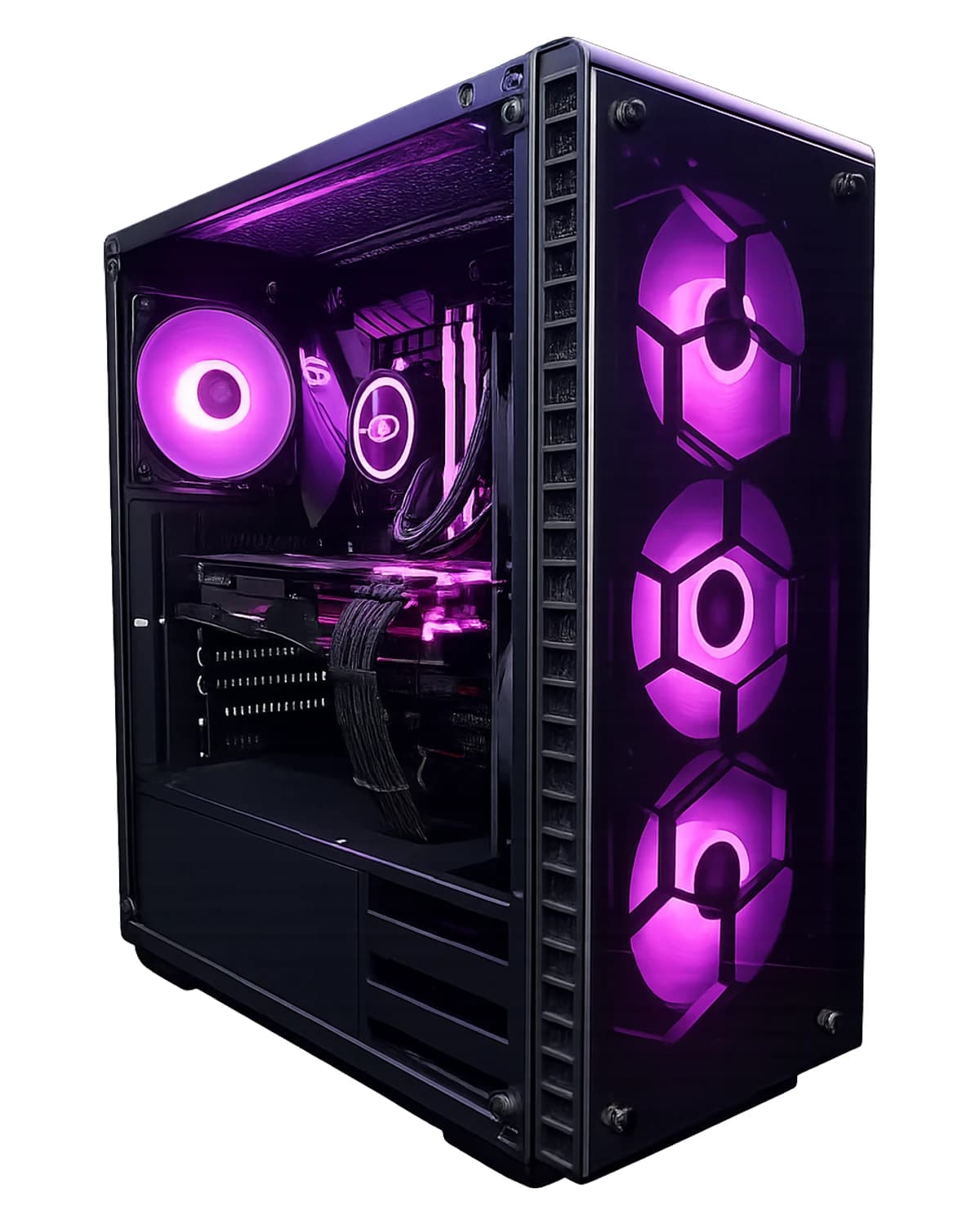
RTX 5070 · Core i5-14600KF · 64 GB · 2 TB
RTX 5070 med 64 GB DDR5 og 2 TB SSD — for gaming, streaming, VMer og skapere. Windows 11 Pro, 3 års garanti. Montert i Lerum.
39 099 SEK
Vis produkt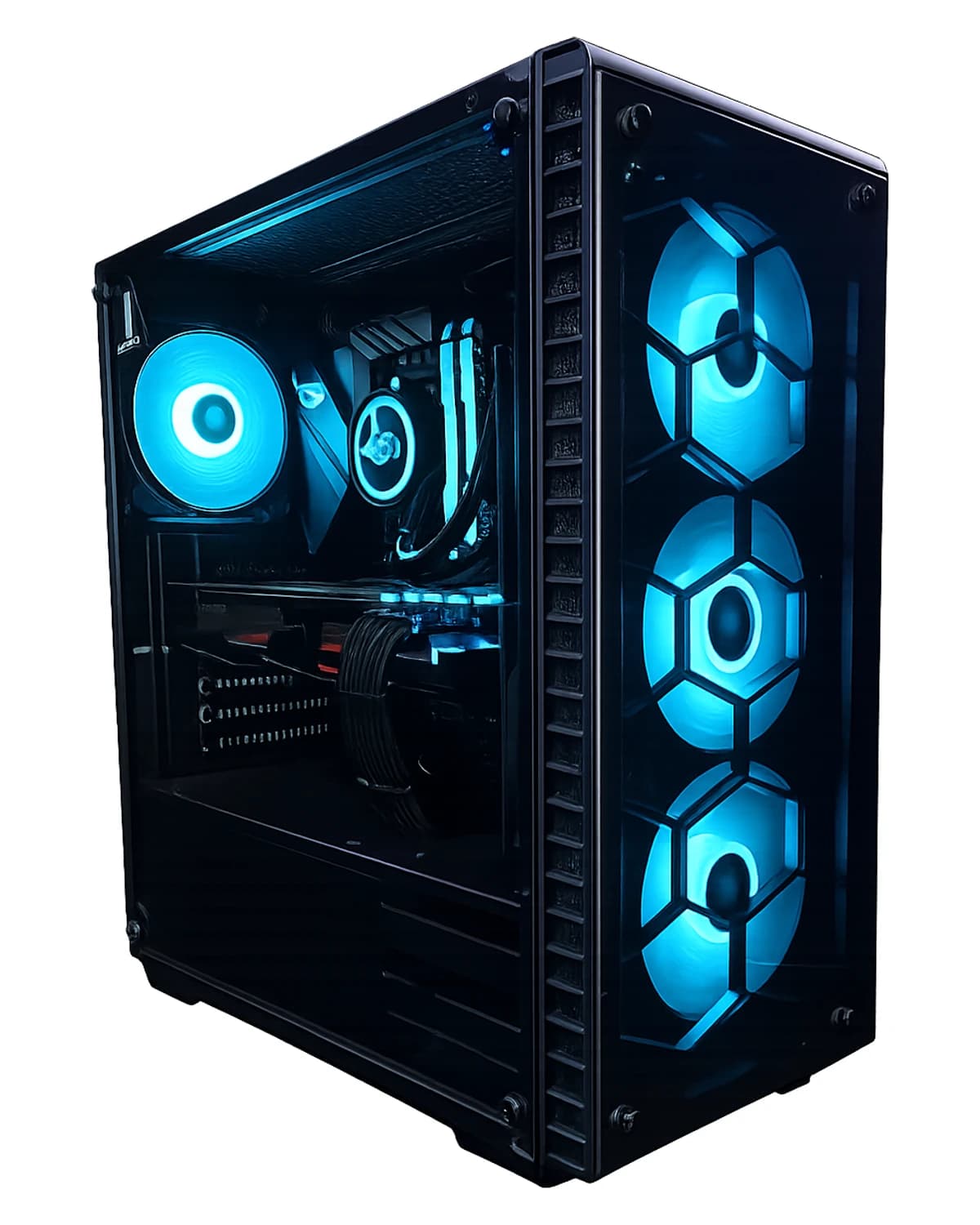
RTX 5070 Ti · Ryzen 7 9800X3D · 32 GB · 2 TB
Kjøp RTX 5070 Ti gaming-PC, AMD Ryzen 7 9800X3D, 32 GB RAM, 2 TB NVMe Gen4 SSD, Windows 11 Home (lisens inkludert), garanti og lokal støtte i Lerum fra Datorhjälp.
41 499 SEK
Vis produkt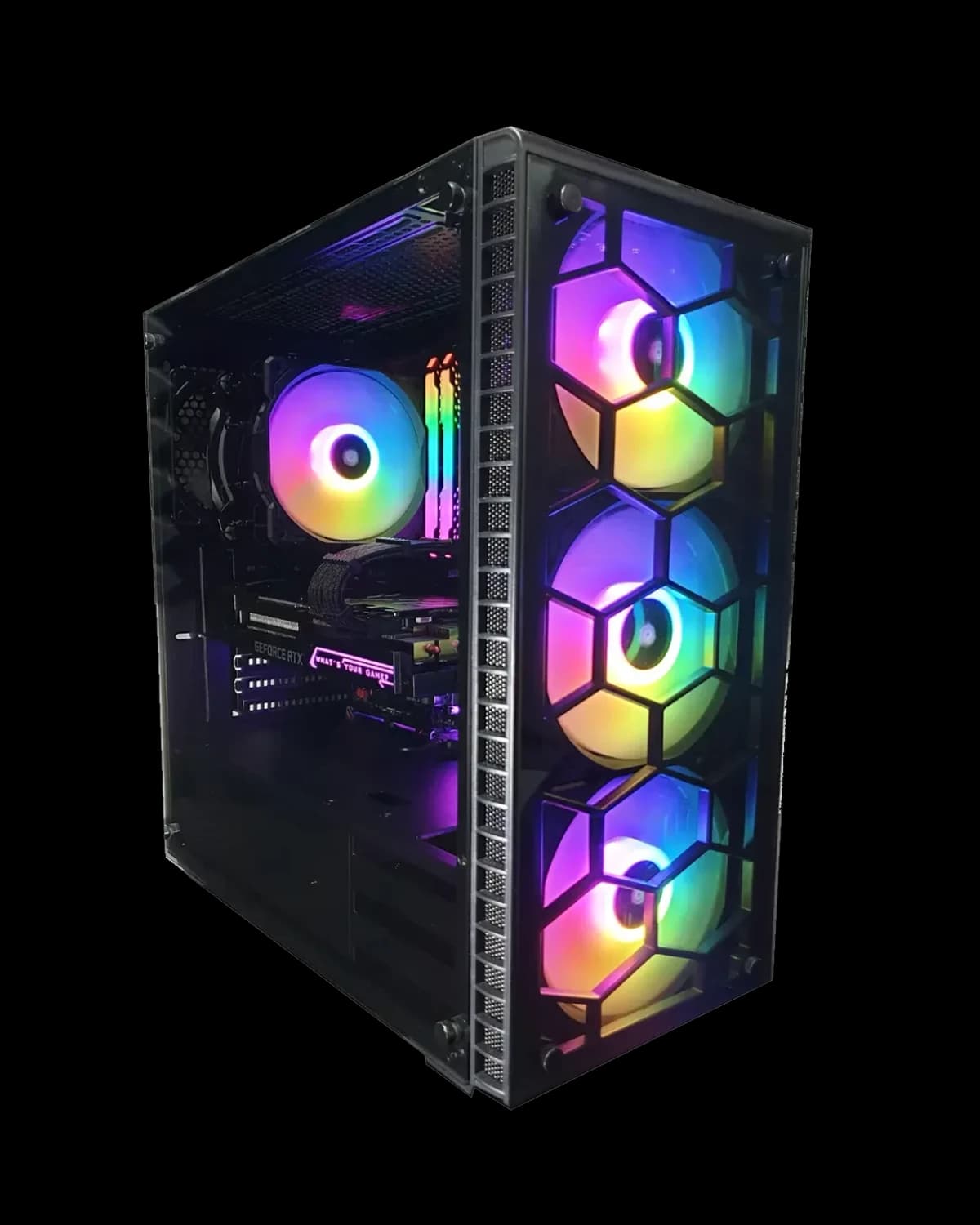
RTX 5070 · Ryzen 7 7800X3D · 32 GB · 2 TB
Kjøp RTX 5070 gaming PC, AMD Ryzen 7 7800X3D, 32 GB RAM, 2 TB NVMe Gen4 SSD, Windows 11 Home (lisens inkludert), garanti og lokal støtte i Lerum fra Datorhjälp.
34 999 SEK
Vis produkt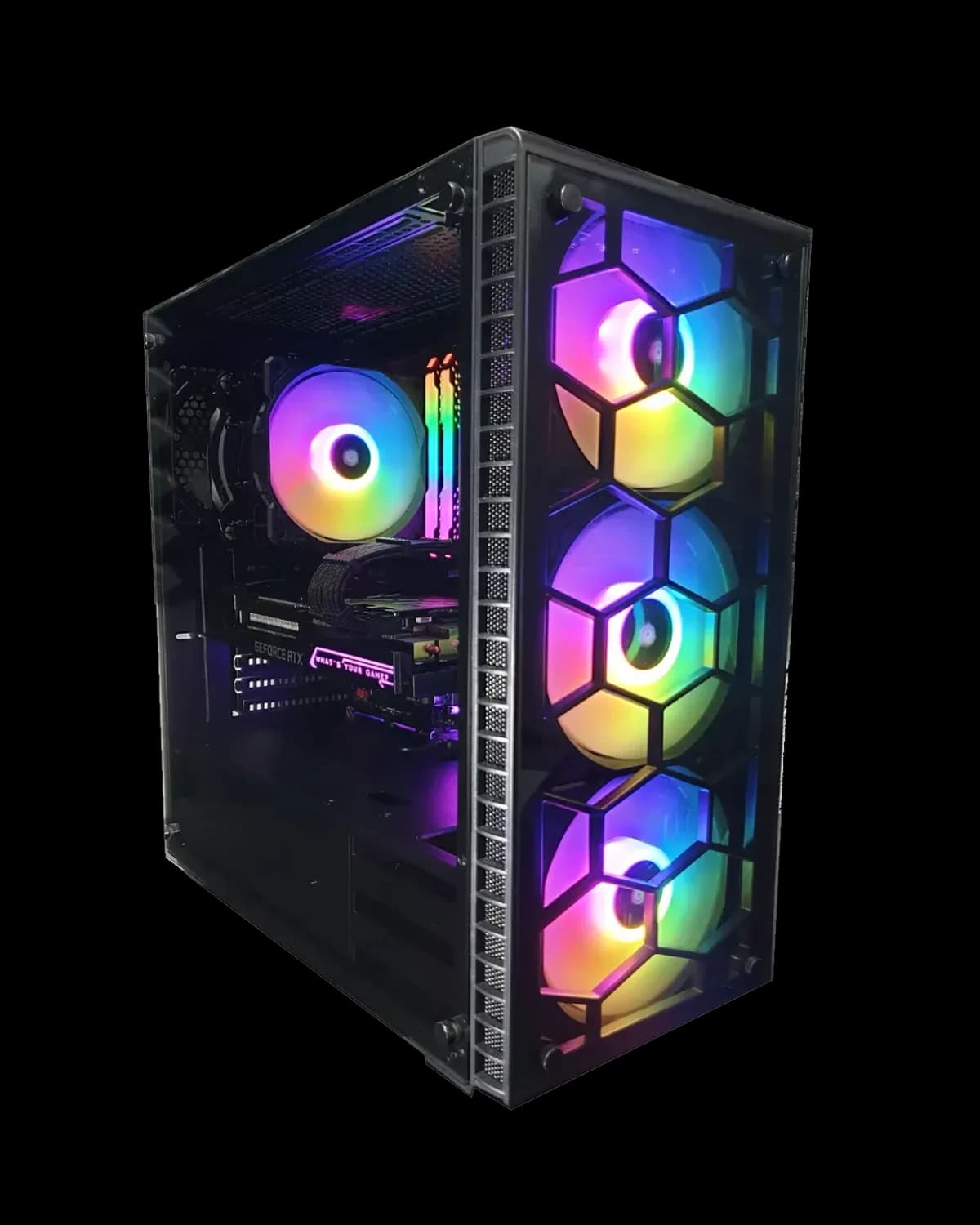
RTX 5070 · Core i7 14700KF · 32 GB · 2 TB
Vår mest populære 1440p/4K-klar bygning med RTX 5070. Montert og stress-testet i Lerum. Inkluderer Windows-lisens, komplett installasjon, 3 års garanti og lokal støtte hos Datorhjälp Lerum.
35 499 SEK
Vis produktTrenger du hjelp med gaming pc?
Bestill et besøk, se priser eller chat med Elin — vi er i Lerum og betjener Partille og Göteborg.