Gaming-PC støtte

Fra 499 kr

A gaming PC should deliver smooth visuals and stable frame rates — not freeze in menus, crash during boss fights or sound like a vacuum cleaner after ten minutes of play. When hardware and software do not cooperate it gets frustrating fast, whether you play competitively or just want to unwind after work.

Datorhjälp Lerum troubleshoots gaming PCs with a focus on real-world performance: we measure FPS, temperatures and latency, review drivers and settings, and identify bottlenecks in CPU, GPU, RAM or storage. We also build new rigs and upgrade existing ones — always with budget and gaming profile in mind.

Gaming PC troubleshooting starts from 499 SEK. You get a clear diagnosis and suggestions before more expensive work is carried out. We are based in Lerum with home visits in the area and a workshop for more extensive jobs.

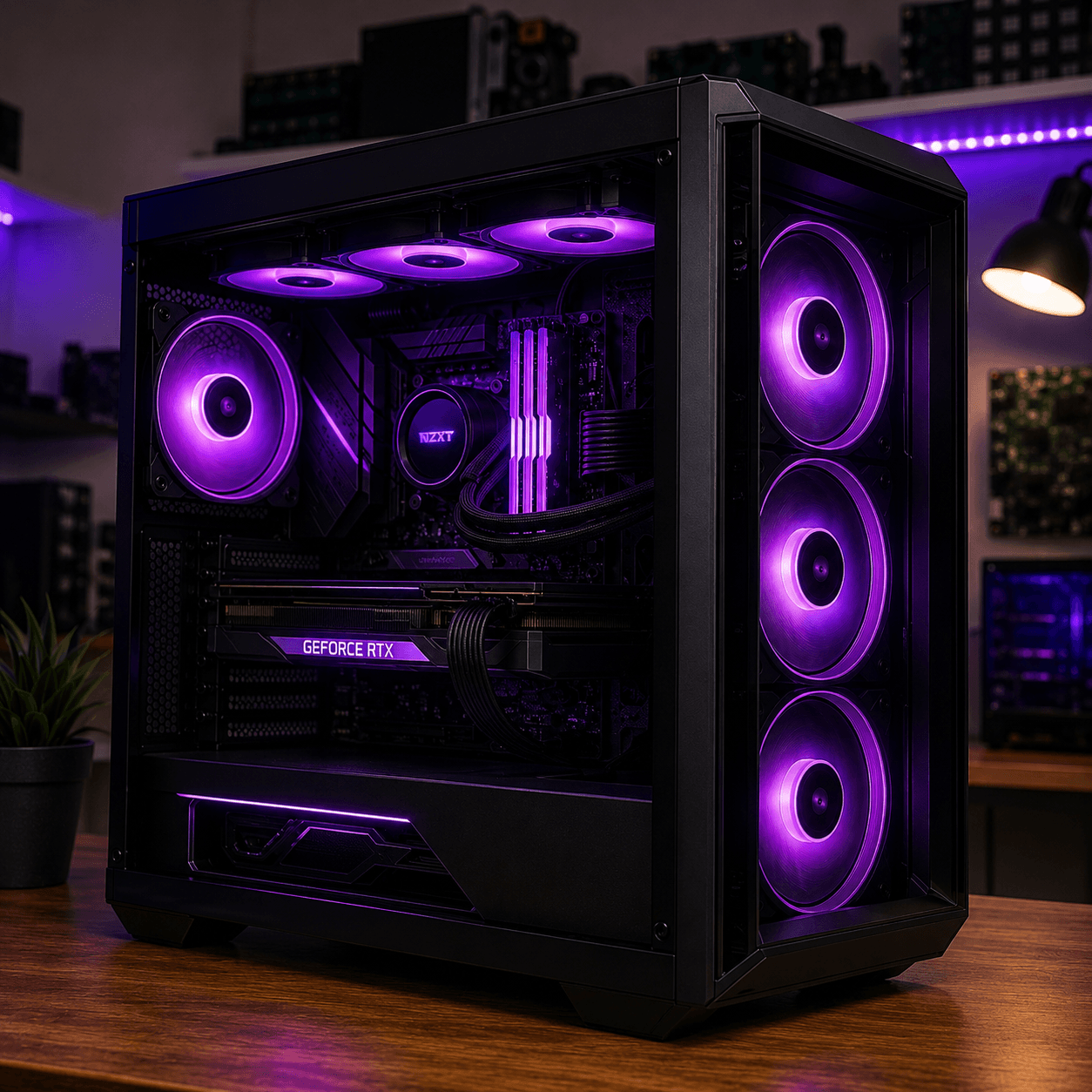
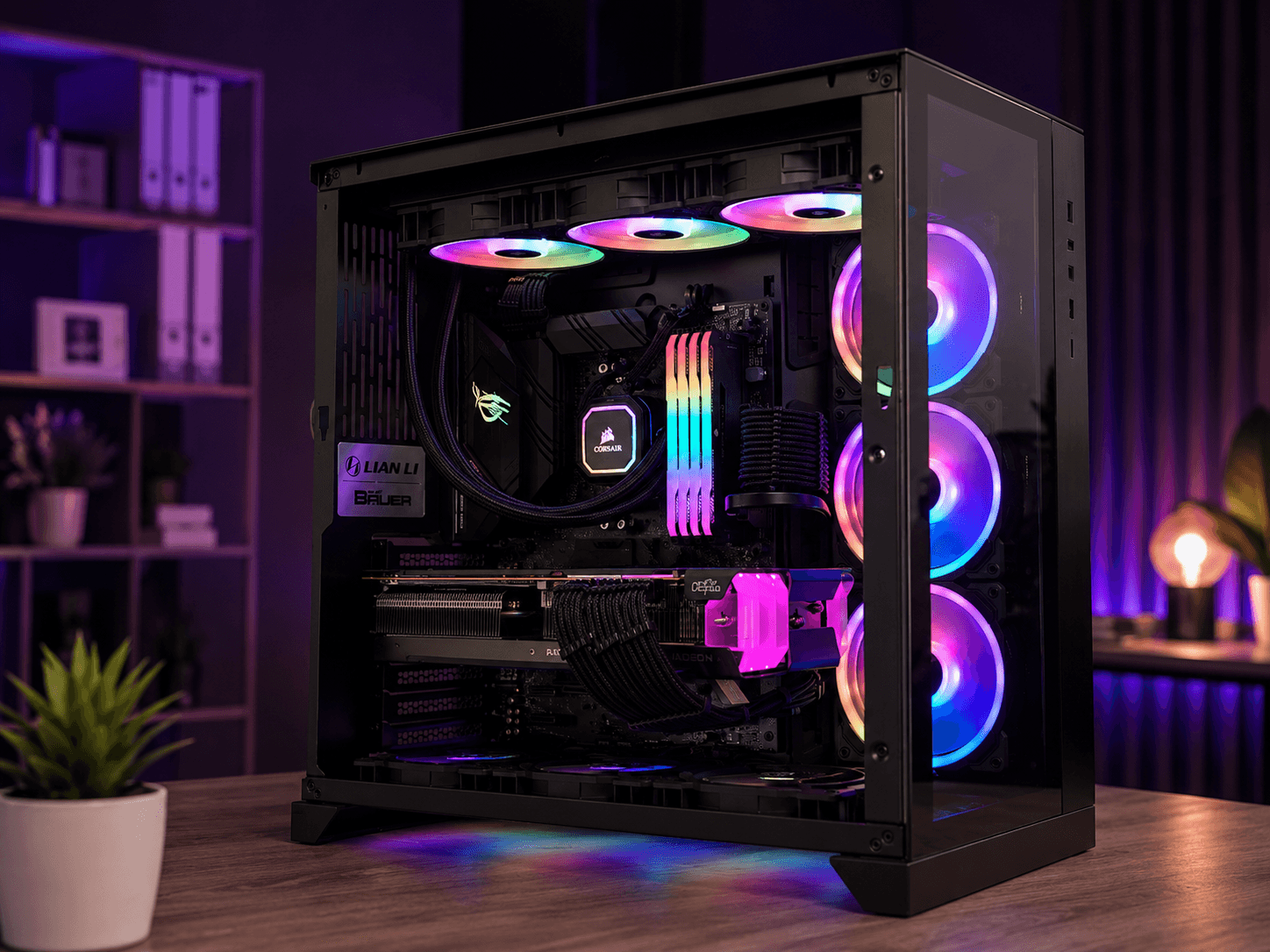
Custom gaming PC with RGB cooling, powerful graphics card and professional cable management — built in Lerum
Custom gaming PC with liquid cooling and professional assembly — built in Lerum.

When the gaming PC does not deliver

Gaming problems are rarely a single cause. Low FPS can be due to an old graphics driver, thermal throttling, too little RAM, a CPU bottleneck or settings that do not match your monitor. Crashes during loading often point to memory errors, overheating or corrupt game files — but can also be power supply or a defective GPU.

Many have bought expensive components that never reach their potential. Wrong RAM profile in the BIOS, Windows in the wrong power mode or background programs stealing resources are common culprits. We also see customers who built themselves and ended up with cables blocking airflow or a PSU that is too weak for the graphics card.

Whether you want to optimise an existing rig, build from scratch or troubleshoot after an upgrade that did not pay off — you need someone who understands the whole chain from hardware to game client.
Diagnosis, optimisation and upgrades for gaming

We start with a structured review: temperatures under load, RAM speed and capacity, SSD space, driver versions and which games or resolutions you actually run. From there we prioritise actions with the best effect per krona.

Software optimisation can include clean driver installation, the right power profile, removing bloatware, adjusting game settings and verifying that RAM runs at the correct frequency. Hardware actions can be paste replacement, fan adjustment, RAM upgrade or replacing a bottleneck component.

If you want to build new we help you choose parts that fit your games and budget — without unnecessary premium parts you will not use. We assemble with clean cable management, test stability and deliver a computer ready to play, not a half-finished box.

Lokal service i Lerum

Custom gaming PC with liquid cooling and professional assembly — built in Lerum.

Custom gaming PC with RGB cooling, powerful graphics card and professional cable management — built in Lerum

Common symptoms of gaming PC problems

  • Low or unstable FPS despite lowered graphics settings
  • Micro-stutters that do not go away with V-Sync off
  • Crashes or blue screen at game launch or during loading screens
  • Suddenly loud fan noise and falling performance after short play time
  • Game freezes for a few seconds then jumps back
  • New hardware performs worse than expected after upgrade
  • Artifacting — strange colours or lines on screen
  • Computer restarts without warning mid-game

Typical causes behind gaming problems

  • Outdated or corrupt GPU drivers
  • Overheating of CPU or GPU with throttling
  • RAM running below nominal speed or with too little capacity
  • Bottleneck between processor and graphics card
  • Slow or full HDD used as system drive
  • Insufficient or defective power supply (PSU)
  • Incorrect BIOS settings or overclocking
  • Background programs, antivirus or Windows updates causing interference
  • 20+ years of experience
  • 5,000+ computers repaired
  • ★★★★★ on Google
  • Warranty on completed work

Slik fungerer det

  1. 01

    Describe the problem

    Book online or call and tell us which games, symptoms and hardware you have. We prepare the right diagnostic tools.

  2. 02

    Performance test

    Temperatures, FPS, RAM, drivers and bottlenecks are mapped under load similar to your actual gaming.

  3. 03

    Fix and optimisation

    We carry out agreed fixes — from drivers and settings to cooling or component replacement.

  4. 04

    Verification and advice

    Stability test is run again. You learn what was fixed and which upgrades give the most if you want to invest more.

Realistic expectations

After troubleshooting and optimisation you should notice more stable frame rates and fewer crashes if the cause is software, cooling or incorrect settings. We cannot magically turn old hardware into a top-tier rig — but we can show exactly where the limit is and what an upgrade would give you.

For new builds or major upgrades delivery and assembly take longer depending on part availability. We keep you updated and test stability before the computer is returned.

You always get an explanation of what we did and why. The goal is that you can play without wondering what is happening under the hood — and know what the next step is if you want to invest more.

Why gaming enthusiasts choose us

We combine hardware knowledge with practical gaming experience — and speak plain language without jargon you do not need.

Gaming-focused troubleshooting

We test under real load with games or benchmarks — not just that the computer starts.

Honest upgrade advice

We point out bottlenecks and recommend parts that make a noticeable difference — not the most expensive option.

Build and assembly

New gaming PC with clean cable management, BIOS configuration and stress test before delivery.

From 499 SEK for troubleshooting

Diagnosis and basic optimisation have a clear starting price. Larger jobs are quoted before they begin.

Local presence in Lerum

Workshop, home visits and remote support — the same team that helps with Windows, networking and cooling.

Prepare before the visit

  • Write down which games cause trouble and at what resolution you play
  • Note graphics card model, processor model and how much RAM you have
  • If possible: screenshot FPS and temperatures in game
  • Do not update drivers right before — let us see the current state first
  • Have a game or benchmark installed so we can test on site
  • Tell us if you recently changed parts or overclocked

Keep the gaming PC in shape

  • Keep GPU drivers up to date — but uninstall old ones properly when problems occur
  • Monitor temperatures with MSI Afterburner, HWiNFO or similar
  • Clean dust regularly — gaming PCs draw a lot of air
  • Ensure RAM runs on XMP/EXPO profile in the BIOS
  • Have at least 20% free space on the system SSD
  • Close unnecessary background programs before demanding games

Transparente priser

Gaming PC troubleshooting from 499 SEK. The price covers diagnosis and basic optimisation. Component replacements, new builds and extensive repairs are quoted separately before work begins.

Typisk tidsbruk: Basic troubleshooting and optimisation usually takes 1–2 hours. New builds or extensive upgrades can take 1–3 days depending on part availability.

Ingen skjulte avgifter — du godkjenner prisen først.

Se priser

Vanlige spørsmål

How much does gaming PC troubleshooting cost?
Diagnosis and basic optimisation starts at 499 SEK. More extensive work such as new builds or major upgrades are quoted before we begin.
Do you build gaming PCs to order?
Yes. Tell us your budget, which games you play and whether you want RGB, quiet cooling or a compact chassis — we put together a parts list and assemble for you.
Can you fix overheating in my gaming rig?
Absolutely. Cleaning, paste replacement and fan adjustment are often part of the first visit. See also our service for overheating computers if the problem is primarily heat-related.
Do you help with streaming setup?
Yes — we optimise OBS settings, network and hardware load so you can stream without the game suffering.
My FPS is low despite a good graphics card — why?
Common causes are CPU bottleneck, too little RAM, thermal throttling, wrong display port or background programs. We measure where the chain breaks.
Can I drop off the computer at the workshop in Lerum?
Yes — the office on Göteborgsvägen accepts drop-offs. We contact you when the diagnosis is ready.
Is there warranty if you replace parts?
New parts have manufacturer warranty. Our work is covered by service warranty — we stand behind the assembly and help if something goes wrong afterwards.
Do you help with console and PC at the same time?
We focus on PC but can often help with network, streaming and display settings that affect your overall gaming experience.
Flere spørsmål →

Google-anmeldelser

Det våra kunder säger

Äkta omdömen från vår Google Företagsprofil — inga påhittade recensioner.

Google-recension
Fantastisk service! Väldigt professionell och trevligt bemötande!

Alenka Bavdaz

Google-recension
Snabb, pålitlig och fin service. Rekommenderas varmt!

cecilia ringedal

Google-recension
Fick hjälp direkt! Mycket tacksam son hemma nu =)

Andreas Quartex Karlsson

Trenger du PC-hjelp i dag?

Bestill time, ring oss eller start en AI-diagnose. Vi er i Lerum og hjelper også kunder i Partille og Göteborg.