Langsom datamaskin

Fra 499 kr

Does your computer feel sluggish when opening programs, switching browser tabs or restarting? A slow PC is frustrating — but rarely a sign you must buy new hardware right away. At Datorhjälp Lerum on Göteborgsvägen 3, we have over 20 years of experience making Windows computers fast and stable again.

We start by measuring what actually slows things down: a full disk, too many startup programs, malware, an old mechanical hard drive or too little memory. Then we choose the right fix — from cleanup and optimisation to an SSD upgrade — so you get the best value for your money.

Home visits, workshop drop-off or /fjarrsupport in Lerum, Floda, Gråbo, Partille, Gothenburg and Alingsås. Call 072-297 55 25 or book via /boka when you want an honest assessment.

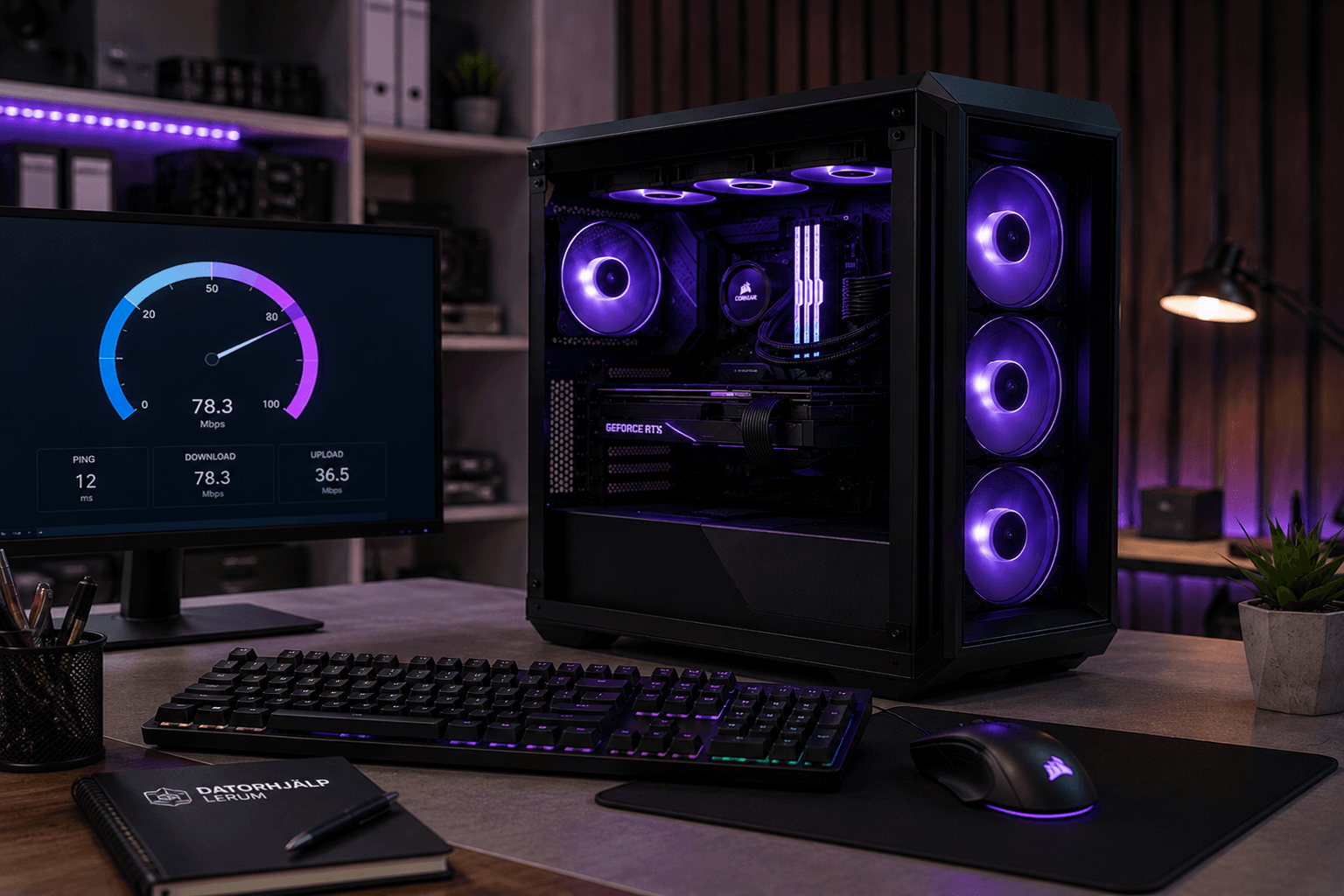
3D illustration of slow PC optimisation — speedometer and performance boost at Datorhjälp Lerum
We make your computer fast again — cleanup, SSD and tuning in Lerum and Gothenburg.

Why does the computer feel slow?

A PC that was fast a few years ago can today feel like it struggles with every click. Causes are often several at once: the hard drive is nearly full, dozens of programs start in the background, or Windows has accumulated junk files and old updates.

Sometimes the problem runs deeper — malware loading the processor, a failing drive that may crash soon, or too little RAM for how you use the computer today. Installing "speed booster" tools from unknown sites often makes things worse through adware and new startup entries.

Without diagnosis it is easy to buy the wrong solution: a new computer when an SSD would suffice, or expensive upgrades when a simple cleanup would have been enough. We map bottlenecks before suggesting anything.

The right fix for better performance

We remove unnecessary programs and extensions, adjust startup items, free disk space and optimise Windows without deleting what you actually need. If /virus-borttagning is required, we identify that in the same review.

When hardware is the bottleneck, we recommend upgrades — often an SSD and sometimes more RAM — with a clear quote and warranty information before opening the machine. We install and test so you notice the difference immediately.

You learn what caused the sluggishness and how to keep the PC fast going forward. The goal is a noticeable improvement in daily use, not just a higher benchmark score.

Signs your computer needs help

  • Long boot time — several minutes from power-on to desktop
  • Programs and tabs freeze or respond slowly
  • Fan runs loudly despite light use
  • Disk is nearly full (under 10–15% free space)
  • Windows updates stall or take unusually long
  • Opening and copying files feels slow compared to before
  • Task Manager shows high CPU or disk usage at idle
  • The PC became suddenly slow after a new program install or update

Common causes of a slow PC

  • Mechanical hard drive (HDD) in a computer that would benefit from an SSD
  • Too many programs set to start automatically at boot
  • Insufficient RAM — especially with many browser tabs open
  • Malware, adware or cryptomining in the background
  • Nearly full system drive preventing Windows from working efficiently
  • Old or broken drivers after a major Windows update
  • Heat or dust causing the processor to throttle
  • 20+ years of experience
  • 5,000+ computers repaired
  • ★★★★★ on Google
  • Warranty on completed work

Slik fungerer det

  1. 01

    Book or call

    Choose a time via /boka or call 072-297 55 25. Briefly describe how the PC behaves so we prepare the right tools.

  2. 02

    Diagnosis

    We check disk, memory, startup programs, temperature and any threats. You get a clear explanation and price.

  3. 03

    Optimisation or upgrade

    Cleanup, Windows tuning and if needed SSD/RAM installation with transfer of system and files.

  4. 04

    Test and advice

    We restart, test everyday scenarios and share tips to maintain performance — including links to /windows-support if system issues remain.

What to expect

After diagnosis we explain what slows the computer and what gives the best result for the cost. A thorough optimisation often takes 1–2 hours; SSD replacement and data transfer can take half to a full day depending on data volume.

We do not promise miracles on hardware at the end of its life, but we give honest advice: repair, upgrade or replace. You always decide after receiving a quote.

Why choose us for a slow computer

We optimise hundreds of PCs in the region and know when cleanup is enough — and when an SSD makes the biggest difference.

Diagnosis before action

We measure bottlenecks instead of guessing. You do not pay for unnecessary work or a new computer you do not need.

20+ years of experience

From older Windows 7 machines to modern laptops — we have seen the most common performance issues many times.

Local service in Lerum

Office at Göteborgsvägen 3, home visits in Floda and Gråbo, plus help in Partille, Gothenburg and Alingsås.

Honest upgrade advice

SSD and RAM can extend useful life by several years. We tell you when the investment is not worth it compared to a new PC.

Flexible arrangements

Choose workshop visit, home visit or /fjarrsupport for parts of the optimisation when it suits you.

Before you book

  • Note whether the PC became slow gradually or suddenly
  • Check roughly how much free space is on the system drive (C:)
  • Do not turn off the computer mid-way through a Windows update
  • Make a list of programs you definitely want to keep
  • If possible, back up important files before the visit — we can help with /dataaterstallning if needed

Keep your computer fast longer

  • Keep at least 15–20% free space on the system drive
  • Review startup programs regularly — keep only what you truly need at boot
  • Uninstall programs you do not use instead of just deleting shortcuts
  • Keep Windows and drivers updated; run /virus-borttagning if you suspect adware
  • Consider an SSD if you still have a mechanical disk — the difference is often dramatic

When is an SSD worth it compared to a new computer?

If the processor and rest of the hardware still handle your everyday tasks — email, web, Office, video calls — an SSD often delivers the biggest perceived speed gain at a fraction of the price of a new laptop.

If the computer is more than eight to ten years old, has a failing screen or battery, or cannot run programs you must use, buying new may be smarter. We help you weigh cost, environmental impact and how long you plan to keep the machine.

Transparente priser

Diagnosis and basic optimisation from 499 SEK. SSD, RAM and home visits are quoted separately — see /priser or request a quote when booking.

Typisk tidsbruk: 1–2 hours for optimisation; SSD upgrade usually same day or the day after

Ingen skjulte avgifter — du godkjenner prisen først.

Se priser

Vanlige spørsmål

Do I need to buy a new computer?
Often not. Cleanup or an SSD upgrade is enough for many who find their PC slow. We give honest recommendations after diagnosis.
How much faster will the PC be with an SSD?
Boot and program launch often go from minutes to seconds. Exact improvement depends on other hardware, but the difference is usually very noticeable.
How much does it cost to fix a slow computer?
Diagnosis and basic optimisation from 499 SEK. SSD and labour are quoted separately — you get a price before we order parts.
Can you help via remote support?
Yes, much software cleanup and Windows tuning can be done via /fjarrsupport. Physical upgrades require workshop or home visit.
Will opening the computer affect the warranty?
We explain warranty impact before replacing parts. Many manufacturers allow disk and RAM upgrades when done carefully.
Can a virus make the computer slow?
Yes, malware and adware often load the system. We include a security check in diagnosis and refer to /virus-borttagning when needed.
How long does optimisation take?
Allow 1–2 hours for cleanup and tuning. SSD replacement with data transfer can take longer depending on how much must be moved.
Do you help both laptops and desktop PCs?
Yes, we work with most Windows computers. Some ultra-thin models have limited upgrade options — we tell you in advance.
Flere spørsmål →

Google-anmeldelser

Det våra kunder säger

Äkta omdömen från vår Google Företagsprofil — inga påhittade recensioner.

Google-recension
Fantastisk service! Väldigt professionell och trevligt bemötande!

Alenka Bavdaz

Google-recension
Snabb, pålitlig och fin service. Rekommenderas varmt!

cecilia ringedal

Google-recension
Fick hjälp direkt! Mycket tacksam son hemma nu =)

Andreas Quartex Karlsson

Trenger du PC-hjelp i dag?

Bestill time, ring oss eller start en AI-diagnose. Vi er i Lerum og hjelper også kunder i Partille og Göteborg.