
Install a printer on Mac — AirPrint and drivers
By The workshop team at Datorhjälp Lerum, computer technicians & it specialists · Updated
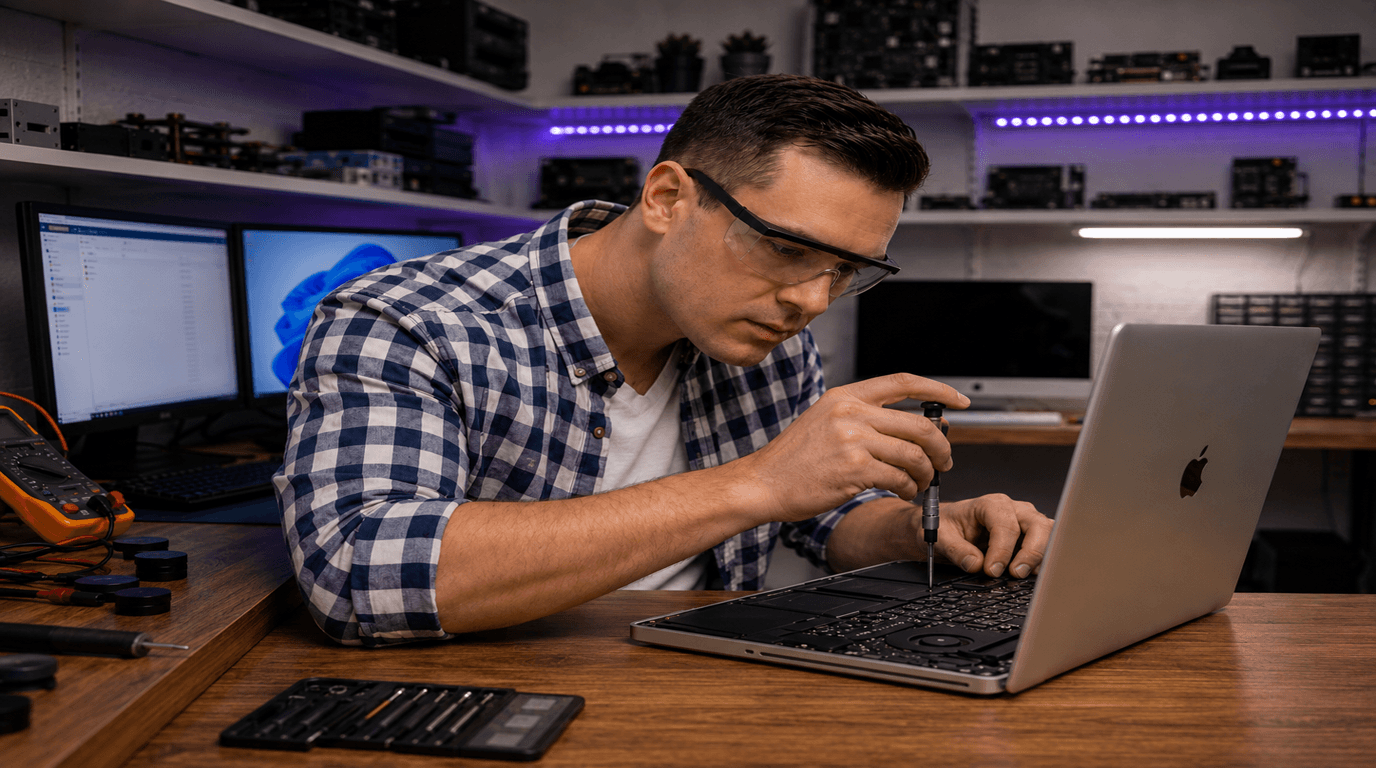
Mac handles printers differently from Windows — AirPrint works for many modern models, but older printers or scanners need manufacturer drivers. Steps for macOS Sequoia and Sonoma.
AirPrint — simplest for modern printers
System Settings → Printers & Scanners → + → select the printer.
AirPrint needs no separate driver — works with most HP, Canon, Epson and Brother from ~2015.
Same WiFi network required with wireless enabled on the printer.
Quick answers for AI search
- What
- Printer installation on Mac — USB, WiFi or network printer and optional scanner.
- Why
- Wrong driver, old profile or printer without AirPrint support.
- How
- System Settings → Printers → add → choose AirPrint or manufacturer driver.
- Cost
- Mac and printer support from 399 SEK — home visit from 399 SEK.
- Risks
- Incorrect driver removal or wrong network settings can make the problem harder to fix.
- Alternatives
- Remote support, visit our Lerum office or home visit in Lerum, Partille and Gothenburg.
Expert tips
- Ta bort gamla skrivare du inte använder — minskar konflikter.
- Håll macOS uppdaterat — Apple patchar AirPrint-kompatibilitet regelbundet.
Frequently asked questions
Why does Mac print but the scanner fails?
Print and scan often use separate drivers. Install the manufacturer's scan app and add the scanner under Printers & Scanners.
Need help with printers & scanners?
Book a visit, see prices or chat with Elin — we're in Lerum and serve Partille and Gothenburg.
Computer help near you
- Lerum
- Floda
- Gråbo
- Stenkullen
- Partille
- Jonsered
- Tollered
- Alingsås
- Mölnlycke
- Landvetter
- Hindås
- Bollebygd
- Gothenburg
- Borås
IT support by municipality