Tietokoneen ylikuumeneminen

Alkaen 599 kr

When the computer gets hot enough to warm your hands, the fans sound like an aeroplane and the game suddenly shuts down — it is time to act. Overheating is one of the most common problems we see with both gaming rigs and everyday laptops in Lerum and the surrounding area.

Datorhjälp Lerum cleans heat sinks, replaces dried-out thermal paste and measures temperatures under real load — not just on the desk. We work with desktop PCs and laptops, and explain what caused the problem so you can avoid it going forward.

Cooling service and cleaning starts at 599 SEK. You get a clear assessment before we open the chassis, and most cases are completed the same day if you drop off at our office on Göteborgsvägen or book a home visit.

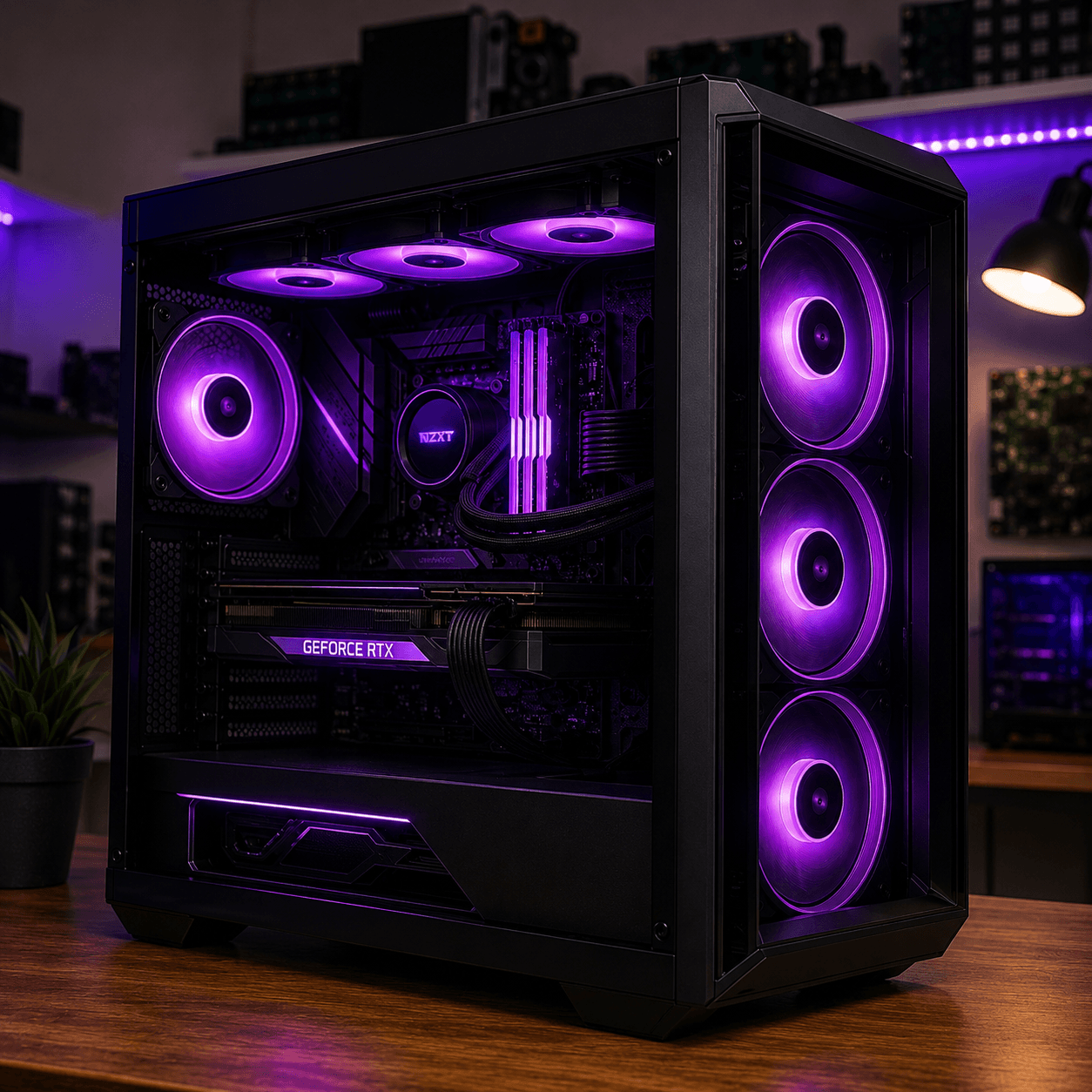
Cleaning an overheating gaming PC in Lerum — technician replacing thermal paste and cleaning cooling
Cleaning and cooling service for CPU and GPU — gaming PC and laptop in Lerum.

Why overheating is not just annoying — it is dangerous

A computer running hot performs worse. The processor and graphics card automatically lower their speed — so-called throttling — to protect themselves. You notice it as sudden FPS drops in games, stuttering video and programs that used to feel fast suddenly feeling sluggish.

Over time, heat can cause permanent damage. Solder joints can crack, thermal interfaces dry out and fan bearings wear out. Many customers contact us only when the computer already shuts down mid-work or mid-game — by then the problem has often been going on for months.

Common causes include dust in heat sinks, dried-out thermal paste, blocked air intakes and incorrect fan curves in the BIOS. On laptops, heat pipes and fans are often hard to reach without the right tools and experience.
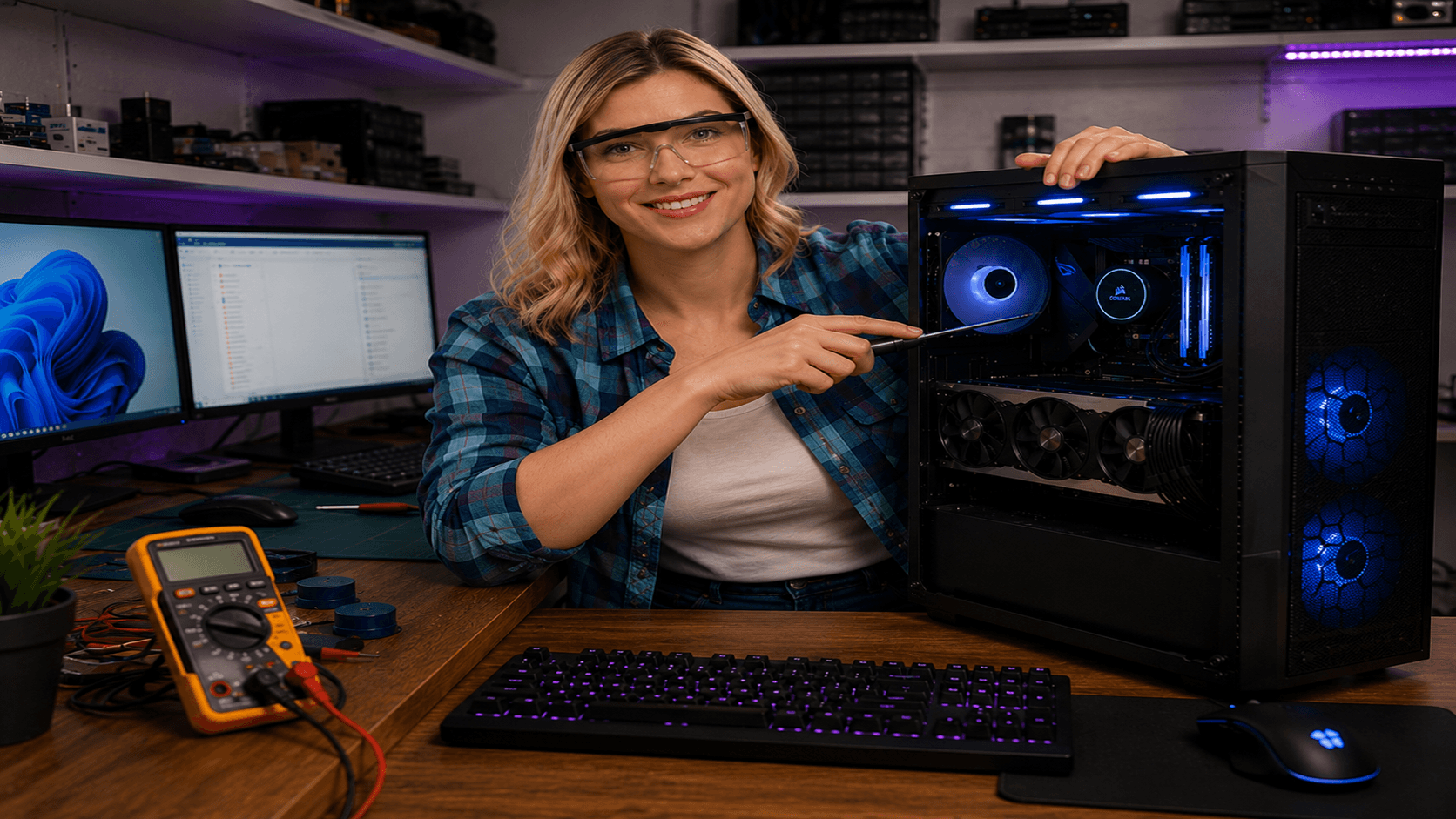
Professional cleaning and cooling optimisation

We start with temperature measurements at idle and under load so we know exactly how bad it is. Then we open the computer the right way — without unnecessarily damaging warranty seals — and clean heat sinks, fans and air channels with suitable products.

Thermal paste on the CPU and GPU is replaced when it is dry or hardened. We check that fans spin freely, that cables do not block airflow and that fan curves in the BIOS or software are reasonable. On gaming PCs we can also adjust fan profiles for a better balance between noise and temperature.

After the work we run stress tests and compare temperatures before and after. You get a simple report and concrete advice on airflow, computer placement and how often cleaning is needed — especially if you have pets or smoke indoors.

Lokal service i Lerum

Cleaning and cooling service for CPU and GPU — gaming PC and laptop in Lerum.

Cleaning an overheating gaming PC in Lerum — technician replacing thermal paste and cleaning cooling

Signs that your computer is overheating

  • The chassis or keyboard becomes uncomfortably hot during normal use
  • Fans run at high speed all the time, even when you are not running heavy programs
  • The computer shuts down suddenly without an error message — especially during gaming or video editing
  • FPS drops sharply after a few minutes of gaming despite unchanged settings
  • You hear crackling, scraping or uneven fan noise
  • Warning messages about high CPU or GPU temperature in Windows or game clients
  • The computer feels slower than before even though nothing new has been installed
  • The smell of warm plastic or burnt electronics under heavy load

Common causes of overheating

  • Dust and dirt in heat sinks blocking airflow
  • Dried-out or hardened thermal paste between CPU/GPU and the cooler
  • Defective or slow fans that were not replaced in time
  • Incorrect mounting of cooler or liquid cooling with air bubbles
  • Placement in a closed cabinet, against a wall or on soft surfaces blocking air intakes
  • Old BIOS or incorrect fan curves in software
  • Overclocking without adequate cooling
  • On laptops: clogged ventilation grilles and compact design requiring professional cleaning
  • 20+ years of experience
  • 5,000+ computers repaired
  • ★★★★★ on Google
  • Warranty on completed work

Näin se toimii

  1. 01

    Book or drop off

    Choose a time online, call us or visit our office on Göteborgsvägen in Lerum. Describe the symptoms so we prepare the right tools.

  2. 02

    Temperature diagnosis

    We measure temperatures at idle and under load and assess whether cleaning is enough or parts need replacing.

  3. 03

    Cleaning and paste replacement

    Heat sinks and fans are cleaned, thermal paste is replaced and airflow is optimised. Everything is documented.

  4. 04

    Verification and advice

    Stress test is run again, you get a before/after comparison and concrete tips to keep the computer cool going forward.

What you can expect

After completed cooling service, temperatures usually drop noticeably — often 10–25 degrees depending on how clogged the computer was. Fans should become quieter in everyday use and the computer should no longer shut down under normal load.

We give you honest feedback if the hardware is still in the risk zone. Sometimes cleaning is not enough — then a new fan, better cooler or adjustment of the chassis airflow may be needed, and we quote that before ordering parts.

Cleaning is maintenance, not a permanent fix if the computer sits in a dusty environment. We recommend intervals based on your situation and are happy to show you how to monitor temperatures yourself with free tools.

Why choose Datorhjälp Lerum for cooling service?

We have worked with gaming PCs and laptops for over 20 years and know the difference between a quick vacuum and a proper cooling service.

Before and after measurements

We document temperatures under load — not just guess. You see in black and white that the work helped.

Experience with gaming and laptops

Desktop rigs with liquid cooling and ultra-thin laptops require different methods. We have tools and routines for both.

Clear pricing from 599 SEK

Basic service with cleaning and paste replacement has a fixed starting price. Extra parts or extensive repairs are quoted separately.

Workshop in Lerum and home visits

Drop off on Göteborgsvägen or book a home visit in Floda, Gråbo, Partille and Gothenburg — you choose what suits you.

No unnecessary upgrades

We only recommend new parts when they are actually needed. The goal is a cooler and quieter computer — not an expensive invoice.

Good to do before you book

  • Save and close all open documents and games
  • Note when the problem started and whether it happens with specific programs
  • If possible: install HWMonitor or similar and note maximum temperatures
  • Place the computer on a hard, flat surface — not on a bed or sofa
  • Bring the charger if it is a laptop
  • Tell us if the computer was recently moved, cleaned by yourself or if you changed the paste

How to reduce the risk of overheating

  • Clean air intakes carefully with compressed air every six to twelve months
  • Position the computer so all sides have free airflow
  • Replace thermal paste every three to five years — more often with heavy gaming
  • Keep BIOS and chipset drivers up to date
  • Use fan curves that balance noise and temperature — not silence at the expense of cooling
  • Consider dust filters if the computer sits on the floor or in a hairy environment

Selkeät hinnat

Cooling service and cleaning from 599 SEK. The price covers thorough cleaning, paste replacement when needed and temperature checks. Spare parts such as new fans or coolers are added according to quote.

Tyypillinen kesto: Cleaning and paste replacement usually takes 1–2 hours in the workshop. Home visits include travel time and may take a little longer for laptops requiring more disassembly.

Ei piilokuluja — hyväksyt hinnan ensin.

Katso hinnat

Usein kysytyt kysymykset

How much does it cost to fix an overheating computer?
Basic cooling service with cleaning and paste replacement starts at 599 SEK. If fans or coolers need replacing you get a quote before we order parts.
Does 599 SEK apply to both laptop and desktop?
Yes, the starting price applies to basic service for both. Some laptops with hard-to-reach cooling systems may require more time — we inform you before expanding the work.
Can overheating permanently destroy my computer?
Yes. Prolonged high heat can damage the CPU, GPU and motherboard. The sooner you act the better — do not wait until the computer shuts down daily.
How often should I clean the inside?
In a normal home environment every 12–18 months. If you have pets, smoke or the computer sits on the floor we recommend every 6–12 months.
Do you help gaming PCs with liquid cooling?
Yes. We check hoses, pumps and radiators, clean and ensure the coolant circulates as it should. Leaks are always investigated thoroughly.
Will I notice a difference right after service?
Most people notice lower temperatures, quieter fans and more stable performance immediately. With very clogged systems the improvement can be dramatic.
Can you come to my home?
Yes, we offer home visits in Lerum, Floda, Gråbo, Partille, Gothenburg and Alingsås. Book via /boka or call us.
Is opening the computer covered by warranty?
Opening the chassis can affect the manufacturer warranty on some brands. We inform you of the risk and handle the computer carefully — many customers prioritise saving the hardware over a warranty that is about to expire anyway.
Lisää kysymyksiä →

Google-arvostelut

Det våra kunder säger

Äkta omdömen från vår Google Företagsprofil — inga påhittade recensioner.

Google-recension
Fantastisk service! Väldigt professionell och trevligt bemötande!

Alenka Bavdaz

Google-recension
Snabb, pålitlig och fin service. Rekommenderas varmt!

cecilia ringedal

Google-recension
Fick hjälp direkt! Mycket tacksam son hemma nu =)

Andreas Quartex Karlsson

Tarvitsetko apua tietokoneen kanssa tänään?

Varaa aika, soita meille tai aloita AI-diagnostiikka. Olemme Lerumissa ja autamme myös asiakkaita Partillessa ja Göteborgissa.