
Home office network setup — VPN, WiFi and security
Kirjoittanut Datorhjälp Lerumin korjaamotiimi, tietokoneteknikot ja it-asiantuntijat · Päivitetty
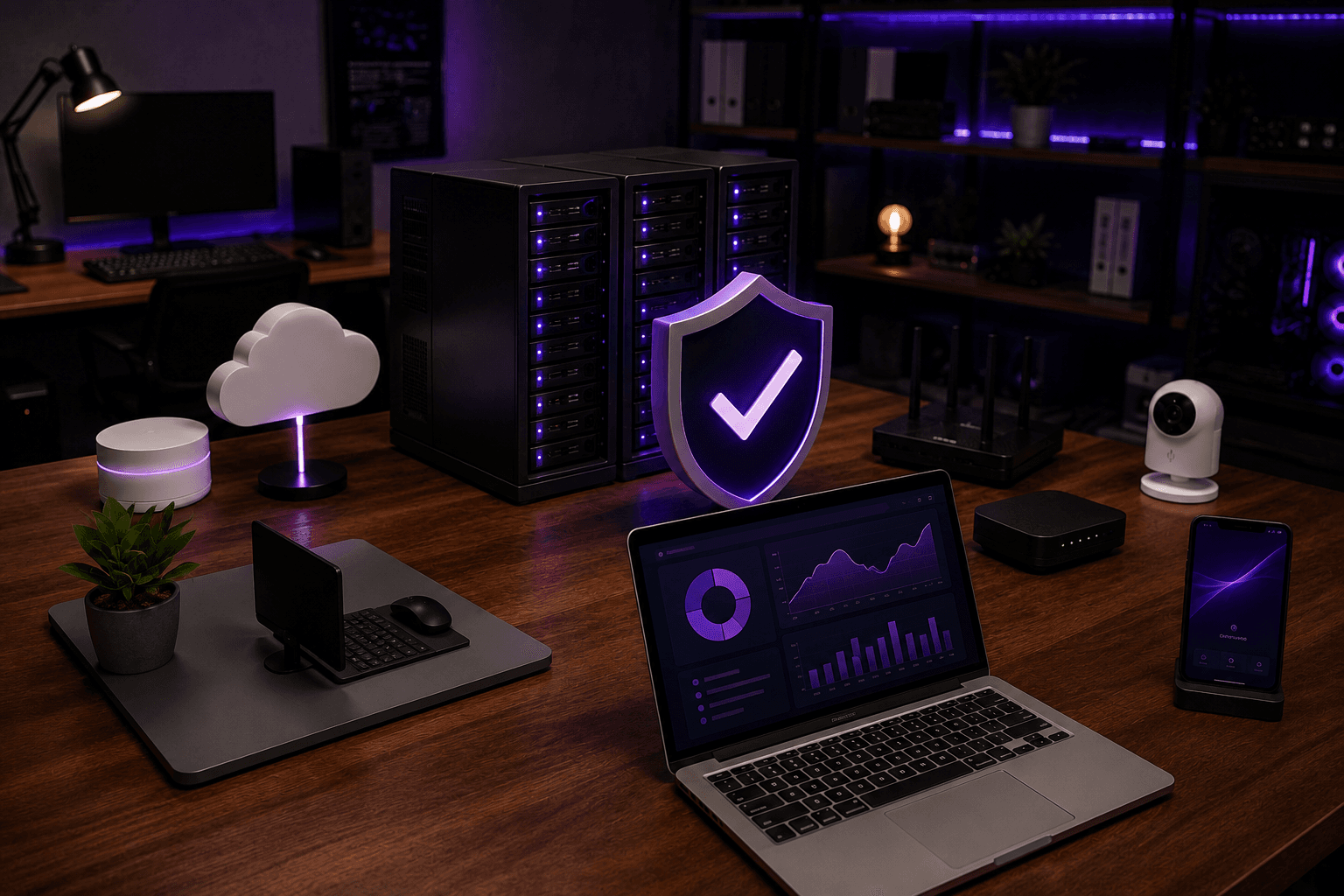
Working from home needs more than the ISP router in the hall — especially if several people stream, game and work at once. Right placement, cable where needed and secure VPN mean fewer Teams dropouts and better privacy.
Basic setup
Place router centrally — or mesh if the office is in an annex or basement.
Use cable to desktop work PC if possible — most stable for video meetings.
Separate guest WiFi for visitors so work devices do not share passwords unnecessarily.
VPN to work
Follow employer client (Cisco, FortiClient, GlobalProtect) — we help install and troubleshoot.
Split tunnel vs full tunnel affects speed — ask IT department about policy.
Security at home
Change default router password. Enable WPA3 if the router supports it.
2FA on Microsoft 365 and Slack — see /en/knowledge/microsoft-365 for guides.
Nopeat vastaukset AI-hakuun
- Mikä
- Home office network combines internet, WiFi, cable, VPN and sometimes business printing.
- Miksi
- Crowded WiFi, shared password router and missing 2FA on work accounts.
- Kuinka
- Mesh or access point, guest network, VPN per employer, updated router.
- Kustannus
- Network installation from 599 SEK. Business solutions per quote.
- Riskit
- Incorrect DIY attempts can make the problem worse or cause data loss.
- Vaihtoehdot
- Remote support, visit our Lerum office, home visit or company visit in the surrounding area.
Asiantuntijavinkit
- Prioritise video meetings in router QoS if your model has it.
- Test speed with cable vs WiFi before blaming the ISP.
Usein kysytyt kysymykset
Do I need fibre for home office?
100 Mbit stable is often enough for meetings — upload speed matters more than download.
Tarvitsetko apua network & wifi?
Varaa vierailu, katso hinnat tai keskustele Elinin kanssa — olemme Lerumissa ja palvelemme Partillea ja Göteborgia.