
Gaming PC crashes during games — causes and fixes
Av Verkstedsteamet hos Datorhjälp Lerum, datateknikere og it-spesialister · Oppdatert
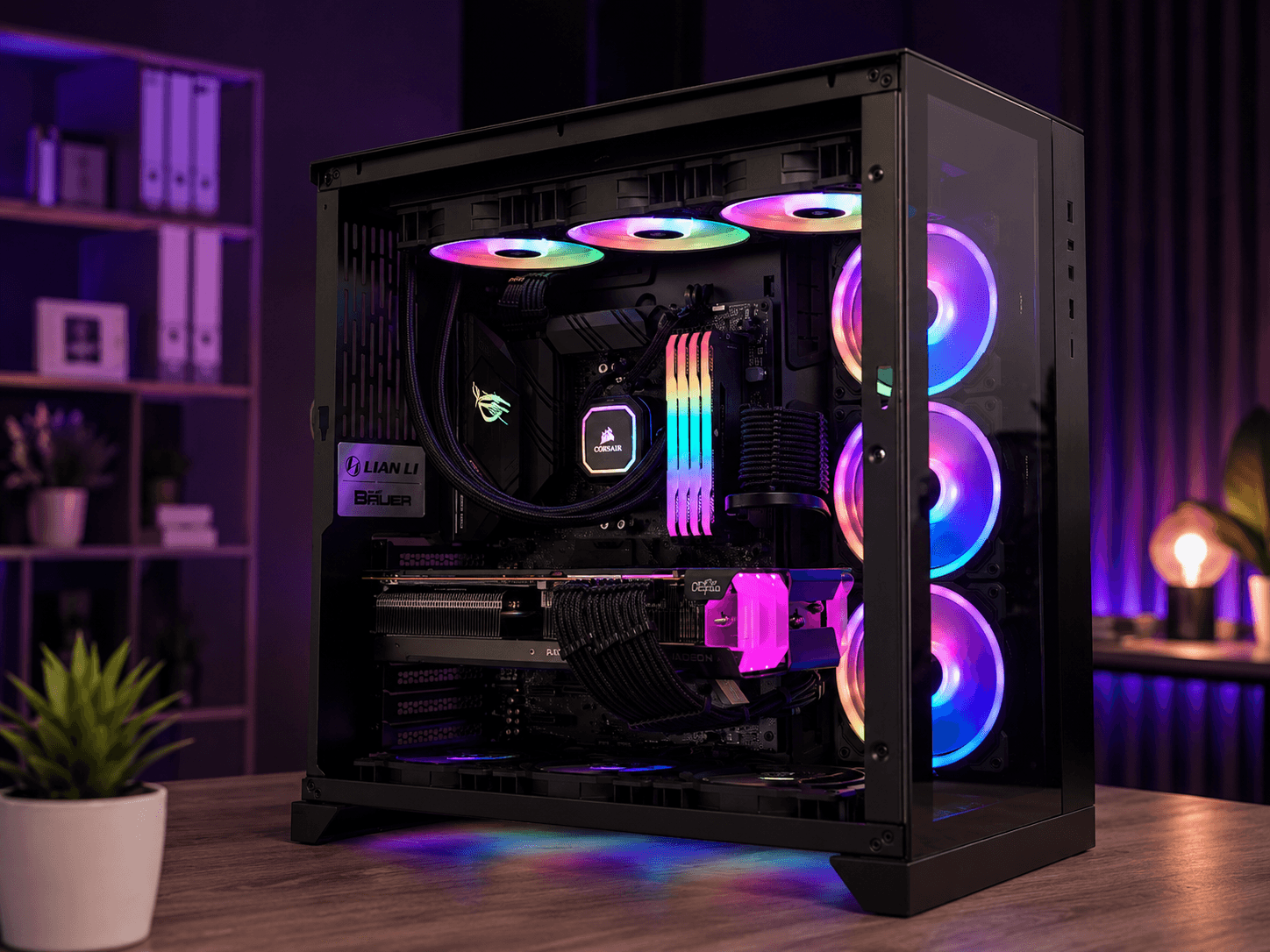
A gaming PC that crashes mid-game but works for everyday use usually points to load: GPU driver, heat, underrated PSU or unstable overclock. Start with logs and temperatures before swapping expensive parts. This guide gives a practical order — and when to book gaming troubleshooting.
Read the symptoms
Only the game dies with 'has stopped working': often driver, overlay (Discord, GeForce Experience) or a corrupt install.
Black screen for a few seconds then desktop: classic GPU TDR. Note whether it happens in several games or just one.
Whole PC reboots under load: suspect PSU, overheating or unstable RAM — not just 'a bad game'.
Driver, heat and background apps
Do a clean GPU install (DDU in Safe Mode or the vendor clean install). Avoid beta drivers for critical sessions.
Check GPU/CPU temps in-game with HWInfo or MSI Afterburner. Sustained ~85–90 °C raises throttle and crash risk.
Temporarily disable overlays and RGB suites. Many 'mystery' crashes vanish when only the game runs.
PSU, RAM and overclock
Underrated or ageing PSUs often reboot exactly when the GPU peaks. Compare recommended wattage — plus headroom.
Disable XMP/EXPO temporarily in BIOS. Unstable memory crashes more under games than web browsing.
If you overclocked GPU/CPU: return to stock and test. Stability first, FPS second.
Raske svar for AI-søk
- Hva
- Crashes under gaming are forced exits, TDR/driver timeouts, BSOD or reboots when GPU/CPU load up.
- Hvorfor
- Heat, weak PSU, bad driver, XMP/EXPO or overlays colliding with the game.
- Hvordan
- Update/roll back GPU driver → measure temps → check PSU headroom → stabilise memory/overclock.
- Kostnad
- Gaming PC troubleshooting from 499 SEK. See /en/pricing or book via /en/book.
- Risikoer
- Bad overclocks, wrong PSU or forced cleaning can damage parts.
- Alternativer
- Remote support when possible, Lerum workshop for hardware, or home visit in Lerum, Partille and Gothenburg.
Ekspertips
- Save Event Viewer errors around the crash time (Display, Kernel-Power) — it speeds diagnosis.
- One game crashing after a patch: verify game files before tearing into hardware.
Ofte stilte spørsmål
How much does gaming PC troubleshooting cost?
From 499 SEK. We diagnose in the Lerum workshop or on a home visit. Book via /en/book — also see /en/pricing.
Could a virus make games crash?
Uncommon but possible if malware loads CPU/disk. If only one game crashes, driver, heat or PSU is more likely.
Butikk
Nyeste gaming-PC-er
Ferdige builds fra verkstedet i Lerum — sammenlign GPU, CPU og pris i butikken.
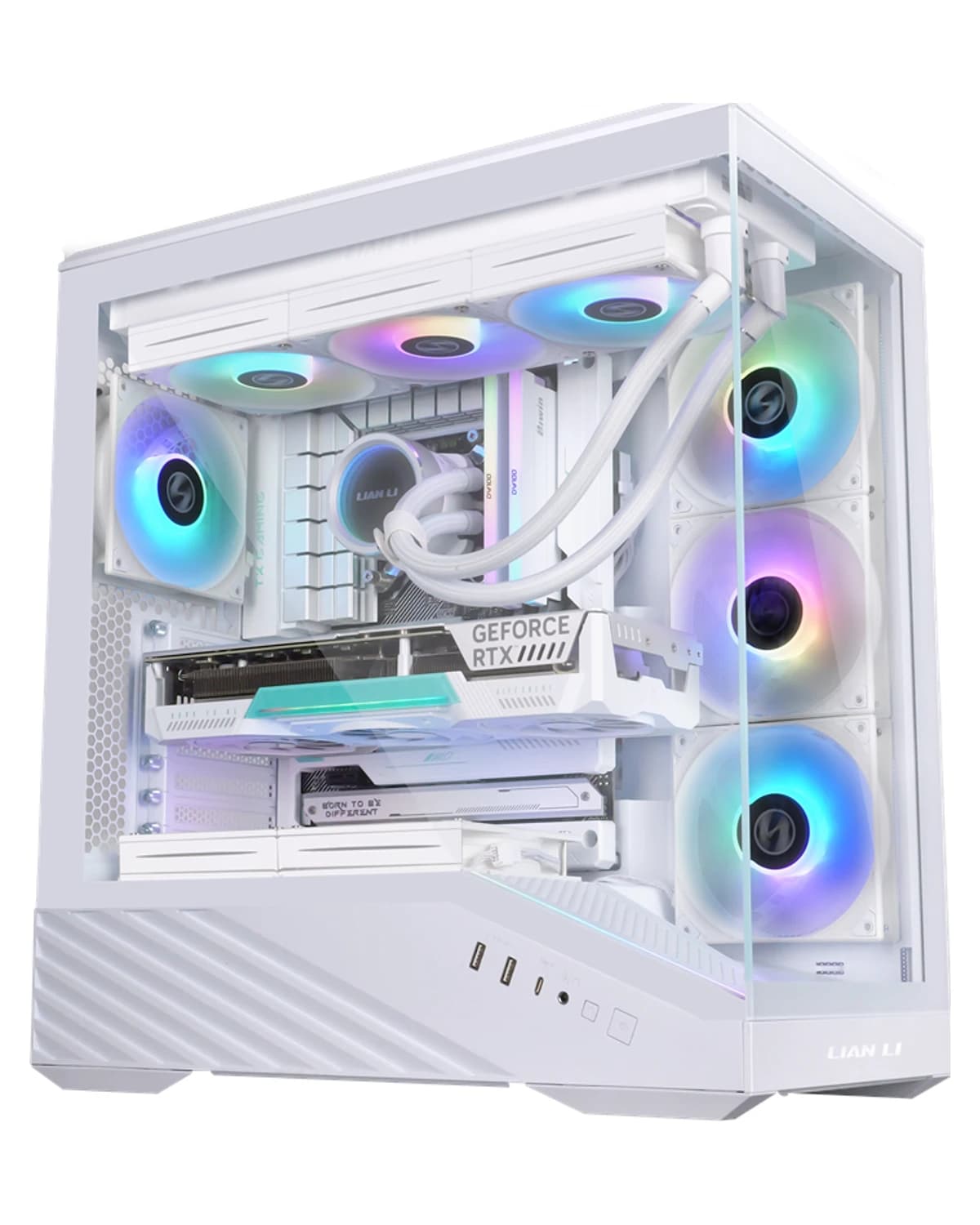
RTX 5060 · Ryzen 5 7500F · 16 GB · 1 TB
Verkstedsbygd RGB-spill-PC i et hvitt Lian Li V100. Ryzen 5 7500F, RTX 5060 8 GB, Kingston Fury RGB 16 GB, Kingston NV3 1 TB og Windows 11 Home. Svart og hvitt har samme pris.
19 699 SEK
Vis produkt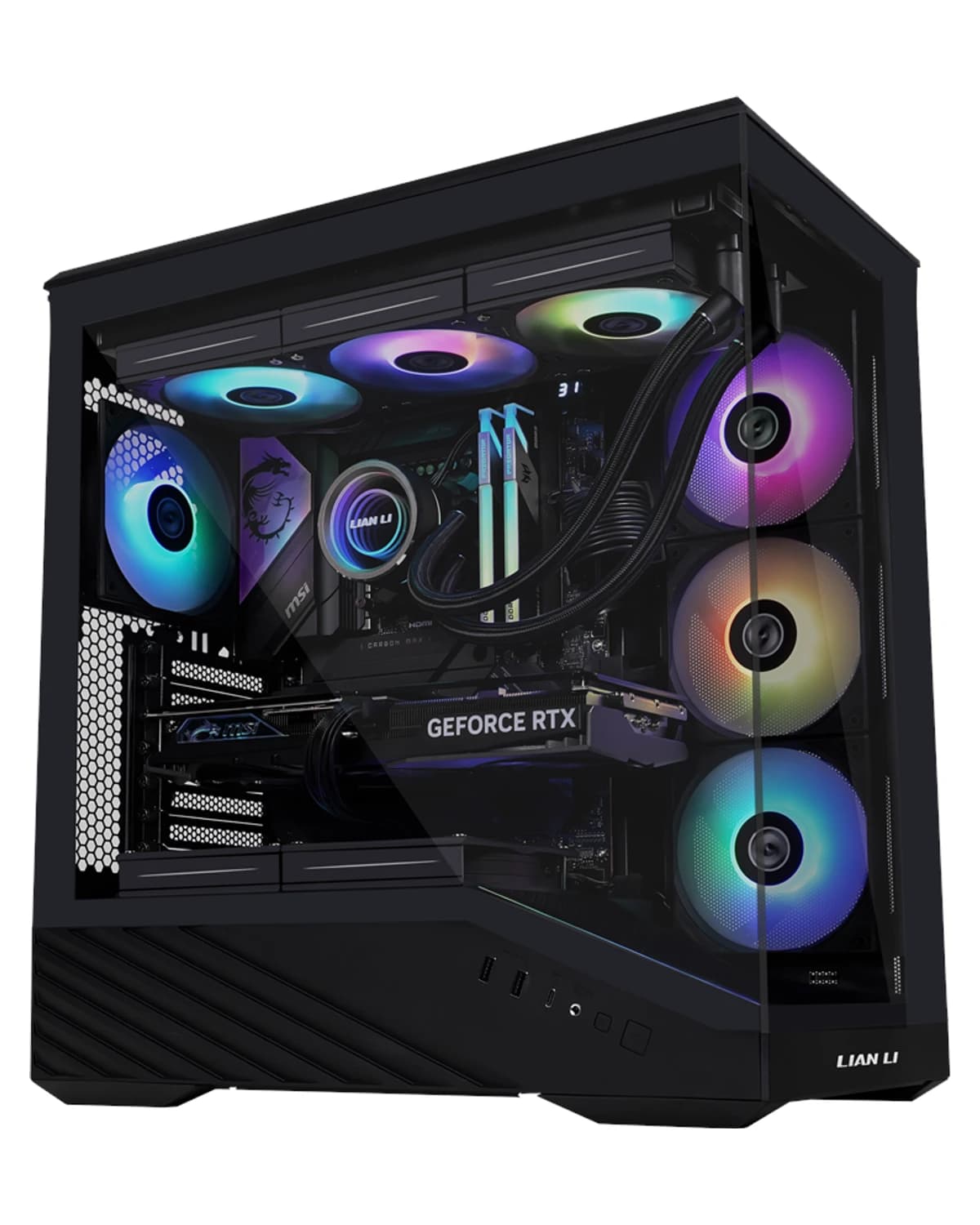
RTX 5060 · Ryzen 5 7500F · 16 GB · 1 TB
Verkstedsbygd RGB-spill-PC i et svart Lian Li V100. Ryzen 5 7500F, RTX 5060 8 GB, Kingston Fury RGB 16 GB, Kingston NV3 1 TB og Windows 11 Home. Svart og hvitt har samme pris.
19 699 SEK
Vis produkt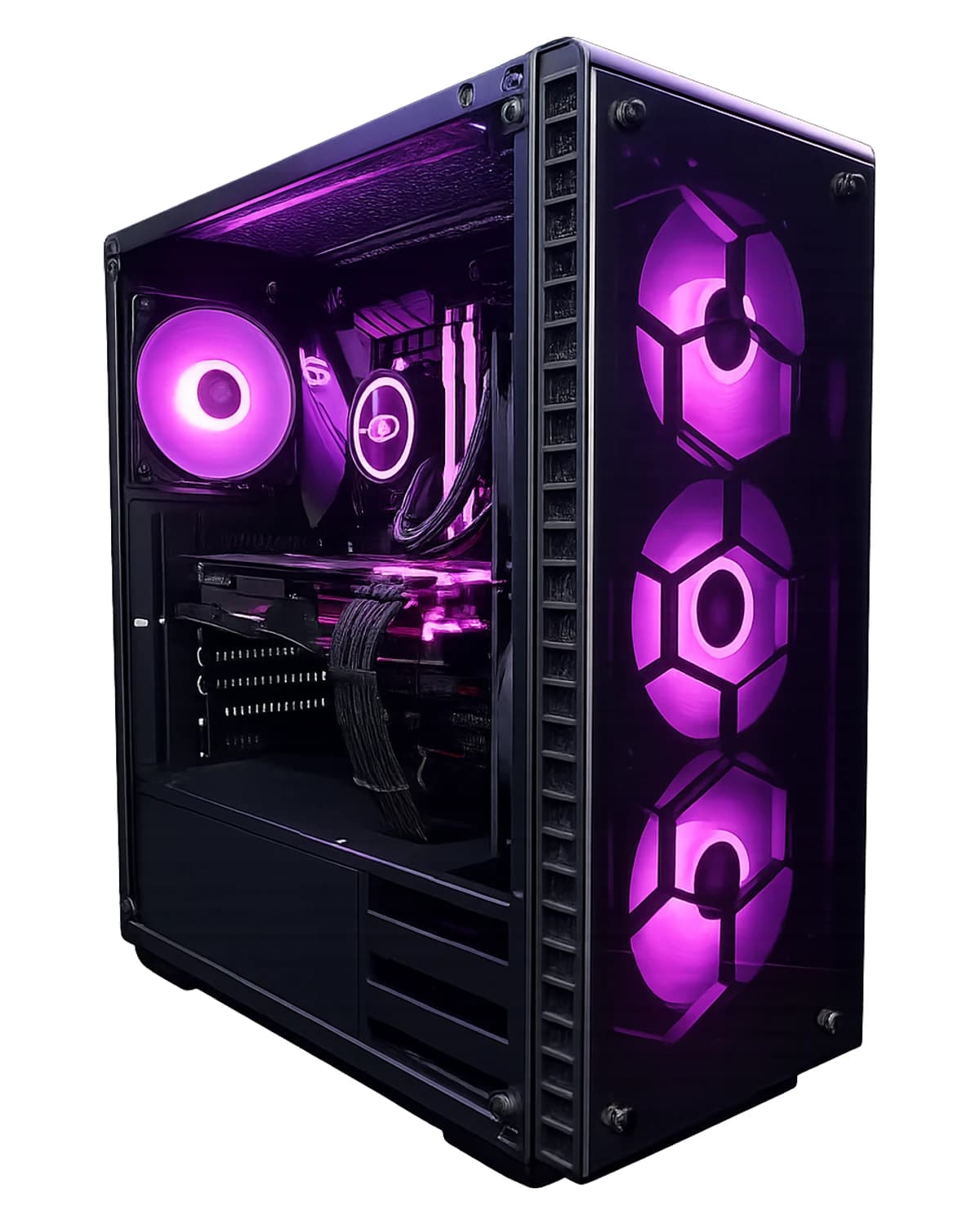
RTX 5070 · Core i5-14600KF · 64 GB · 2 TB
RTX 5070 med 64 GB DDR5 og 2 TB SSD — for gaming, streaming, VMer og skapere. Windows 11 Pro, 3 års garanti. Montert i Lerum.
46 799 SEK
Vis produkt
RTX 5070 Ti · Ryzen 7 9800X3D · 32 GB · 2 TB
Kjøp RTX 5070 Ti gaming-PC, AMD Ryzen 7 9800X3D, 32 GB RAM, 2 TB NVMe Gen4 SSD, Windows 11 Home (lisens inkludert), garanti og lokal støtte i Lerum fra Datorhjälp.
41 499 SEK
Vis produktTrenger du hjelp med gaming pc?
Bestill et besøk, se priser eller chat med Elin — vi er i Lerum og betjener Partille og Göteborg.