
Guide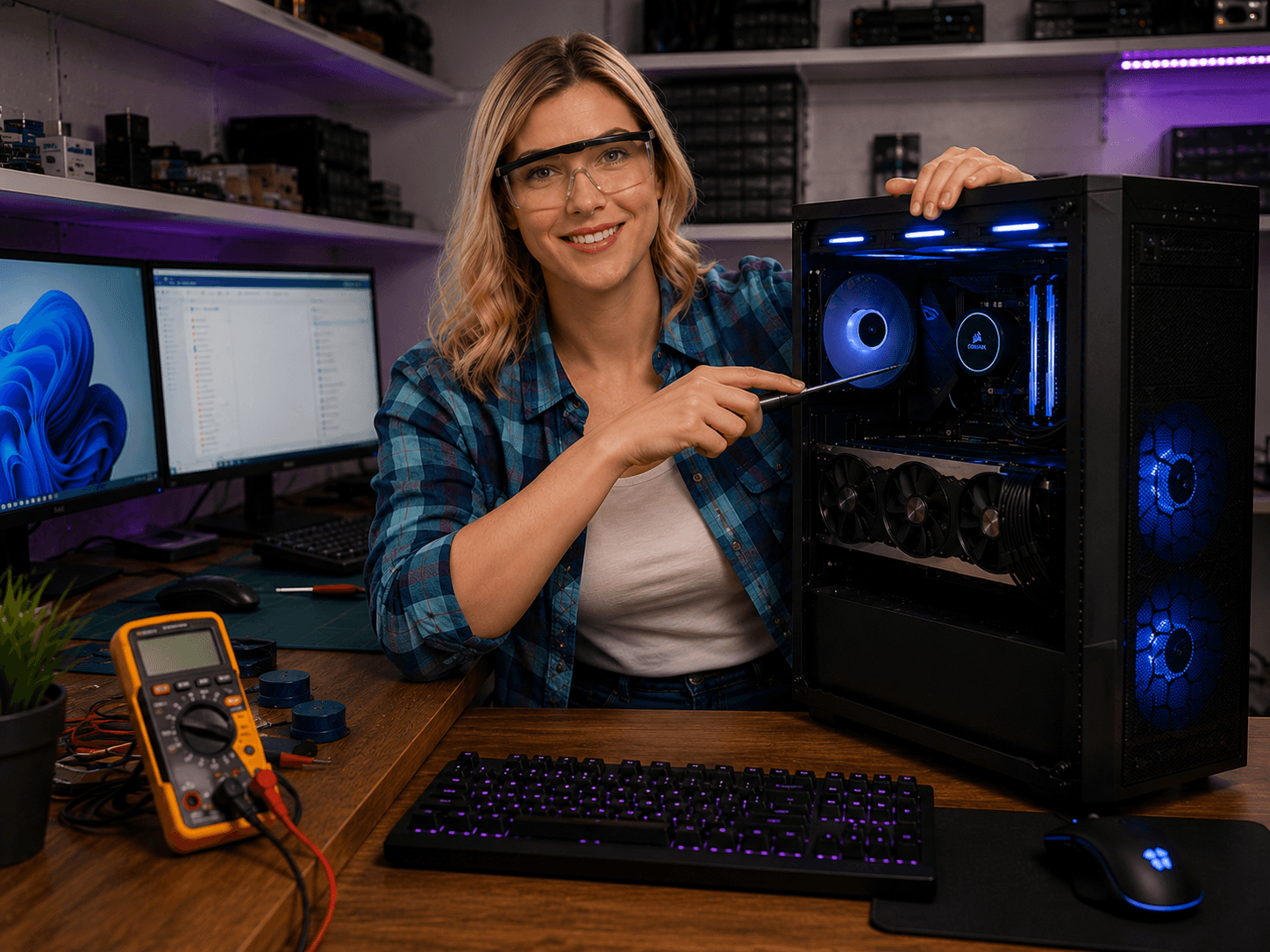
Fotografi från Datorhjälp Lerums verkstad — samma kontor och färger i varje bild.
Gaming network — lower ping and a more stable connection
Av Verkstedsteamet hos Datorhjälp Lerum, datateknikere og it-spesialister · Oppdatert
High ping and packet loss ruin online games more than a few FPS. The network is often the cheapest upgrade.
Prioritise this
Use a network cable to the gaming PC if possible — WiFi is backup.
Turn off large downloads and backup during ranked matches.
Test ping to game servers with traceroute for recurring problems.
Raske svar for AI-søk
- Hva
- A stable gaming network minimises latency and packet loss to game servers.
- Hvorfor
- WiFi interference, old router and ISP routing affect ping.
- Hvordan
- Ethernet to gaming PC, QoS for game traffic, right DNS and updated router.
- Kostnad
- Network troubleshooting from 499 SEK.
- Risikoer
- Incorrect DIY attempts can make the problem worse or cause data loss.
- Alternativer
- Remote support, visit our Lerum office, home visit or company visit in the surrounding area.
Ekspertips
- Place the router centrally and high — not behind the TV unit.
Trenger du hjelp med network & wifi?
Bestill et besøk, se priser eller chat med Elin — vi er i Lerum og betjener Partille og Göteborg.