
Guide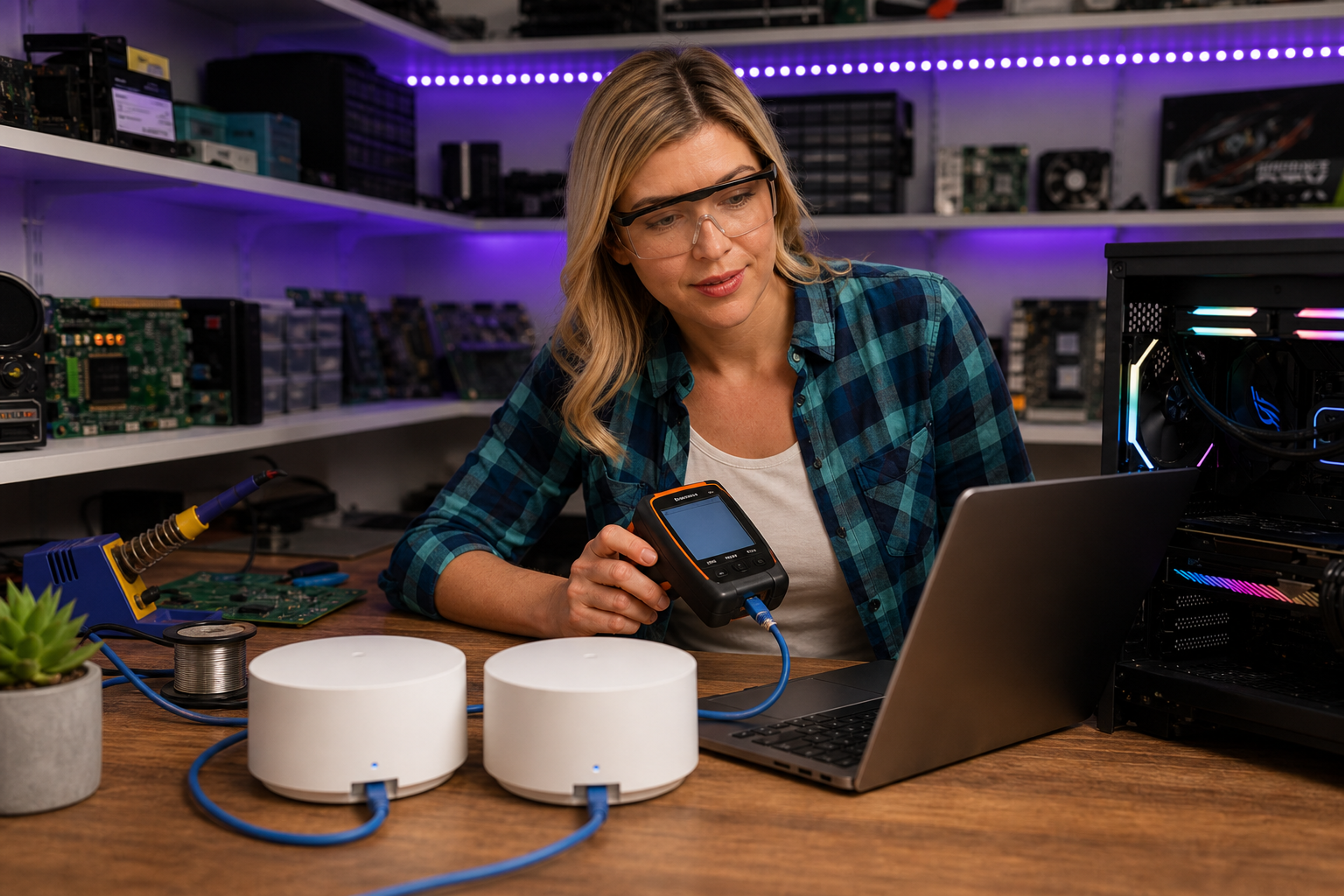
Fotografi från Datorhjälp Lerums verkstad — samma kontor och färger i varje bild.
Mesh WiFi guide for the whole house
Av Verkstedsteamet hos Datorhjälp Lerum, datateknikere og it-spesialister · Oppdatert
WiFi dead zones in a house or apartment are usually solved with mesh — not a more expensive router in the same spot.
Installation tips
Avoid hiding nodes in cupboards — they need air and clear line of sight.
Name 5 GHz and 2.4 GHz consistently so devices roam automatically.
Raske svar for AI-søk
- Hva
- Mesh consists of several nodes that work together as one network with the same name.
- Hvorfor
- A single router rarely covers multiple floors and thick walls.
- Hvordan
- Place nodes halfway between router and weak zones, cable backhaul if possible.
- Kostnad
- Network installation from 499 SEK, home visit from 699 SEK.
- Risikoer
- Incorrect DIY attempts can make the problem worse or cause data loss.
- Alternativer
- Remote support, visit our Lerum office, home visit or company visit in the surrounding area.
Ekspertips
- Cable between main node and satellite gives best stability for working from home.
Trenger du hjelp med network & wifi?
Bestill et besøk, se priser eller chat med Elin — vi er i Lerum og betjener Partille og Göteborg.