
SSD not showing in Windows — BIOS, init and cables
Av Verkstedsteamet hos Datorhjälp Lerum, datateknikere og it-spesialister · Oppdatert
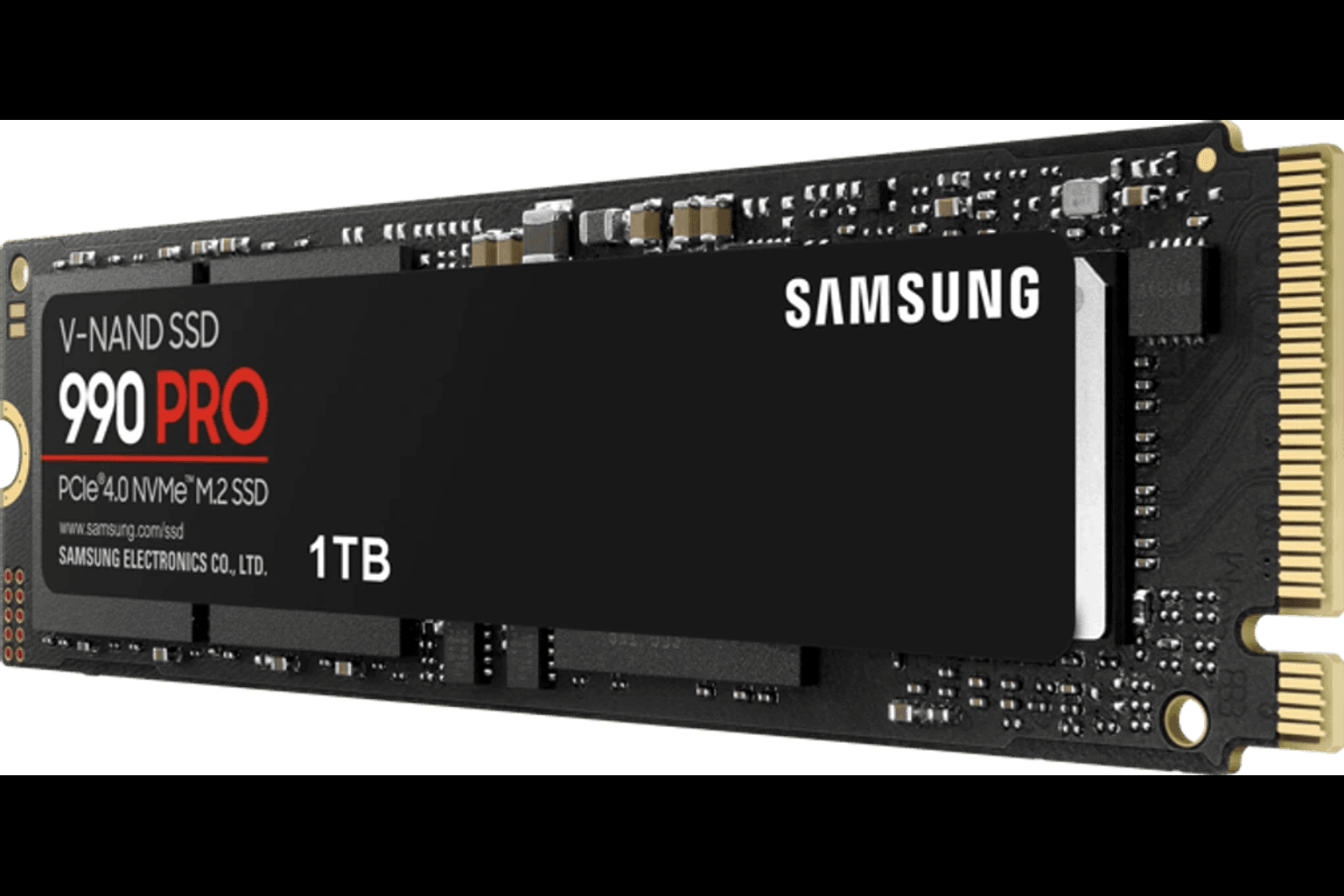
An SSD that 'does not show' is often visible in BIOS or Disk Management — but lacks a drive letter or partition. The difference between uninitialised disk, wrong M.2 slot and a failing drive decides whether you format, reseat cables or stop for recovery. Follow the steps in order so you do not wipe the wrong disk.
Check Disk Management first
Right-click Start → Disk Management. Disk 'Unknown' or without a letter? Often just uninitialised or without a volume.
Initialise as GPT on modern systems, create a volume and assign a letter. Double-check disk number so you do not format the system disk.
Visible in Disk Management but not Explorer: assign a letter or clear hidden attributes — skip random third-party 'fixers'.
BIOS, NVMe and SATA
Reboot to BIOS/UEFI and see if the NVMe/SATA device is listed. Missing there means physical or slot/mode — not Windows.
Some boards share bandwidth between M.2 and SATA. The wrong slot can disable a port. Check the manual before buying another disk.
Laptop with two M.2: slot two may need Wi‑Fi card or display removal. Unsure? Drop off rather than break plastic clips.
When the disk held data
Disk missing after a drop, power cut or clicking: stop writing. Professional recovery improves the odds.
RAID or Intel RST mode can hide disks from normal Disk Management. Do not change mode without backup — boot can break.
We help with mounting, cloning and Windows moves in Lerum if you upgrade from HDD to SSD.
Raske svar for AI-søk
- Hva
- SSD missing in Explorer even though it is installed — or missing in BIOS too.
- Hvorfor
- No initialisation, wrong slot/cable, RAID/Intel RST, disabled M.2 in BIOS or a bad controller.
- Hvordan
- BIOS → Disk Management → initialise/format the right disk → check cables/slot → workshop if needed.
- Kostnad
- Troubleshooting from 399 SEK. See /en/pricing or book via /en/book.
- Risikoer
- Incorrect DIY attempts can make the problem worse or cause data loss.
- Alternativer
- Remote support, drop-off at our Lerum workshop, or home visit in Lerum, Partille and Gothenburg.
Ekspertips
- Photograph Disk Management before initialising — useful evidence if something goes wrong.
- Buy an SSD with cache suited to your write load; the cheapest QLC is not always enough.
Ofte stilte spørsmål
Can you install an SSD and move Windows?
Yes — clone or clean install with file transfer. Troubleshooting from 399 SEK plus the drive. Book via /en/book.
Is the disk dead if it is missing in BIOS?
Not always — wrong cable, slot or BIOS mode is common. If several PCs/slots fail, we suspect the drive.
Trenger du hjelp med windows?
Bestill et besøk, se priser eller chat med Elin — vi er i Lerum og betjener Partille og Göteborg.