
Windows 11 is slow — what should I do?
Av Verkstedsteamet hos Datorhjälp Lerum, datateknikere og it-spesialister · Oppdatert
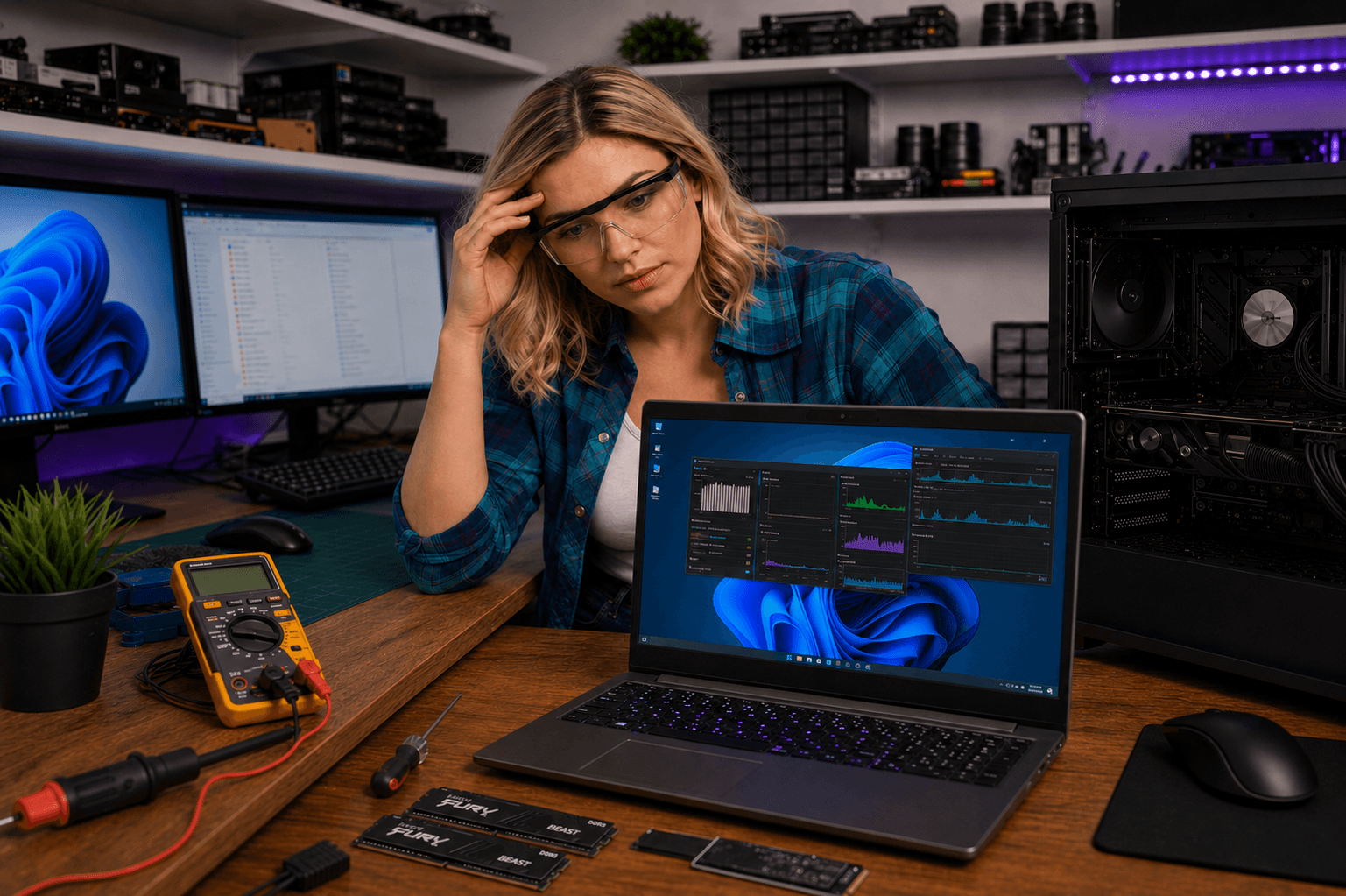
Windows 11 should feel faster — but many experience the opposite after upgrading. If startup is slow or apps freeze, you are not alone. We help customers with this every week in Lerum, Partille and Gothenburg.
Speed up Windows 11
Open Task Manager → Startup and disable programs you do not need at boot.
Keep at least 15–20% free on the system drive. A full SSD becomes dramatically slower.
Run Windows Update and update graphics drivers.
Raske svar for AI-søk
- Hva
- A slow Windows 11 experience can be caused by hardware, software or wrong settings.
- Hvorfor
- Upgrades leave old files, too many startup apps and full SSDs are common causes.
- Hvordan
- Clean startup programs, free disk space, update drivers and consider an SSD upgrade.
- Kostnad
- PC optimisation from 599 SEK. Windows troubleshooting from 399 SEK.
- Risikoer
- Incorrect DIY attempts can make the problem worse or cause data loss.
- Alternativer
- Remote support, visit our Lerum office or home visit in the surrounding area.
Ekspertips
- En SSD-uppgradering ger oftast störst märkbar skillnad.
- Avinstallera program du inte använder via Inställningar → Appar.
- Läs även /kunskap/windows/snabba-upp-windows för tio beprövade steg.
Ofte stilte spørsmål
Ska jag återgå till Windows 10?
Om datorn är äldre än 5 år och har HDD kan det vara värt att överväga. Vi hjälper dig bedöma — oftast räcker SSD + rensning.
Hur fixar jag en långsam Windows-dator snabbast?
Frigör diskutrymme, rensa autostart, kör virusskanning och uppdatera drivrutiner. Om det fortfarande är segt — boka diagnos via /langsam-dator (felsökning från 399 kr).
Trenger du hjelp med windows?
Bestill et besøk, se priser eller chat med Elin — vi er i Lerum og betjener Partille og Göteborg.