
Windows 11 upgrade guide — requirements and preparation
Av Verkstedsteamet hos Datorhjälp Lerum, datateknikere og it-spesialister · Oppdatert
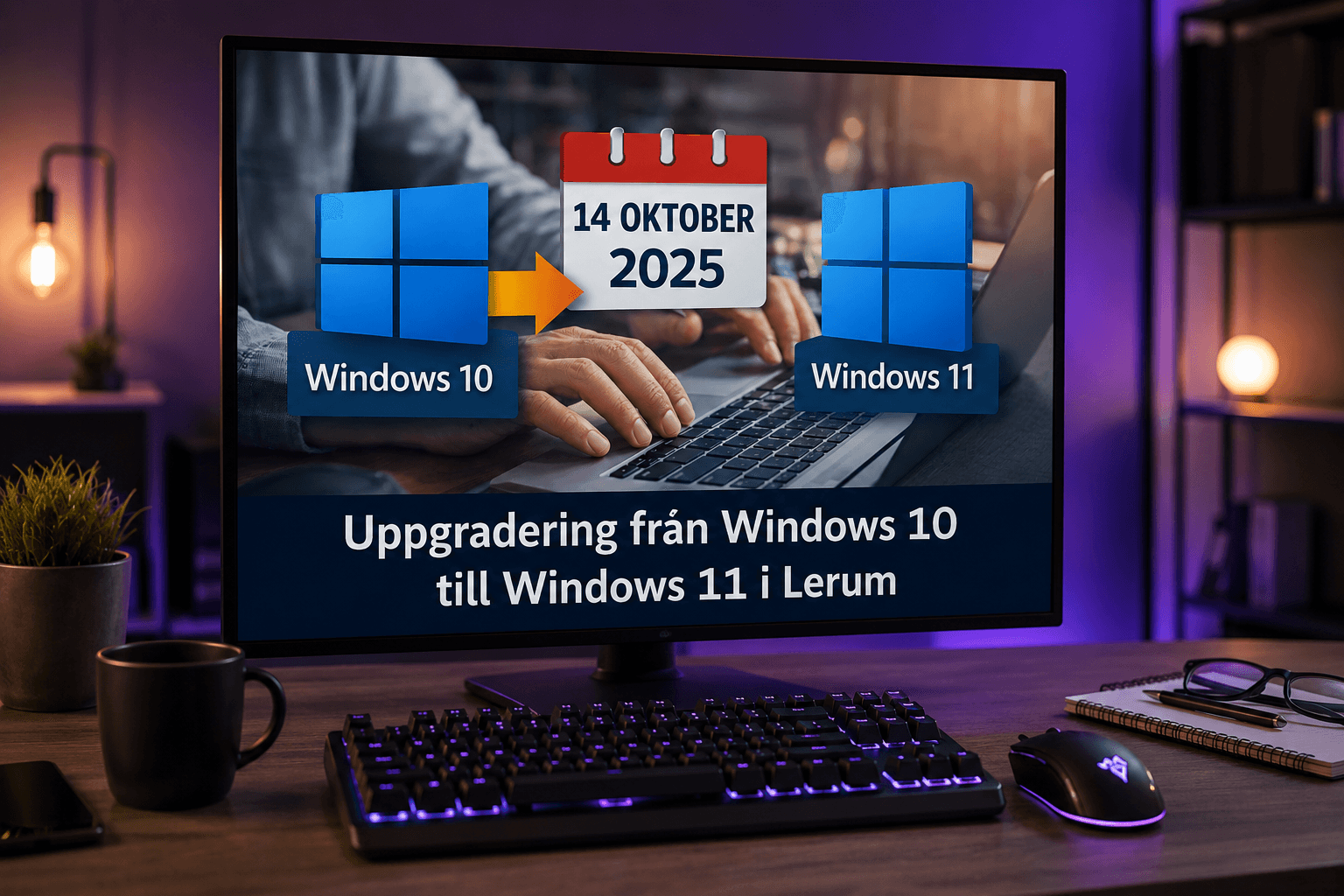
Windows 11 offers better security and a more modern interface — but not every PC qualifies. This guide covers hardware requirements, backup and what to do if PC Health Check says no even though the PC feels fast enough.
Official requirements
TPM 2.0, Secure Boot enabled, 64-bit CPU on Microsoft's compatibility list, at least 4 GB RAM and 64 GB storage.
Run PC Health Check or search for Windows 11 in Windows Update — the PC gets a ready/not ready message.
Older but capable PCs can sometimes be upgraded with manual steps — we assess case by case in the workshop.
Backup before you start
Back up important files to external disk or cloud — even if the upgrade should keep everything.
Note licence keys for programs not tied to a Microsoft account.
Create a restore point: System Protection → Create.
How to upgrade
Easiest path: Settings → Windows Update → if Windows 11 is offered, follow the guide.
Otherwise: download Windows 11 Installation Assistant from Microsoft and run as administrator.
Keep the PC plugged in and on a stable network — do not interrupt during download or reboot.
After the upgrade
Check printer, sound and WiFi work — reinstall drivers if needed.
If the PC feels slow: see our Windows 11 optimisation guide or book optimisation with us.
Some older programs may need compatibility mode — test before removing the Windows 10 backup (10 days).
Raske svar for AI-søk
- Hva
- Upgrade replaces Windows 10 with Windows 11 keeping files and programs (on successful migration).
- Hvorfor
- Security updates for Windows 10 end; Windows 11 requires TPM 2.0 and Secure Boot.
- Hvordan
- Backup, check TPM/Secure Boot in BIOS, run Windows Update or the installation assistant.
- Kostnad
- Help with upgrade and data migration from 599 SEK.
- Risikoer
- Incorrect driver removal or registry edits can make the problem worse.
- Alternativer
- Remote support, visit our Lerum office, home visit or company visit in the surrounding area.
Ekspertips
- Enable TPM in BIOS if disabled — often called PTT (Intel) or fTPM (AMD).
- Free at least 20 GB on the system drive before upgrade.
- Update BIOS from the manufacturer if Windows Update gets stuck.
Ofte stilte spørsmål
Do I have to buy Windows 11?
No — free upgrade from a valid Windows 10 licence on compatible hardware.
Can I go back to Windows 10?
Yes, within 10 days via Settings → System → Recovery. After that a clean install is required.
Trenger du hjelp med windows?
Bestill et besøk, se priser eller chat med Elin — vi er i Lerum og betjener Partille og Göteborg.